Set up the SMS sender in the admin screen
Switch on the SMS sender, choose Twilio or a webhook gateway, and send a test message.
Superusers who set up transactional text messages.
SMS is off by default. Texting people has legal and carrier rules. You are responsible for them, and a lawyer should review your setup.
What you will do, in one sentence
Enable SMS, pick a provider, fill in its fields, save, and use Send test.
Screens are captured from a seeded test system. Every name, address and number on the screens is invented. Prepared 15 November 2026.
1. What this sender does
Open Settings, then SMS. The page says the sender is optional and is for transactional messages, such as account recovery links. A message goes out only when a feature asks for one, or when you send a test.
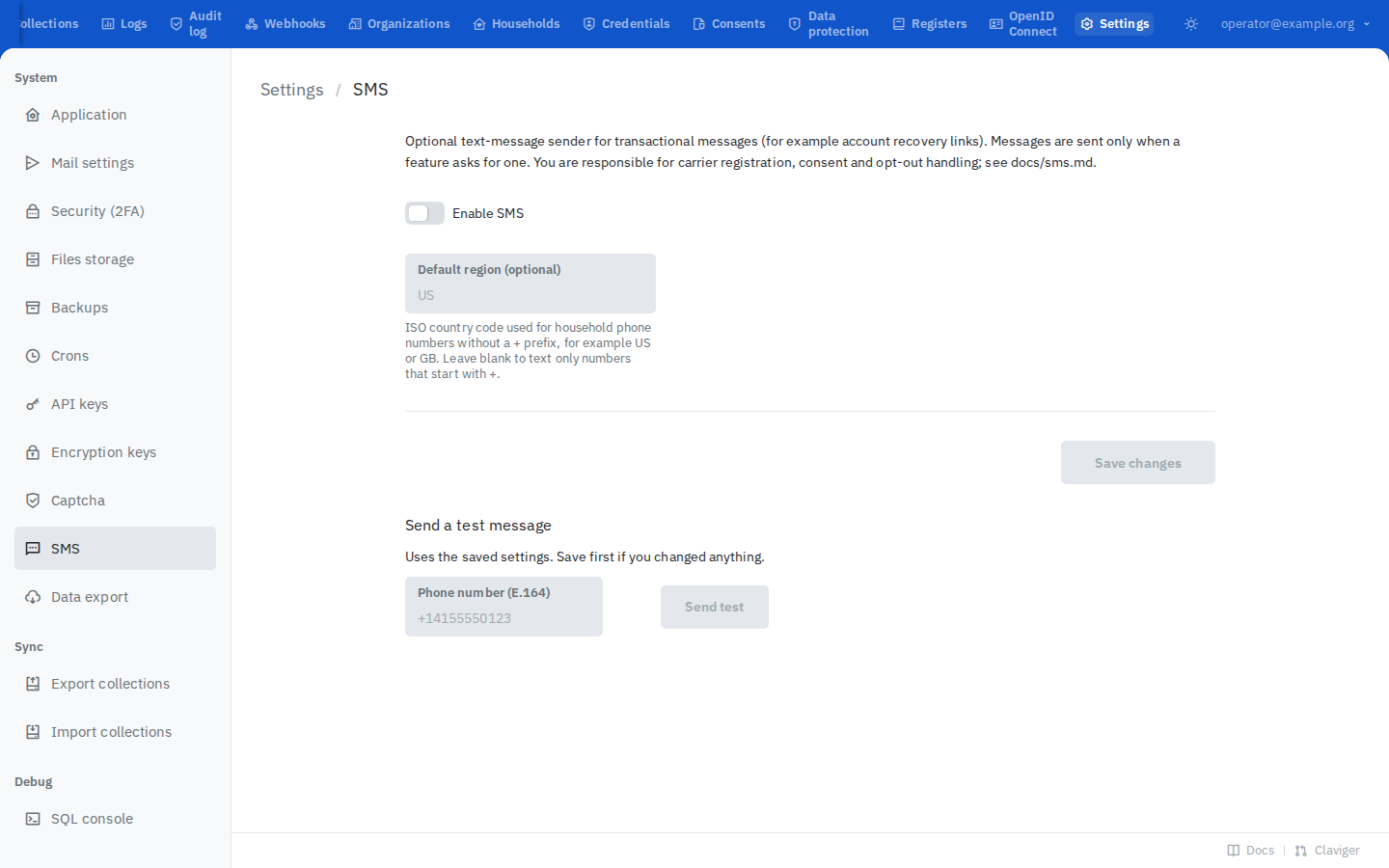
You are responsible for carrier registration, consent and opt-out handling. In the US that includes 10DLC or toll-free registration. Other countries have their own rules. Have a lawyer review your setup and the wording of your messages. The sender is for transactional messages only, not marketing.
2. Enable and choose a provider
- Switch on Enable SMS.
- Open Provider and choose Twilio or Generic webhook.
- Fill in the fields for that provider.
- Optionally set Default region (optional). Use an ISO country code such as
USorGB. It lets Claviger read household phone numbers that have no+prefix. With no region, only numbers that start with+get texts.
Twilio fields
| Field | Meaning |
|---|---|
| Account SID | Starts with AC. Required. |
| Auth token | Write-only. |
| API key SID (optional, instead of the auth token) and API key secret | An API key pair instead of the token. |
| From number (E.164) | The sending number, for example +15005550006. |
| Messaging service SID (instead of a from number) | Starts with MG. |
Generic webhook fields
| Field | Meaning |
|---|---|
| Endpoint URL (https) | Where Claviger POSTs each message as JSON. |
| Signing secret | Write-only. Claviger signs each request. |
The webhook request carries the headers X-Claviger-Timestamp and X-Claviger-Signature. Any 2xx answer counts as sent. Claviger does not follow redirects.
Leave a secret field empty to keep the saved secret. Choose Save changes. When SMS is on, a save is refused if the provider's required fields are empty.
3. Send a test message
- Save your changes first. The test button is off while you have unsaved changes.
- Under Send a test message, type the Phone number (E.164), for example
+14155550123. - Choose Send test.
A toast says Test SMS sent. The audit log records the test with the number masked to its last two digits.
4. Quick reference card
Set up
- Enable SMS.
- Provider, then its fields.
- Default region (optional).
- Save changes.
Test
- Enter the number in E.164 form.
- Send test.
Secrets are never returned by the settings API.