See and run scheduled jobs
List the scheduled jobs on the server and run one by hand.
Superusers who need to check or trigger a scheduled job.
Jobs such as backups and clean-up run on a timer. When one looks stuck, you can start it now and read the result in the logs.
What you will do, in one sentence
Open Crons, find the job by its id, and choose Run.
Screens are captured from a seeded test system. Every name, address and number on the screens is invented. Prepared 15 November 2026.
1. The list
Open Settings, then Crons. The page is titled Registered app cron jobs.
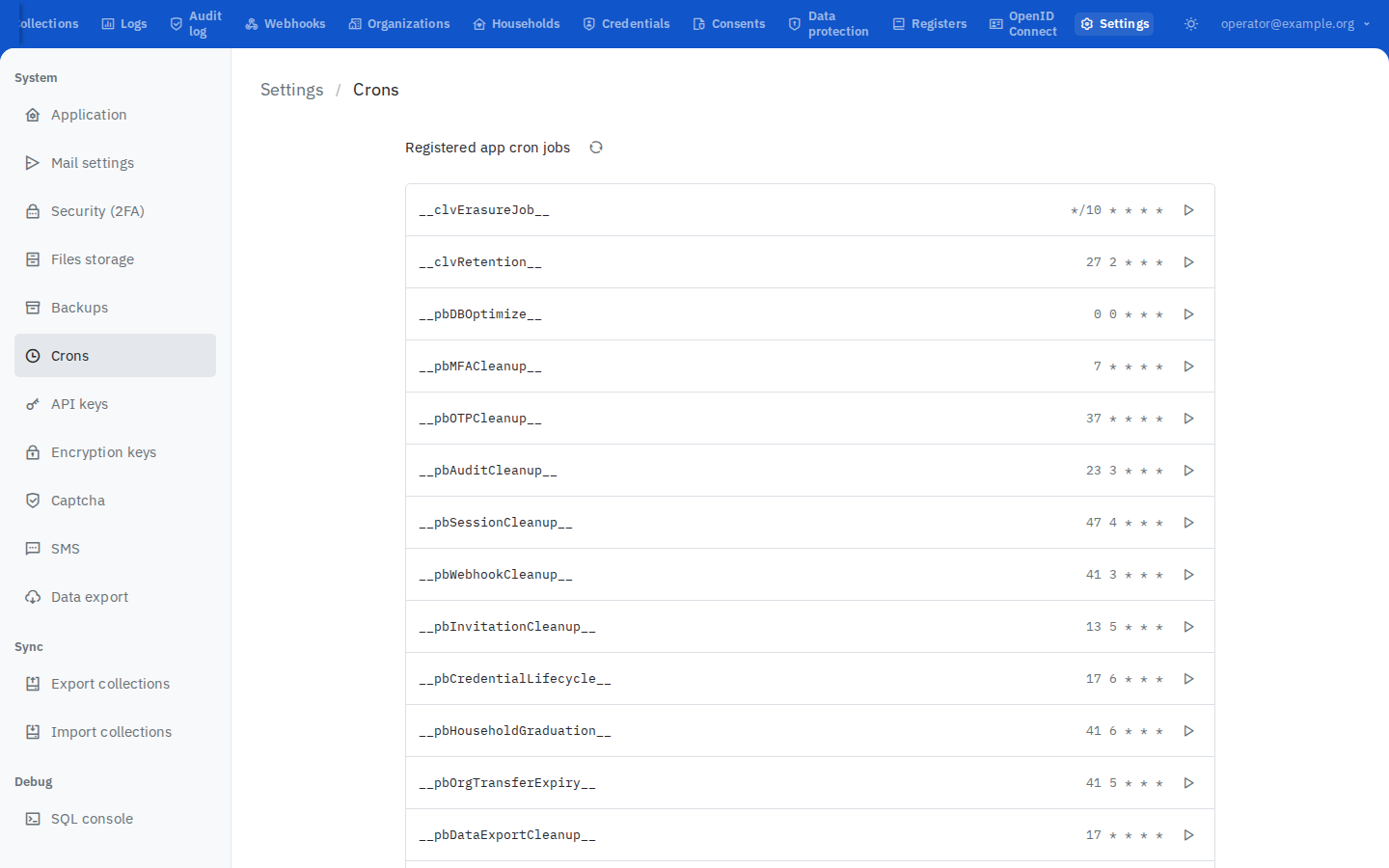
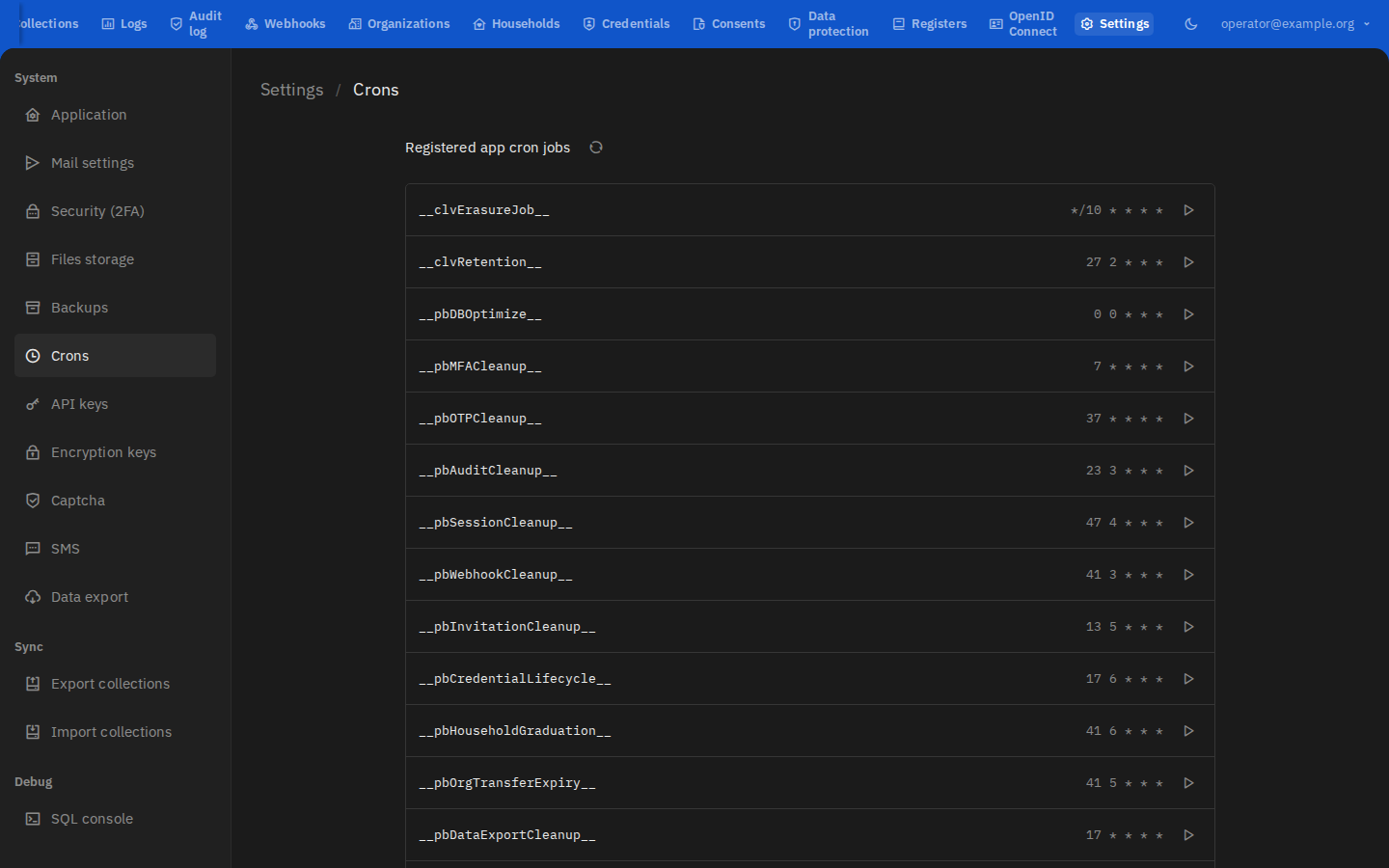
Each row shows the job id and its cron expression. The list is read only. If no job is registered, the page says No registered crons found.
The page also notes that app cron jobs can be added only in code, with JavaScript. You cannot add one here.
2. Run a job now
- Find the job by its id.
- Choose the Run button on its row.
- Wait for the toast. It says
Successfully triggered "<job id>".
The toast means the job started. It does not say the job worked. Open Logs and read the entries for the time you started it.
Running a job does the same work as the timer would. A backup job writes a new backup. A clean-up job removes old data. Run only jobs you understand.
3. Where to change a schedule
Automatic backups have their own cron expression on the Backups page. Other schedules are set in code.
4. Quick reference card
Run a job
- Settings, Crons.
- Run on the row.
- Check Logs.
The list is read only. Schedules are set in code or, for backups, on the Backups page.