Set the limits of the personal data export
Set file size limits, how long a download stays available, and how many exports a person can request.
Superusers who run the personal data export that answers access requests.
An export is a ZIP of everything held about a person. The limits decide what files are left out and how long the ZIP stays on the server.
What you will do, in one sentence
Open Data export, set the five limits, and save. A value of 0 means the default.
Screens are captured from a seeded test system. Every name, address and number on the screens is invented. Prepared 15 November 2026.
1. What the export is
A person can ask for a copy of the data held about them. A superuser can ask for them. The result is one ZIP file with a manifest and one JSON file for each collection that holds personal data. Open Settings, then Data export to set its limits.
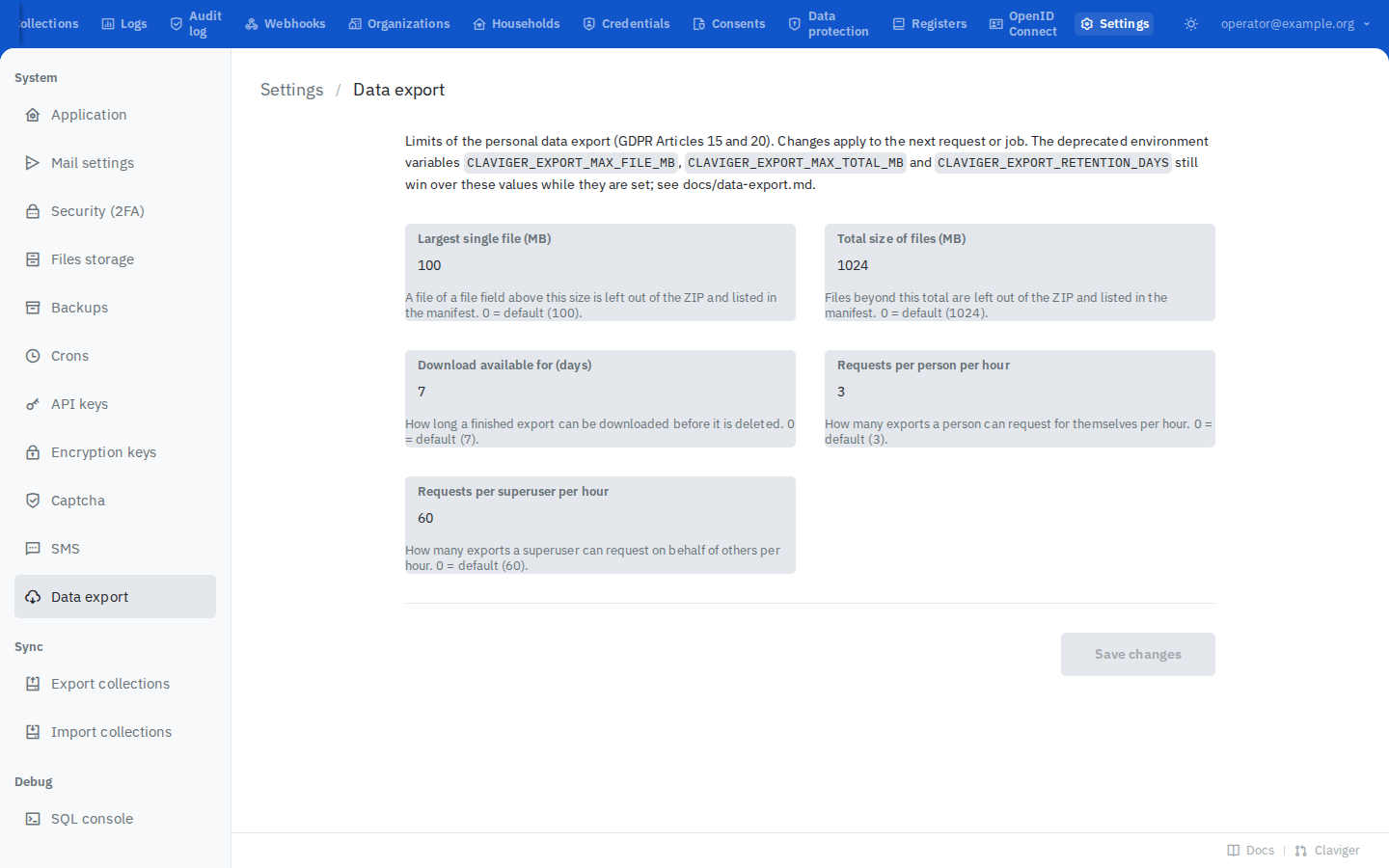
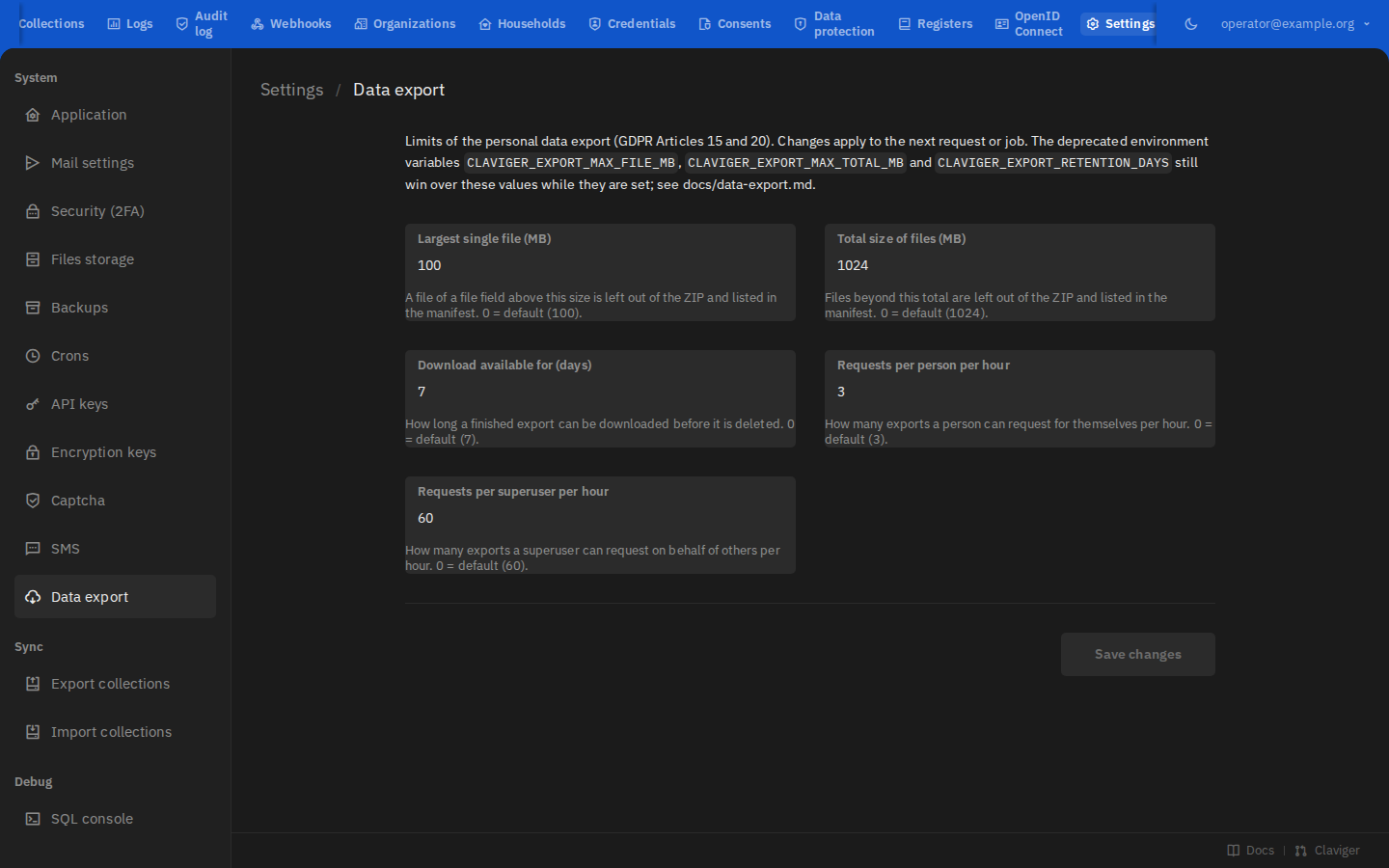
The page says changes apply to the next request or job.
2. The five limits
| Field | Default (value 0) | Meaning |
|---|---|---|
| Largest single file (MB) | 100 | A file above this size is left out of the ZIP and listed in the manifest. |
| Total size of files (MB) | 1024 | Files beyond this total are left out and listed in the manifest. |
| Download available for (days) | 7 | How long a finished export can be downloaded before it is deleted. |
| Requests per person per hour | 3 | How many exports a person can request for themselves. |
| Requests per superuser per hour | 60 | How many exports a superuser can request for others. |
Enter 0 to use the default. The engine allows at most 30 days for the download period.
An export that leaves files out ends as partial. The manifest says which files are missing.
CLAVIGER_EXPORT_MAX_FILE_MB, CLAVIGER_EXPORT_MAX_TOTAL_MB and CLAVIGER_EXPORT_RETENTION_DAYS still work. A valid variable wins over this page. Unset the variable to manage the limit here.
3. Good to know
- A download link works once. After the ZIP is sent in full, the file is deleted.
- Encrypted fields are exported decrypted. The ZIP is readable only through the download route.
- Request logs are not in the export. The log retention setting removes them.
Claviger sets a due date 30 days after the request. The GDPR period can be extended and other laws differ. Ask a lawyer before you change your process.
4. Quick reference card
Change a limit
- Settings, Data export.
- Edit the field. Use 0 for the default.
- Save changes.
A changed rate limit applies at once. The other limits apply to the next job.