Review sessions, revoke them and ban an account
See where an account is signed in, end its sessions, ban it, and lift the ban.
Superusers who respond to a lost device, a leaked password or a person who must lose access.
A ban signs the account out everywhere at once and blocks every sign-in until you lift it. Tokens issued before sessions were tracked can keep working until they expire.
What you will do, in one sentence
Open the record, choose Sessions and ban, then revoke sessions or choose Ban account.
Screens are captured from a seeded test system. Every name, address and number on the screens is invented. Prepared 15 November 2026.
1. Open the panel
- Open Collections and choose an auth collection.
- Open the record of the person.
- Choose More options, then Sessions and ban.
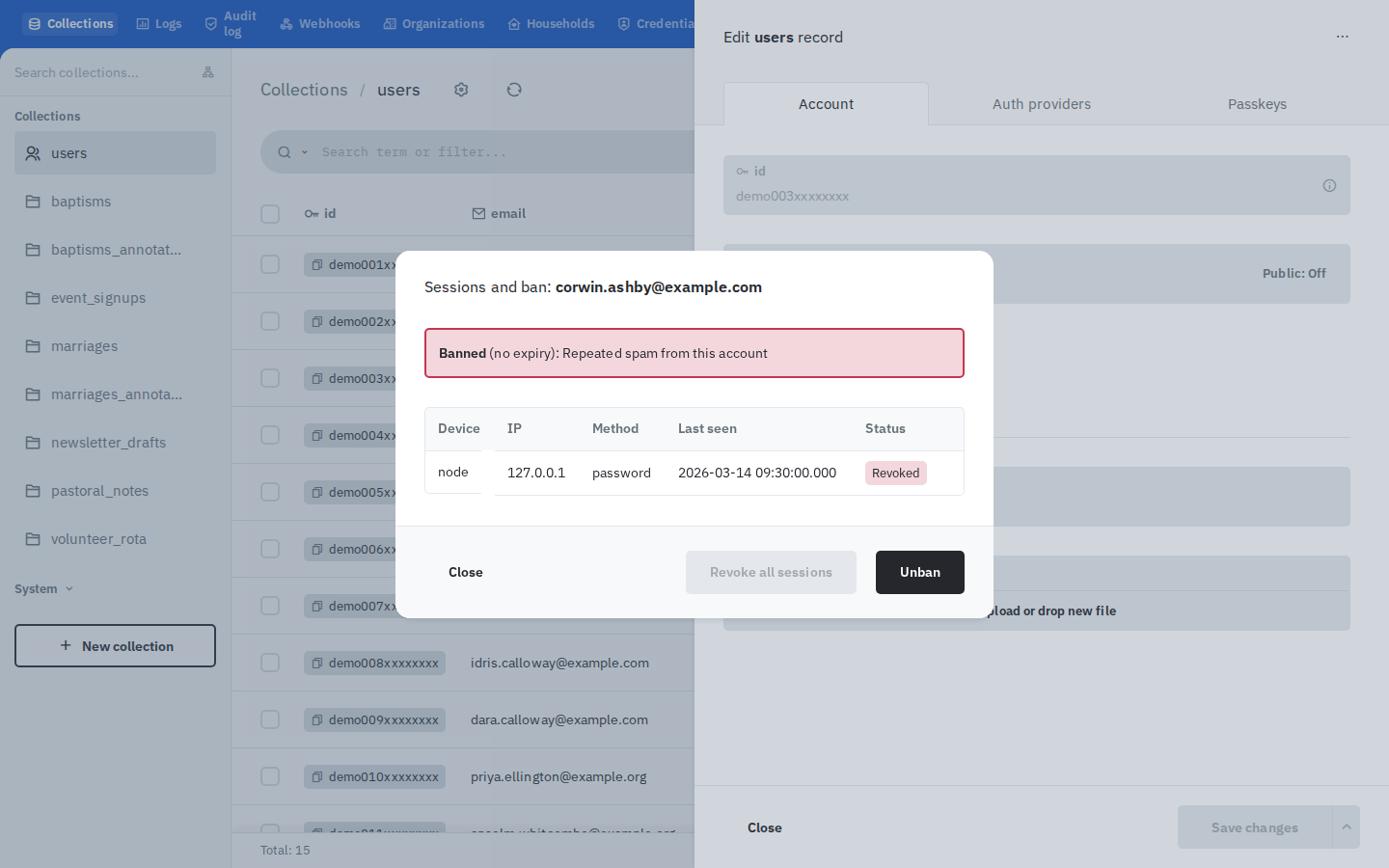
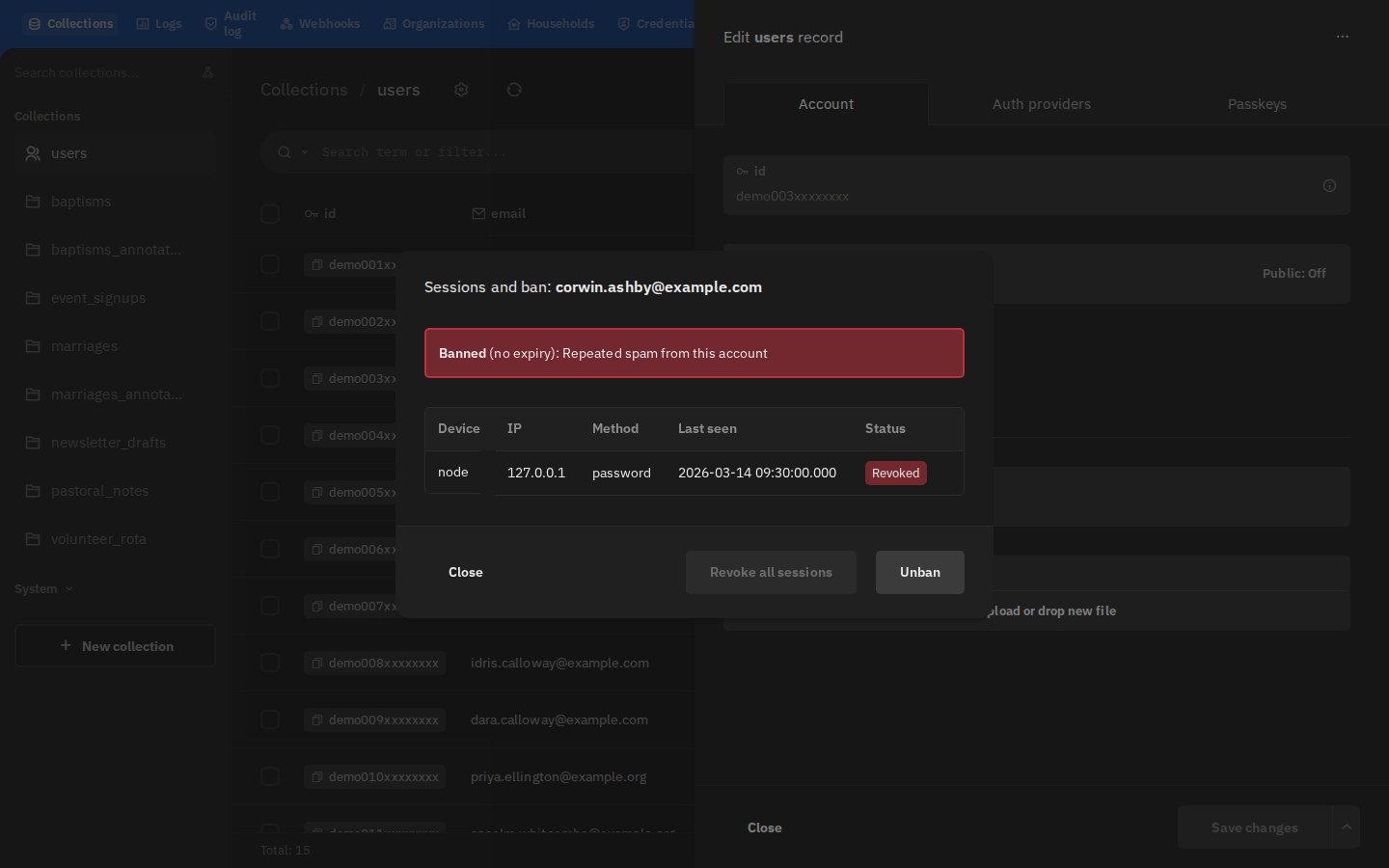
The panel title names the account. A box at the top says This account is not banned, or Banned with the end date and the reason.
The table lists these columns:
| Column | Meaning |
|---|---|
| Device | The browser or app, from the user agent. |
| IP | The address of the sign-in. |
| Method | How the person signed in. |
| Last seen | The last request. |
| Status | Active, Expired or Revoked. |
If there are no rows, the panel says No tracked sessions.
2. Revoke sessions
- To end one session, choose Revoke on its row. A toast says The session was revoked.
- To end all of them, choose Revoke all sessions and confirm.
The confirmation says tokens issued before sessions were tracked keep working until they expire. If you must end those too, reset the account's tokens. Use Reset issued tokens in the record's More options menu.
3. Ban and unban
- Optional: type a Reason (visible to superusers only). It has at most 255 characters.
- Optional: set Ban until (optional). With no date the ban has no end.
- Choose Ban account and confirm.
The confirmation says the account is signed out everywhere at once and cannot sign in until the ban is lifted. To lift it, open the panel again and choose Unban. A toast says The ban was lifted.
Only superusers can ban. Nobody can ban their own account. Only a superuser can ban another superuser. Ban the right account. A banned member cannot sign in to the apps that use Claviger as their sign-in server either.
OpenID Connect sign-in checks the ban every time. A banned account drops out of the account chooser at once, and its refresh tokens stop working.
4. The API
The panel uses these routes. They need a superuser token. API keys cannot call them.
GET    /api/sessions?collection=users&record=RECORD_ID&all=true
DELETE /api/sessions/{id}
POST   /api/sessions/revoke-all
POST   /api/bans
DELETE /api/bans/{id}
curl -X POST https://auth.example.org/api/bans \
  -H "Authorization: $TOKEN" -H "Content-Type: application/json" \
  -d '{"collection": "users", "record": "RECORD_ID", "reason": "lost phone"}'
5. Quick reference card
Lost phone
- Record, More options, Sessions and ban.
- Revoke all sessions.
- Tell the person to sign in again.
Remove access now
- Ban account, with a reason.
- Later, Unban.
Revoking all sessions is written to the audit log.