Create and revoke API keys
Make a scoped API key for a script, see every key, and revoke one.
Superusers who give scripts and integrations access to collections.
A key acts as its owner. A key with all access (*) held by a superuser can do what a superuser can do. Scope each key as narrowly as you can.
What you will do, in one sentence
Open API keys, choose New API key, tick only the collections the script needs, and copy the key once.
Screens are captured from a seeded test system. Every name, address and number on the screens is invented. Prepared 15 November 2026.
1. The key list
Open Settings, then API keys. The table shows Name, Prefix, Scopes, Last used, Expires and Status. The status is Active, Expired or Revoked.
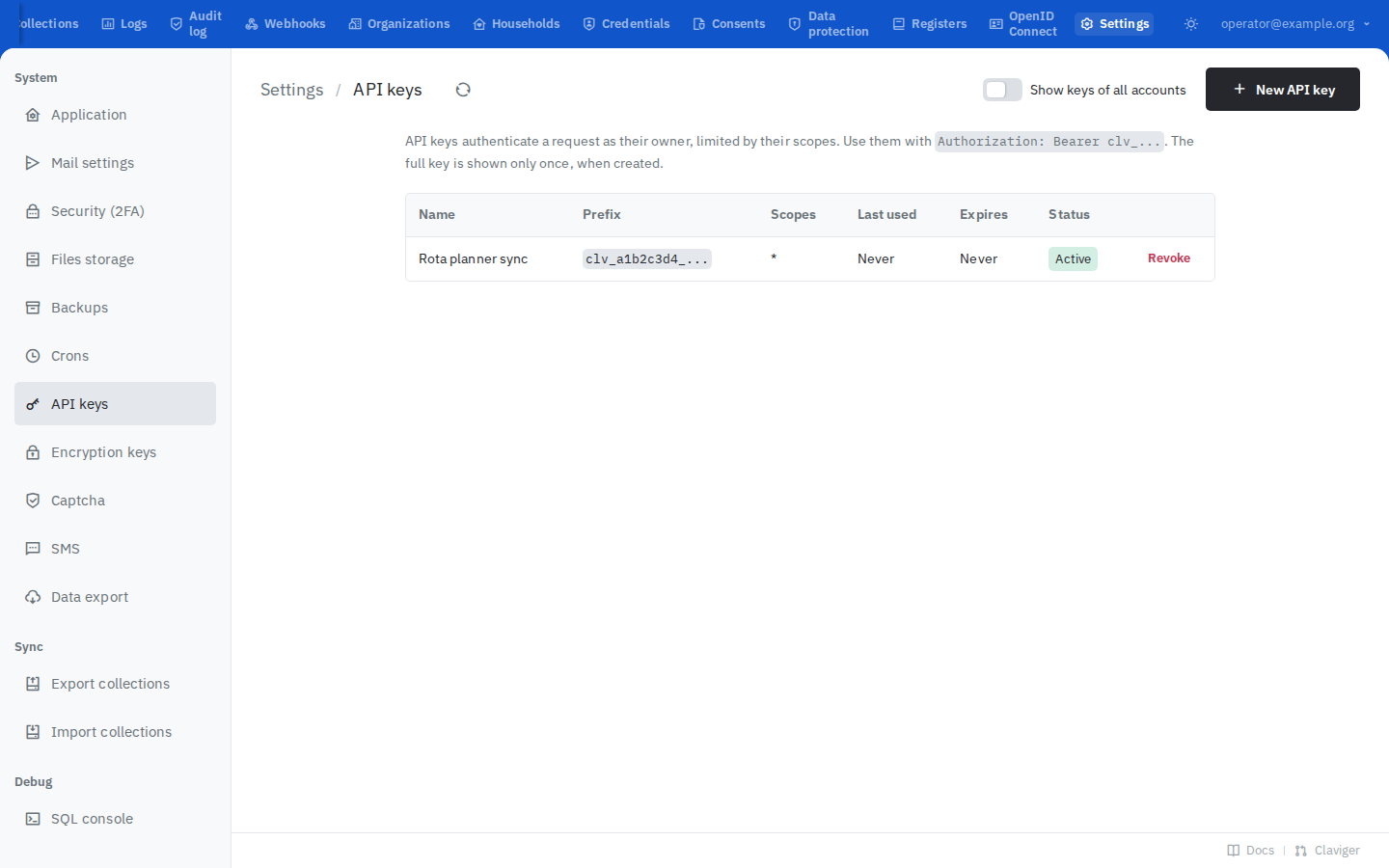
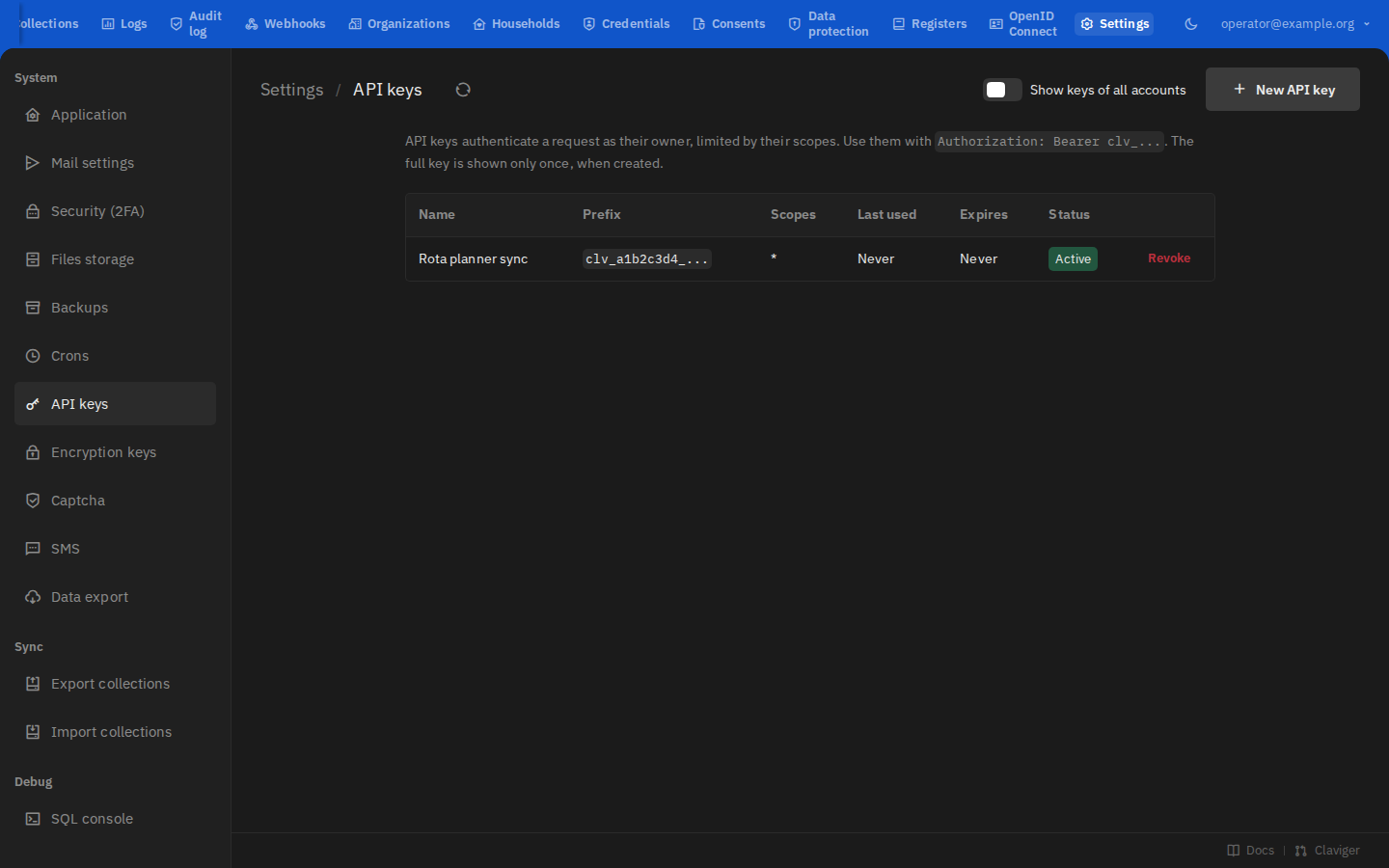
You see your own keys. Switch on Show keys of all accounts to see every key.
A key looks like clv_<prefix>_.... Clients send it as Authorization: Bearer clv_....
2. Create a key
- Choose New API key.
- Type a Name. Use the name of the script.
- Set Expires (optional). Pick a date in the future.
- Choose the scopes. Tick Read or Write for each collection the script needs. All access (*) ticks everything.
- Choose Create key.
The window then shows API key created and the key. Choose to copy it.
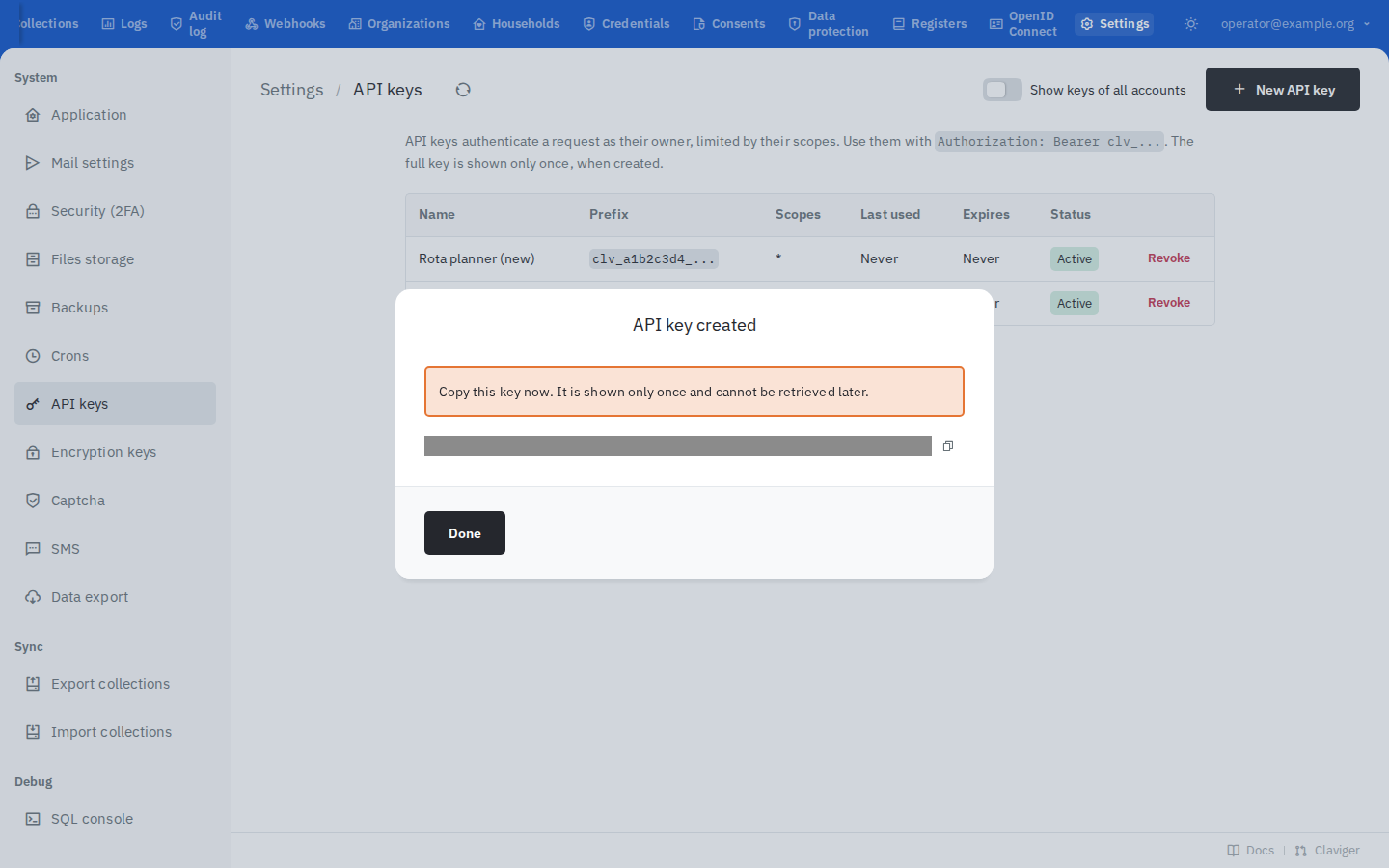
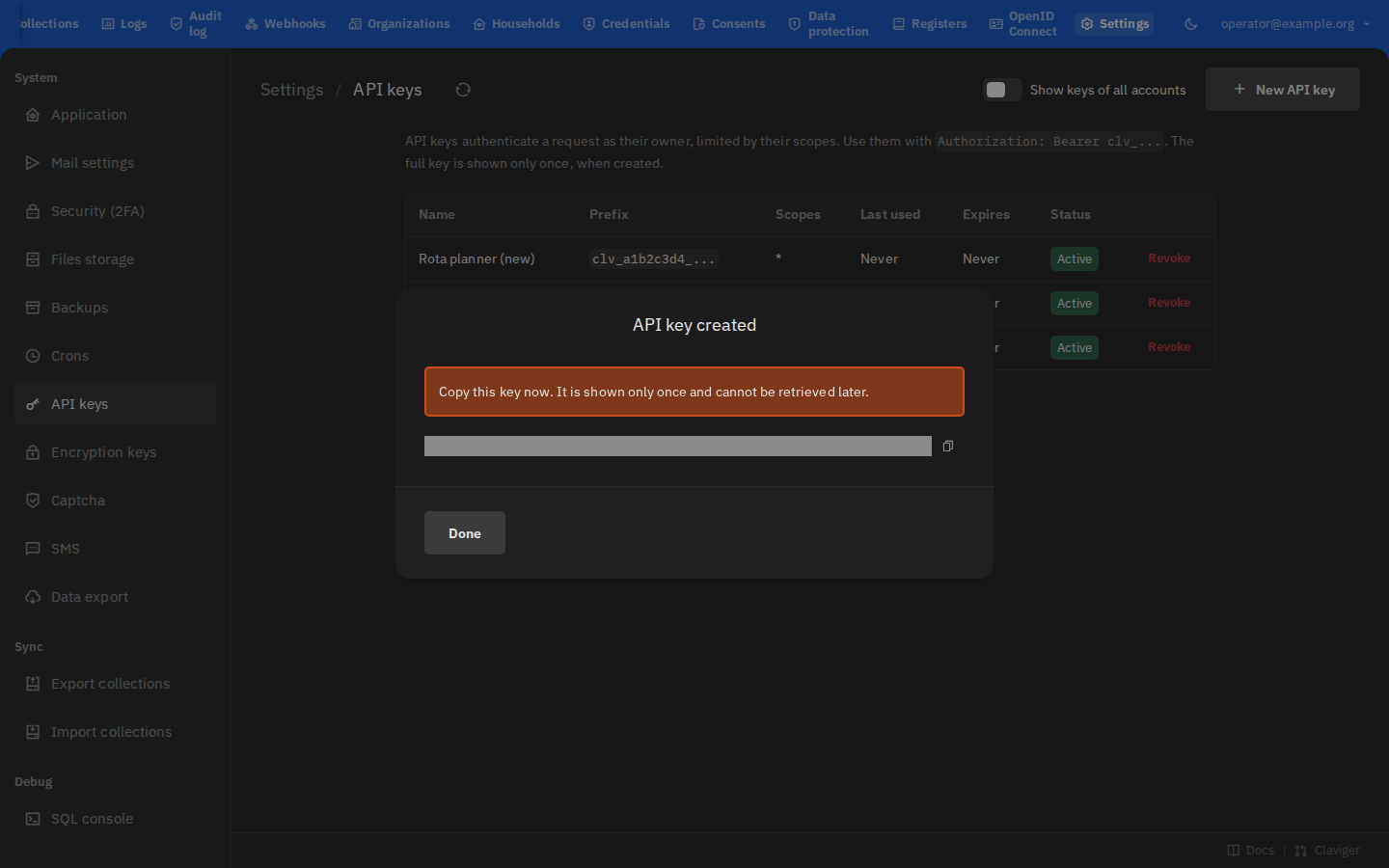
Claviger stores only a hash. You cannot read the key again. If you lose it, revoke it and make a new one.
Scopes only restrict. The collection rules still apply as the key owner. A key never manages keys, sessions, bans, field keys, sign-in or the personal data export. That holds even for All access (*). Writes to auth collections are refused.
A person can have a limited number of active keys, and creating keys is rate limited. If you have a passkey, Claviger asks for a recent passkey check. If you see A recent passkey verification is required, sign in again with your passkey and retry.
3. Revoke a key
- Find the key in the table.
- Choose Revoke.
- Confirm. Clients that use the key stop working at once.
You can revoke any key when you show keys of all accounts.
Keys keep working when a person stops being involved. Review Last used and revoke keys nobody uses. The audit log records key changes.
4. Use the API instead
The same functions exist as API calls. Keys cannot call them, so use a signed-in token.
GET    /api/apikeys
POST   /api/apikeys
DELETE /api/apikeys/{id}
curl -X POST https://auth.example.org/api/apikeys \
  -H "Authorization: $TOKEN" -H "Content-Type: application/json" \
  -d '{"name": "report script", "scopes": ["collection:posts:read"]}'
The answer carries the key once, in the field key.
5. Quick reference card
Make a narrow key
- API keys, New API key.
- Name and Expires (optional).
- Tick Read for the collections it needs.
- Create key. Copy it.
Retire a key
- Find the row.
- Revoke, then confirm.
The key is shown once. Revoke and replace a lost key.