Turn on passkeys and manage a person's passkeys
Enable passkeys on an auth collection, see an account's passkeys, and remove one or all.
Superusers who support people who lose a device.
Removing a passkey locks a person out if it is their only way in. Remove passkeys only after you know the person has another way to sign in or a reset link.
What you will do, in one sentence
Enable WebAuthn on the auth collection, then use the Passkeys tab of a record to delete passkeys.
Screens are captured from a seeded test system. Every name, address and number on the screens is invented. Prepared 15 November 2026.
1. Enable passkeys on a collection
- Open Collections and choose the auth collection, for example
users. - Open Collection settings, then the Options tab.
- Open the section WebAuthn / Passkeys and switch on Enable.
- Optional: switch on Usernameless sign-in (autofill). People then pick a saved passkey from the browser without typing an email or username. Passkeys made before you switched this on still work with an email or username.
- Save the collection.
The page notes that credentials are stored in the _webauthnCredentials system collection. Passkeys need HTTPS and a stable host name.
When passkeys are the only sign-in method, people recover a lost passkey through an emailed reset link. The email field must be required, and a sender address must be set in the mail settings.
2. See an account's passkeys
- Open the record of the person.
- Open the Passkeys tab. It appears only when passkeys are on for the collection. The superusers collection has no such tab.
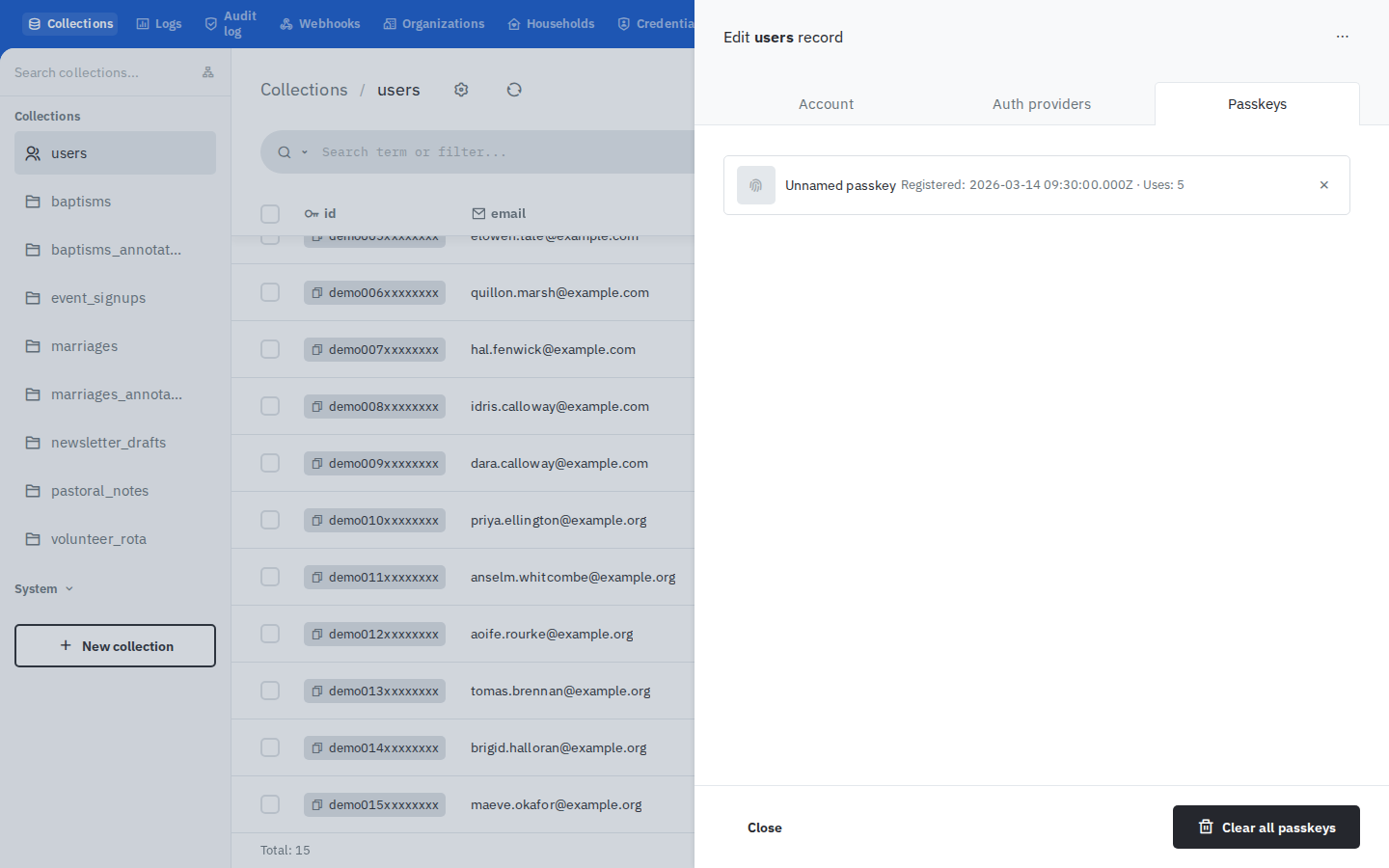
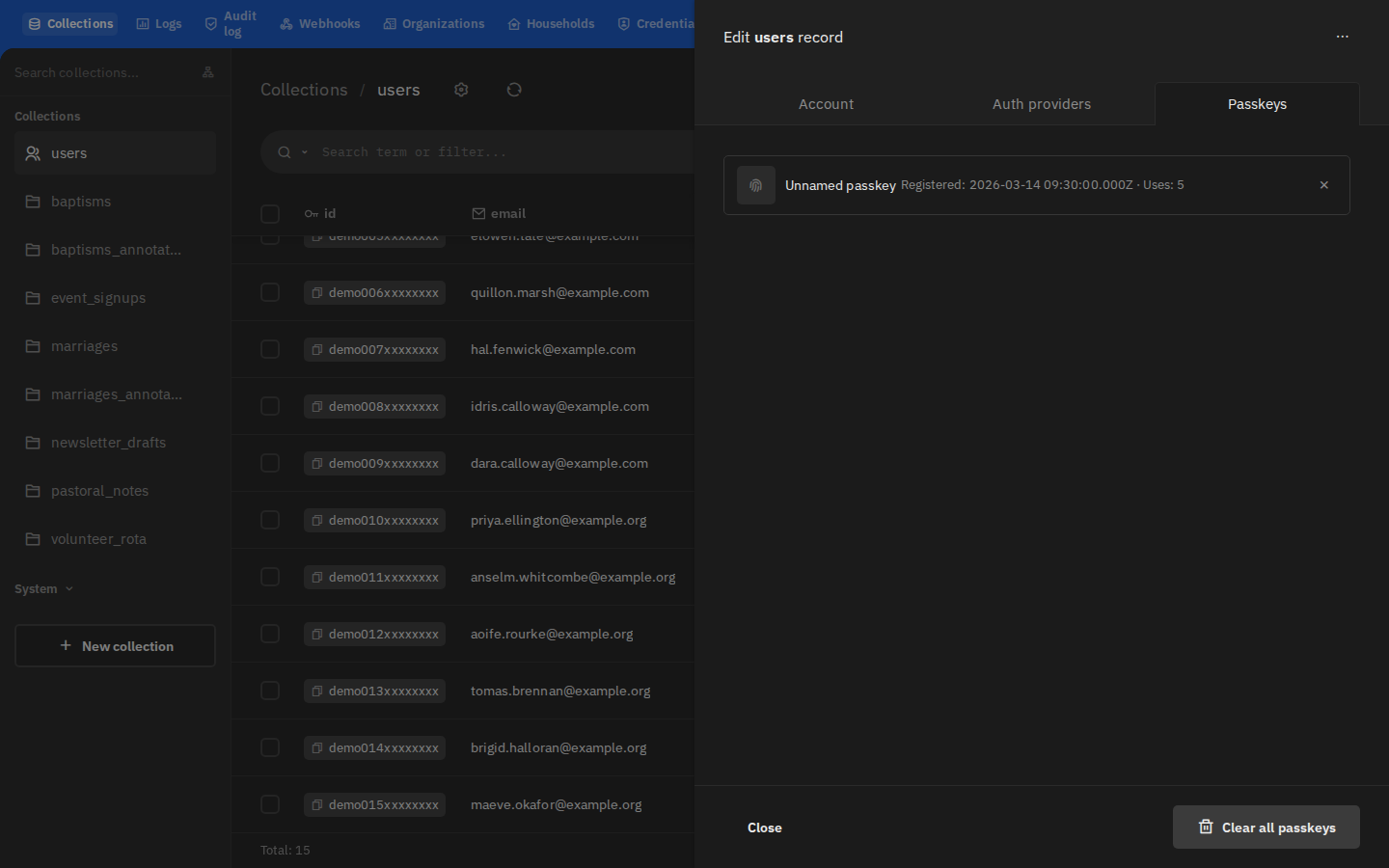
Each row shows the name (or Unnamed passkey), Registered and Uses. If there are none, the tab says No registered passkeys.
3. Remove passkeys
- To remove one, choose the close button on its row and confirm with Delete.
- To remove all, choose Clear all passkeys and confirm with Remove all.
The confirmation says the person must use another sign-in method afterwards. Check that they can use a password or a reset link first. Send a reset link from the record's More options menu if needed.
The same call is available through the API. Replace the id with the record id.
DELETE /api/collections/users/auth-with-webauthn/credentials-by-record/RECORD_ID
curl -X DELETE \
  https://auth.example.org/api/collections/users/auth-with-webauthn/credentials-by-record/RECORD_ID \
  -H "Authorization: $TOKEN"
The answer reports how many passkeys were removed.
4. Passkeys and other functions
A passkey sign-in counts as strong sign-in on its own. It is not asked for an authenticator code. If an account has a passkey, creating an API key needs a recent passkey check. See the API keys guide.
5. Quick reference card
Turn on
- Auth collection, Options.
- WebAuthn / Passkeys, Enable.
- Save.
Support a lost device
- Open the record, Passkeys tab.
- Delete the old passkey.
- Send a password reset email if the person needs a way in.
Check the person has another way in before you clear their passkeys.