Impersonate an account to reproduce a problem
Make a short sign-in token for an account, with a recorded reason.
Superusers who must see what a person sees to fix a problem.
An impersonation token acts as the person. It is recorded in the audit log with your reason. Use it only when you must, and tell the person when your policy says so.
What you will do, in one sentence
Open the record, choose Impersonate, type a reason, and copy the token.
Screens are captured from a seeded test system. Every name, address and number on the screens is invented. Prepared 15 November 2026.
1. Make a token
- Open Collections and choose an auth collection.
- Open the record of the person.
- Choose More options, then Impersonate.
- Type the Reason (required, recorded in the audit log). It has at most 500 characters.
- Optional: set Token duration (in seconds). If you leave it empty, the collection's own token duration applies.
- Choose Generate token.
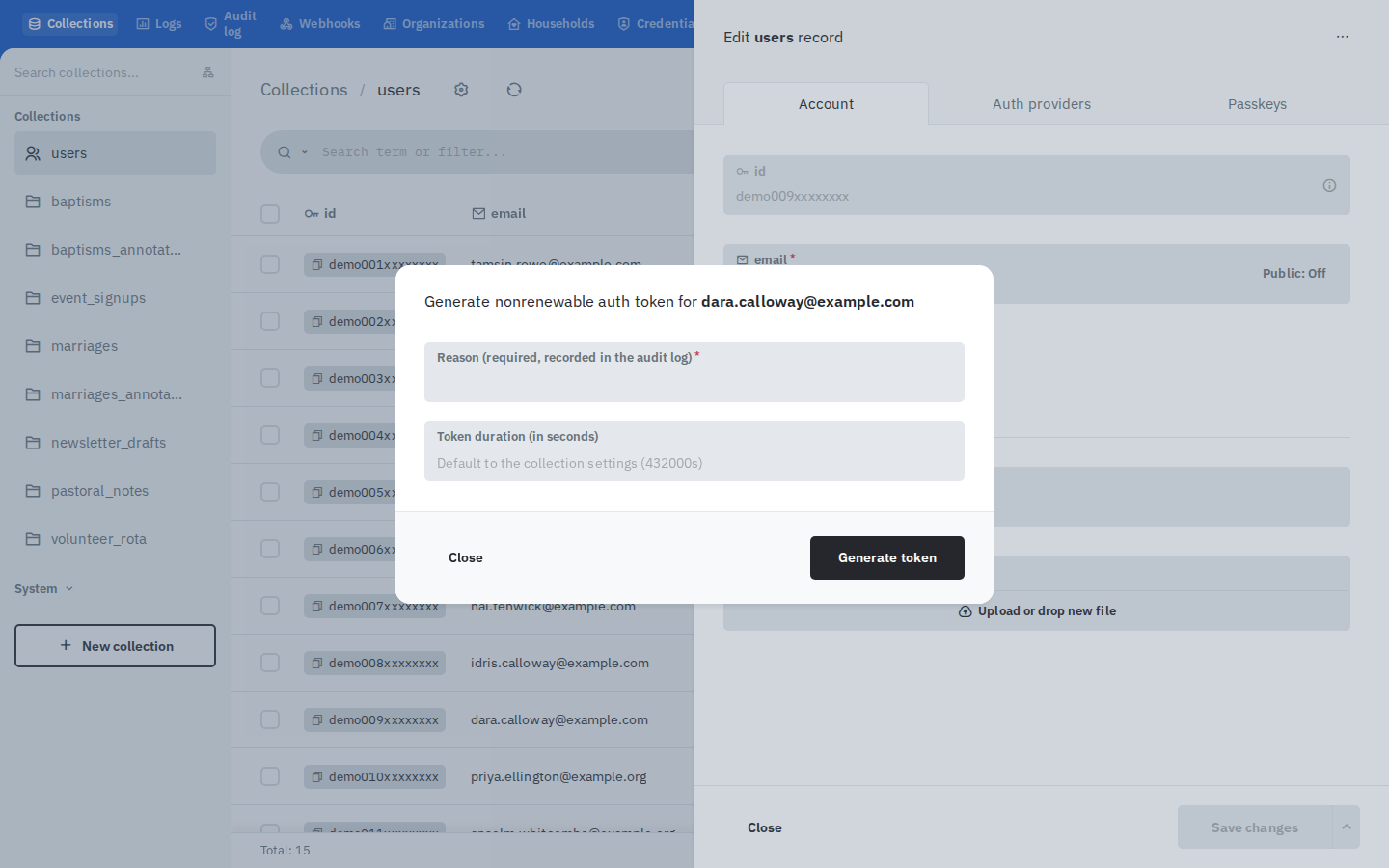
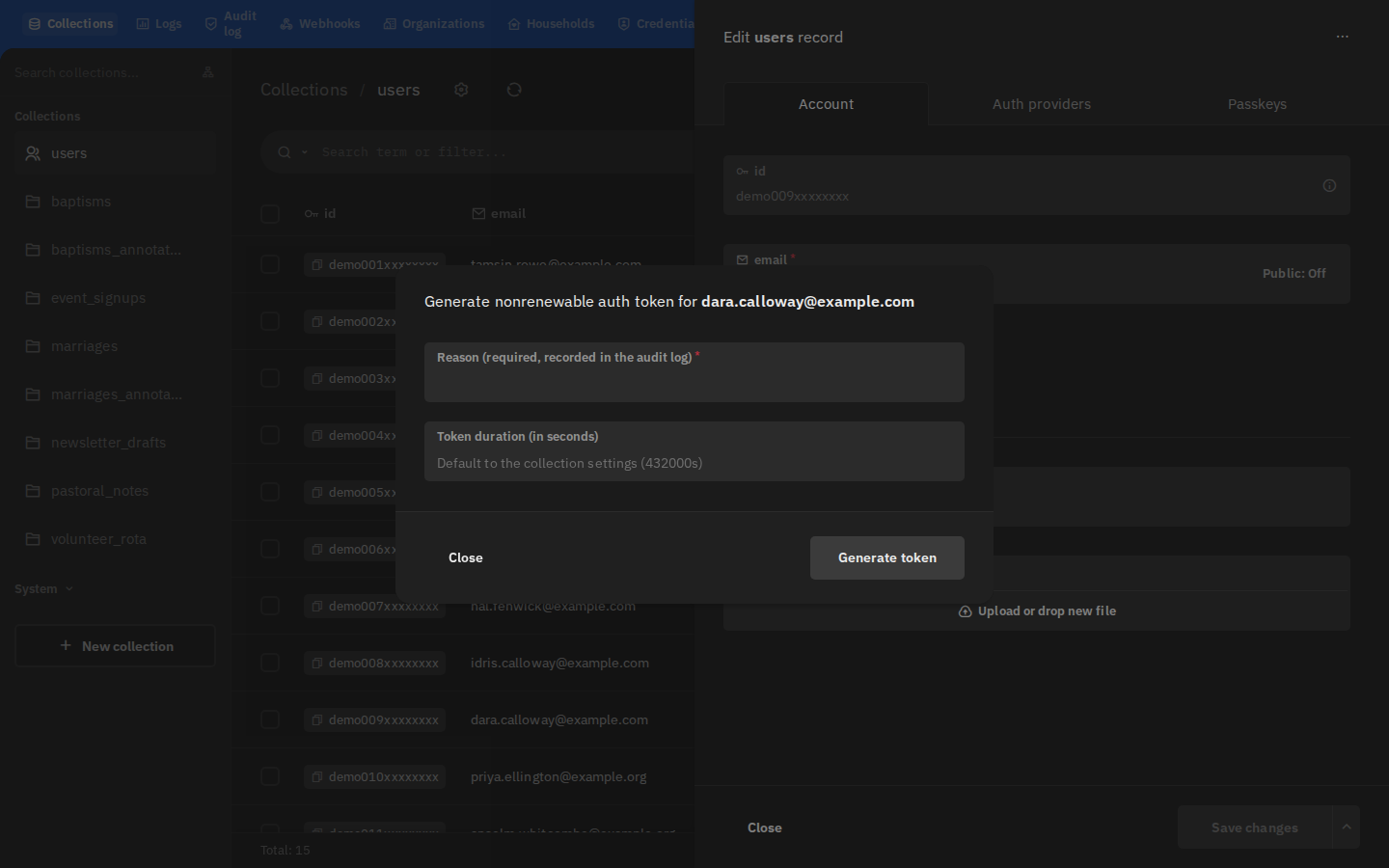
The window then shows the token and a copy button. The page says it is a nonrenewable auth token. It also shows short examples for the JS and Dart SDKs that load the token into the store.
Choose Generate new one to start again.
2. What the token can and cannot do
- It acts as the person, within the collection rules.
- It cannot be refreshed. When it ends, make a new one.
- Superuser accounts cannot be impersonated.
- An API key cannot make one.
Anyone who holds the token can act as the person until it ends. Use a short duration. Do not paste the token into chat or tickets.
3. What is recorded
Each impersonation is written to the audit log with your reason and the duration. The session of the token is marked as an impersonation. Whether and when to tell the person is a matter for your own policy. Ask a lawyer if you hold regulated or pastoral data.
4. The API
The call needs a superuser token.
POST /api/collections/users/impersonate/RECORD_ID
curl -X POST https://auth.example.org/api/collections/users/impersonate/RECORD_ID \
  -H "Authorization: $TOKEN" -H "Content-Type: application/json" \
  -d '{"duration": 300, "reason": "reproduce ticket 42"}'
5. Quick reference card
Reproduce a problem
- Record, More options, Impersonate.
- Type the reason. Set a short duration.
- Generate token. Use it in a private window or a test client.
Every impersonation is in the audit log with its reason.