Move a person between organizations
Understand how a transfer moves one person to another organization, and how to start or follow one through the API.
Superusers who help a family or a volunteer change congregation. The admin screen has no transfer page, so this guide uses the API.
A transfer needs the person's consent. A superuser can start one but can never accept it for the person.
What you will do, in one sentence
Start the transfer with the API, let the person accept while signed in, and check the audit log.
Screens are captured from a seeded test system. Every name, address and number on the screens is invented. Prepared 15 November 2026.
1. How a transfer works
A transfer moves one person from a source organization to a target organization. The person must agree.
- An owner, admin or
registrarof the source, a superuser, or the person starts it. The starter chooses what happens to the old membership:suspend(the default) orremove. - The person gets an email naming both organizations and the expiry date. Nothing changes yet.
- The person accepts while signed in. No owner, admin or superuser can accept for them.
- On accept, one transaction creates the membership in the target as
memberandactive. It suspends or removes the old one. If any step fails, nothing changes.
Records the person wrote stay in the source organization. The accept answer gives the source admins a count per collection. It never lists rows.
2. Start a transfer
curl -X POST https://auth.example.org/api/orgs/$SOURCE_ORG/transfers \
  -H "Authorization: $TOKEN" -H "Content-Type: application/json" \
  -d '{"user": "USER_ID", "to": "riverside-parish", "outcome": "suspend"}'
to is the id or slug of the target. For a child in a household with no login, send {"member": "MEMBER_ID", "to": "..."} instead. Send one of user or member, never both.
The guards are:
- The target must exist and must not be archived.
- The person must be an active member of the source and not yet a member of the target.
- Only one pending transfer exists per person and source.
- The last active owner cannot be moved. Nobody moves a person ranked above them.
3. Decline, cancel and expiry
- The person can decline or cancel. The starter and an owner or admin of the source can cancel.
- An owner or admin of the receiving organization can decline a pending incoming transfer. This is a veto only. They cannot accept, and they do not see who the person is until it is accepted.
- A pending transfer expires after 14 days. The server setting
CLAVIGER_ORG_TRANSFER_DAYS(1 to 90) and the org settingtransferDayschange that.
4. Minors
A child in a household has no login and no membership. Start the transfer with member. Only an adult guardian of that household can accept, decline or cancel for the child. The guardian must also guard a household in the receiving organization. An owner, admin, registrar or superuser cannot decide for the child.
A guardian flag is a church record, not a legal finding. If two adults disagree about a child, the church office decides who to involve. Ask a lawyer before you act on a dispute.
5. Follow it in the audit log
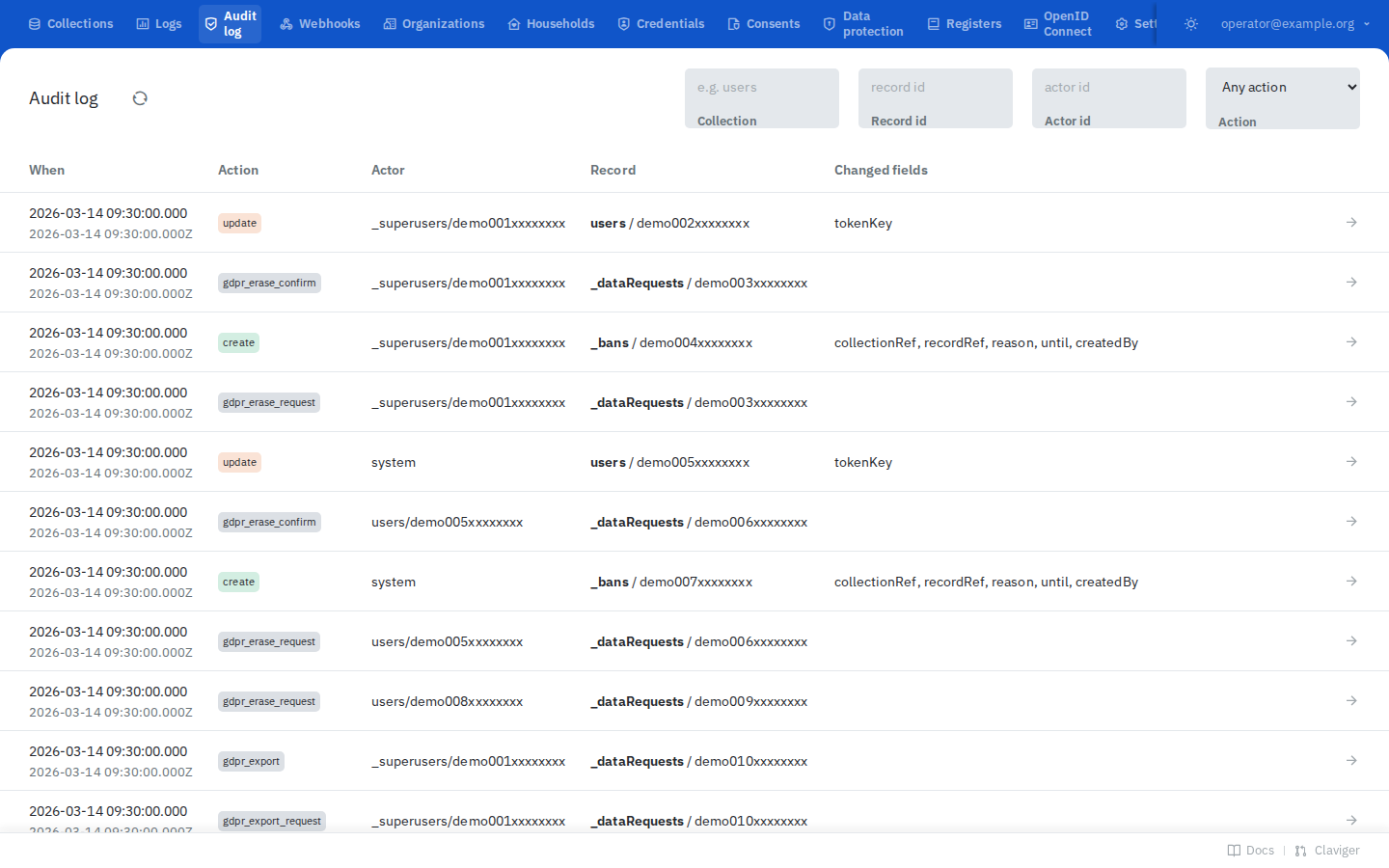
Each step writes an audit entry: org_transfer_start, org_transfer_accept, org_transfer_decline, org_transfer_cancel and org_transfer_expire. A decline by the receiving side writes an entry in both organizations. The target's entry leaves out the person.

6. Quick reference card
Start
POST /api/orgs/{id}/transferswithuserormember,toandoutcome.- Tell the person to look for the email.
Check
- Open Audit log.
- Look for
org_transfer_actions.
The person accepts. Nobody else can do it for them, apart from a guardian for a child.