Create SCIM tokens and settings for an organization
Create and revoke the SCIM token of an organization, and set how SCIM maps people to roles.
Superusers who connect an identity provider, such as Microsoft Entra ID or Okta, to one organization.
The token lets the identity provider add, suspend and remove members. A leaked token acts for the whole organization. You see the token once.
What you will do, in one sentence
Select an organization, press New token under SCIM provisioning, copy the token into the identity provider, then set the SCIM settings.
Screens are captured from a seeded test system. Every name, address and number on the screens is invented. Prepared 15 November 2026.
1. What SCIM does here
SCIM 2.0 lets an identity provider create, update, suspend and remove the members of one organization, and keep its groups in step. Claviger is the target. It never calls your provider.
With no token, the address /scim/v2 answers 401 to every request and no data changes.
A SCIM group never creates an organization. It becomes a tag, and optionally a role. SCIM never grants the owner role.
2. Create a token
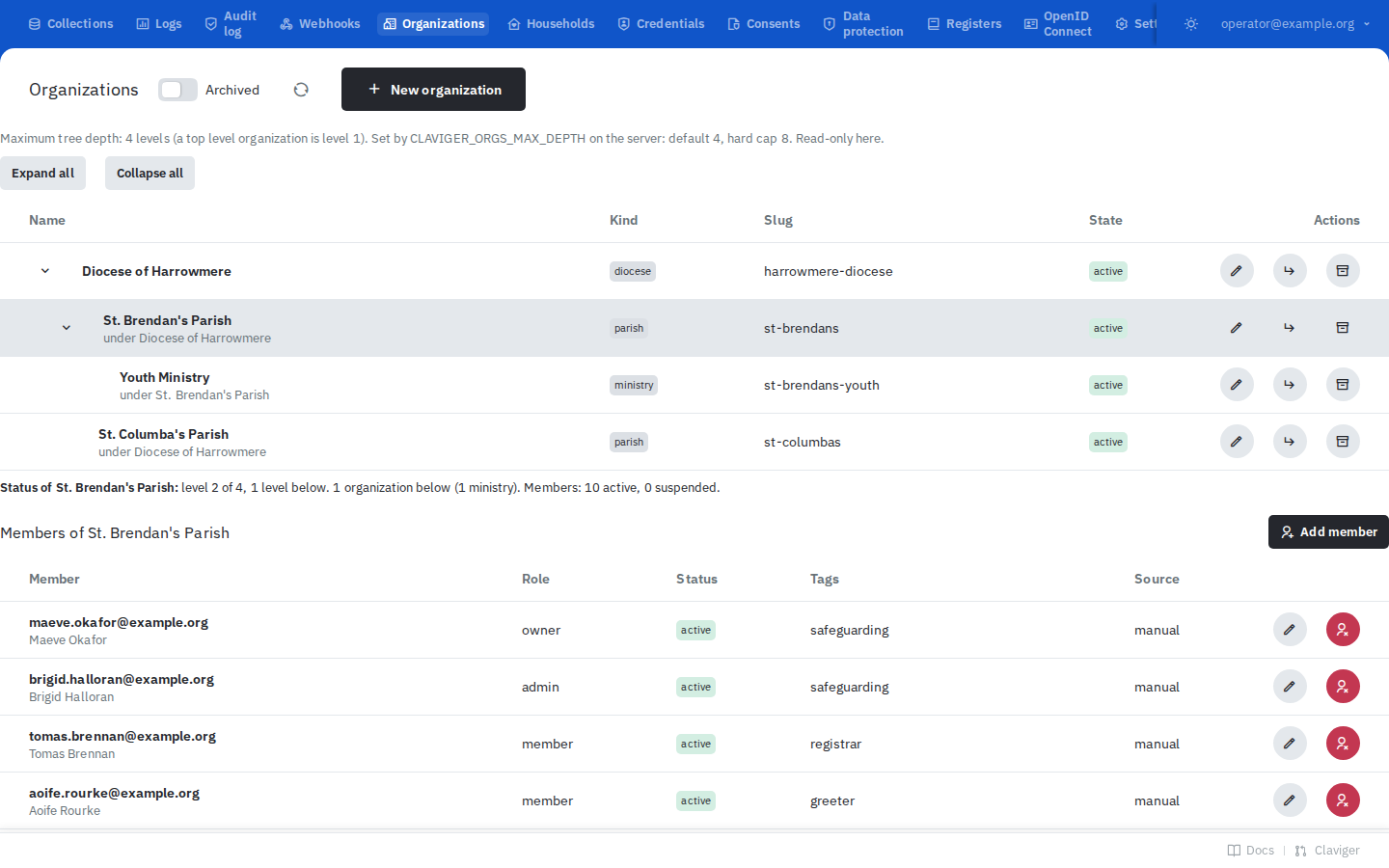
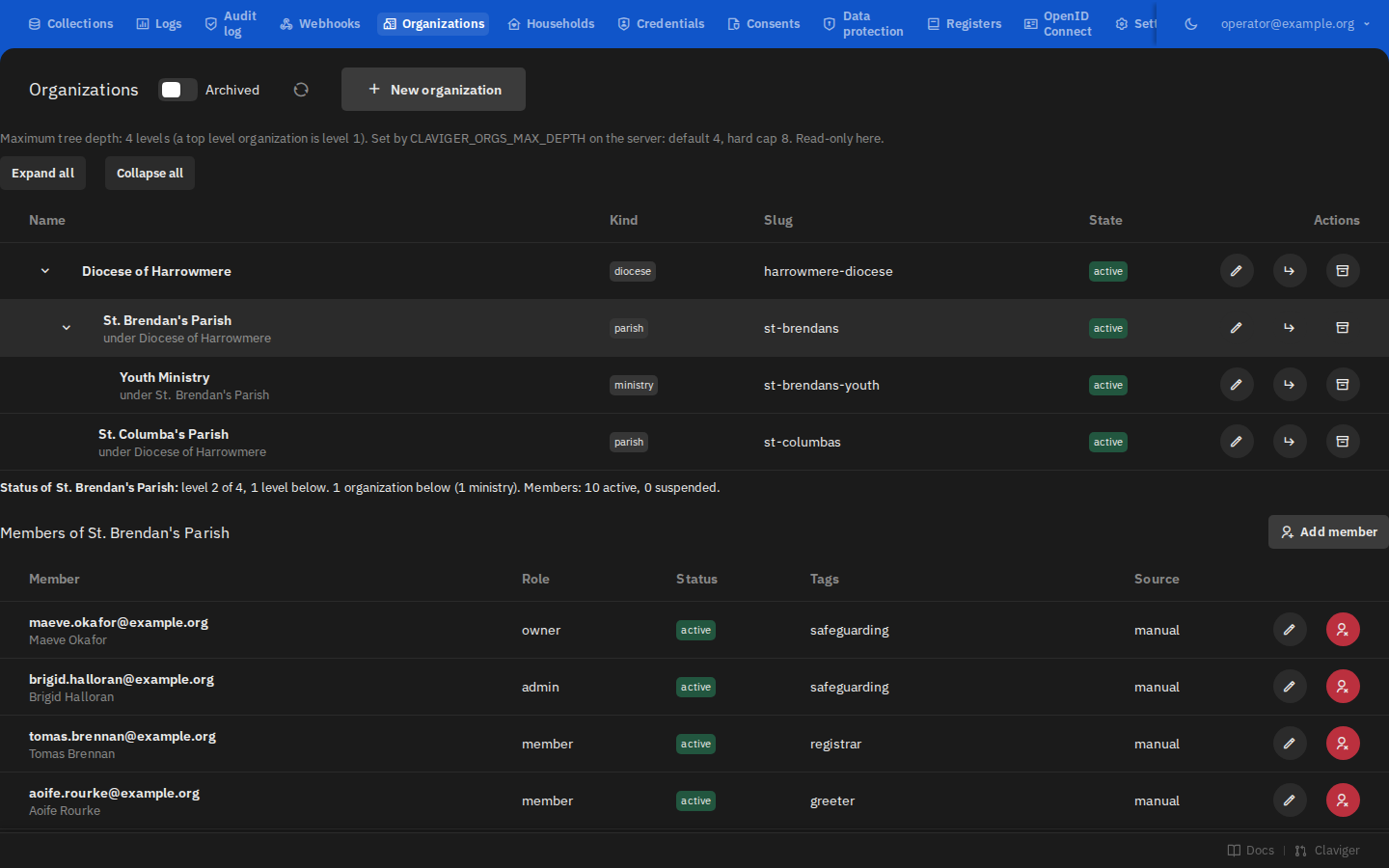
- Select the organization. Scroll to SCIM provisioning.
- Press New token.
- Enter a Name, for example "Entra ID production". Press Create token.
- Copy the token at once. The notice says: "Copy this token now. It is shown only once."
- Copy the Tenant URL shown above the table into the provider too. It ends in
/scim/v2.
The table shows Name, Token, Last used, Expires and Status. A token is active, revoked or expired.
Claviger stores only a hash of the token, so it cannot show the token again. If you lose it, create a new one. An organization can hold up to 10 live tokens, so you can rotate without a gap.
3. Revoke a token
- Press Revoke in the token's row.
- Confirm. The prompt says the identity provider stops working until it gets a new token.
A revoked, expired or unknown token gets 401. A valid token on an archived organization gets 403.
4. Set the SCIM settings
Press Settings in the same section.
| Field | Meaning |
|---|---|
| Role of new users | The role of people SCIM creates: admin, member or viewer. |
| Groups that grant a role | Write Group name = role, separated by semicolons. The highest mapped role of a person's groups wins. Owner cannot be granted by SCIM. |
| Also ban the account on deactivation | Blocks sign-in when the provider deactivates a person who belongs to no other organization. |
By default a deactivation only suspends the membership in this organization. Turn on the ban setting when a deactivated person must lose all sign-in.
5. Quick reference card
Connect a provider
- SCIM provisioning, then New token.
- Copy the token and the Tenant URL into the provider.
- Press Settings and choose Role of new users.
Rotate a token
- Create a new token. Give it to the provider.
- Revoke the old one.
Deleting a person in the provider removes the membership only. It never deletes the account.