Invite people to an organization
Send, resend and revoke email invitations, and know what the invitee sees.
Superusers who run a Claviger install, with Settings > Mail already working.
An invitation is the safe way to add someone who has no account yet. The link proves the mailbox. If mail is not set up, the invitation exists but nobody receives it.
What you will do, in one sentence
Select an organization, press Invite, enter an email address, and the person follows the emailed link.
Screens are captured from a seeded test system. Every name, address and number on the screens is invented. Prepared 15 November 2026.
1. Before you start
Claviger sends the invitation through your mailer. Check Settings, Mail first. Set the public URL of the server too, or the link points at a default address.
The invitee opens a hosted page at /orgs/invite/<token>. They sign in or create an account, and Claviger adds them with the invited role.
2. Send an invitation
- Select the organization.
- In the Invitations section, press Invite.
- Enter Email, choose a Role, and enter Tags (comma separated). Tags apply when the invitation is accepted.
- Press Send invitation.
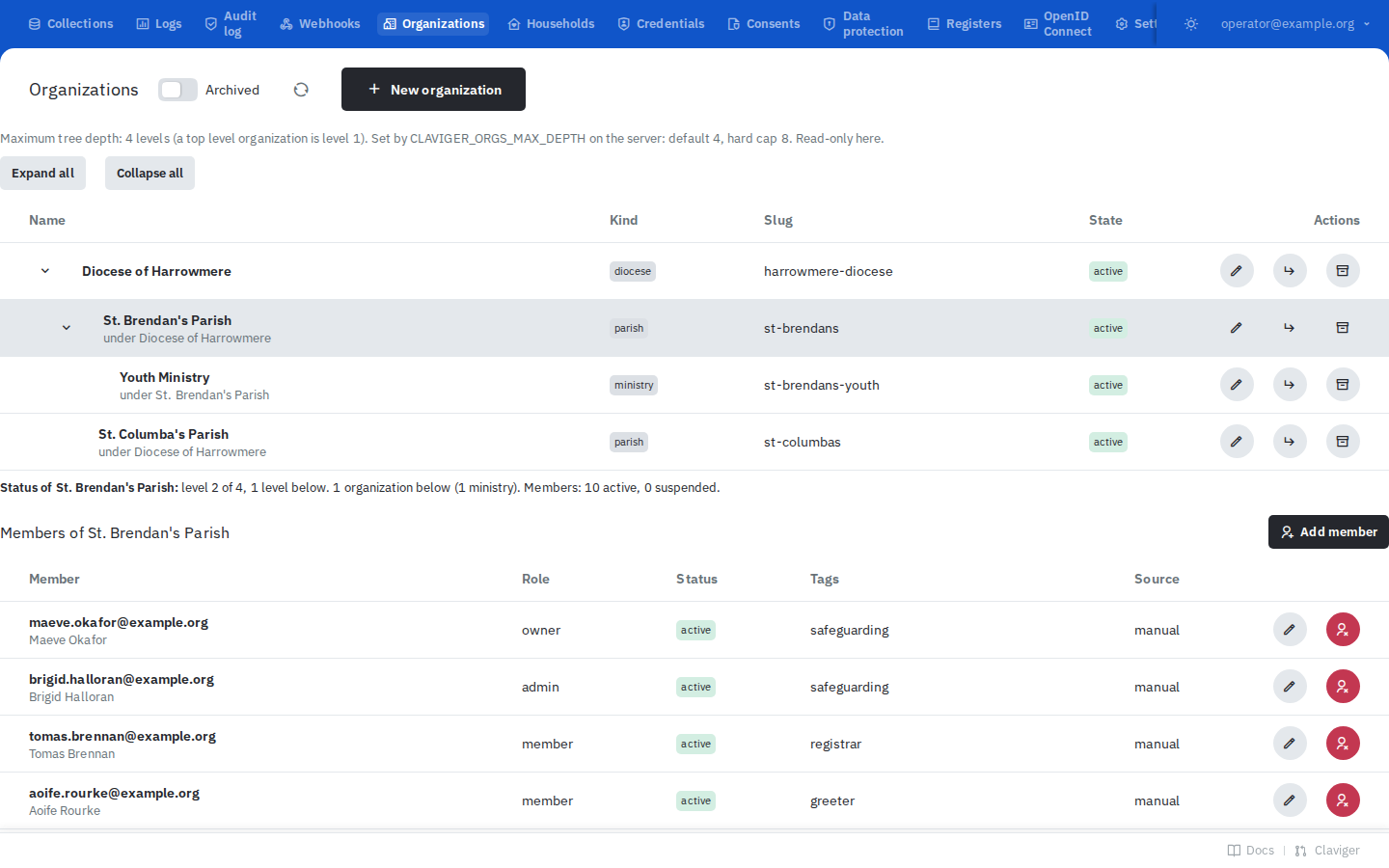
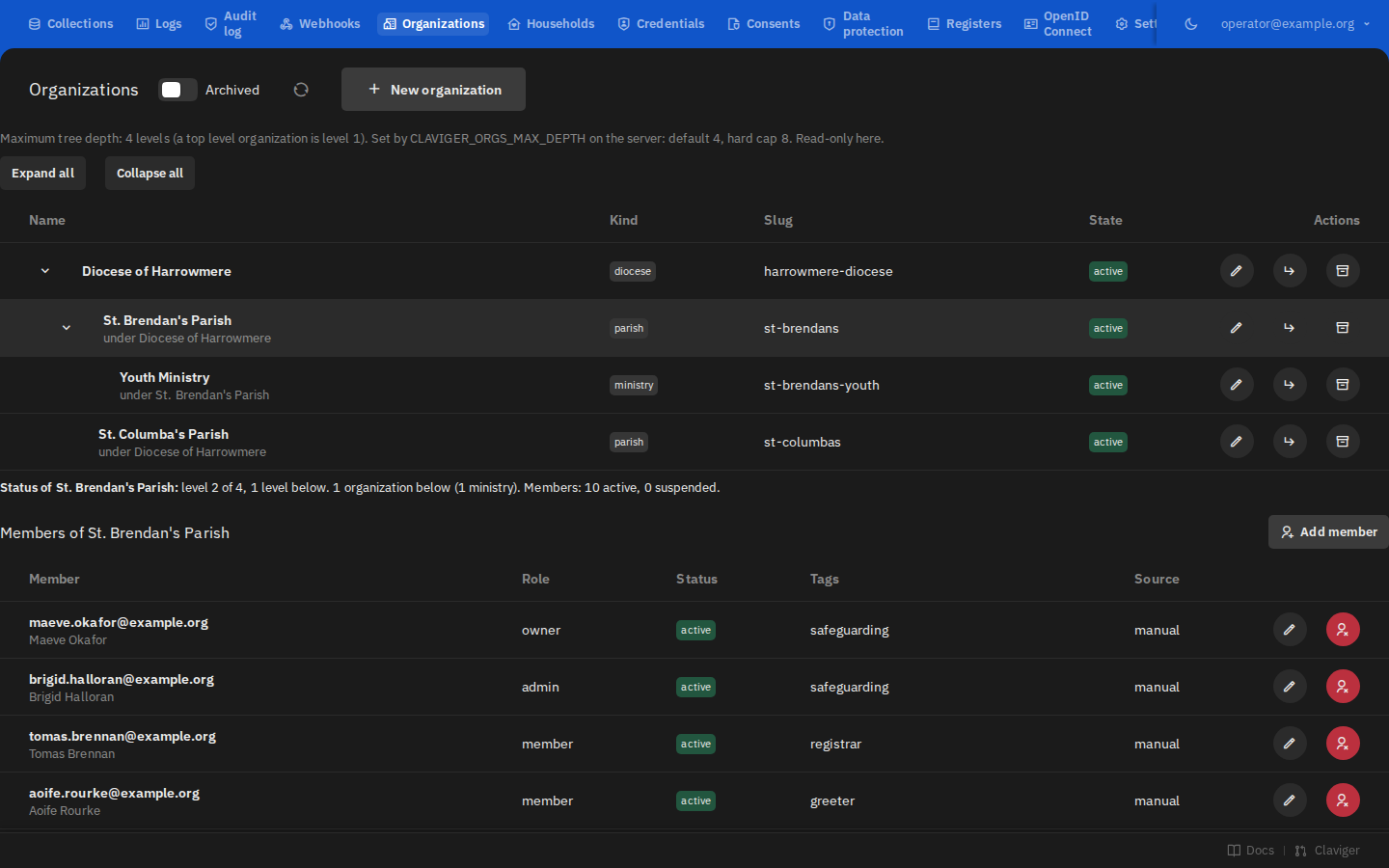
The table shows Email, Role, Tags, Status and Expires. A status is pending, accepted, revoked or expired.
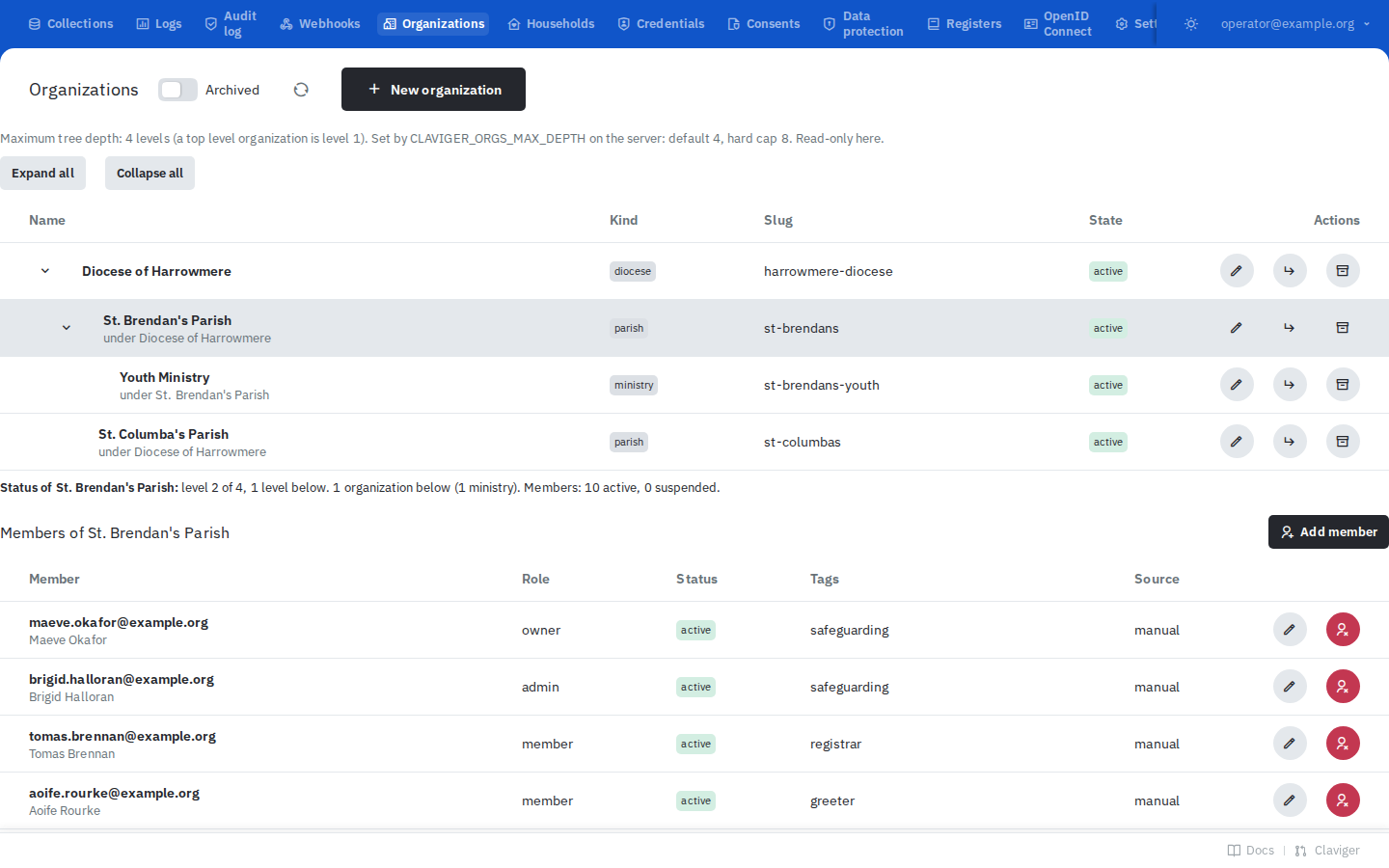
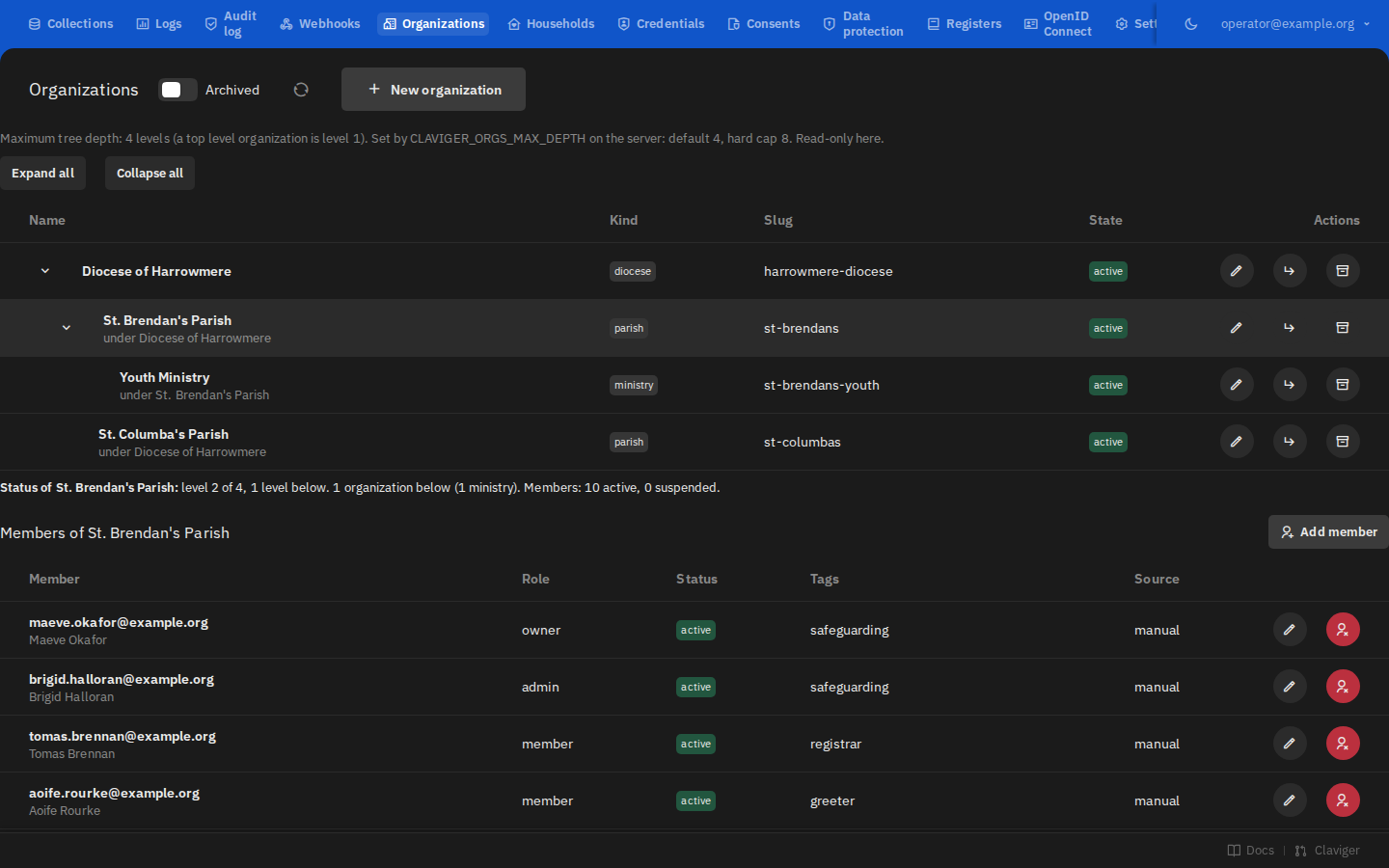
The button Org admin page opens the hosted page /orgs/<slug>. Org owners and admins use it without access to /_/.
3. Resend and revoke
- Resend gives a pending or expired invitation a new link and a new expiry, and sends the email again. Only one resend per minute is allowed for each invitation.
- Revoke stops the link at once. Confirm the prompt.
An invitation lasts 7 days by default. An org's settings can change that from 1 to 30 days. Claviger allows 20 new invitations per hour for each organization. Both limits answer with an error when you reach them.
Only one live invitation exists per email address and organization. Inviting someone who is already a member fails. Nobody invites above their own role.
4. What the invitee sees
- A person with a verified account whose email matches the invitation signs in and presses Accept.
- A person with no account creates one on the page. Claviger marks the email as verified, because the link proved the mailbox.
- A person whose account email differs, or is not verified, is refused. The invitation stays usable. The page offers to send the verification email.
- An unknown, used, revoked or expired link shows one generic message, "This invitation is invalid or has expired". It does not say which case applies.
An archived organization refuses to create, resend or accept invitations.
5. Quick reference card
Invite someone
- Select the organization. Press Invite.
- Enter Email, Role and Tags.
- Press Send invitation.
Fix a stuck invitation
- Resend for a lost or expired link.
- Revoke for a wrong address.
Claviger deletes finished invitations 90 days after their last change.