Place and lift legal holds
Freeze a person or one record against deletion while a legal matter is open, and lift the hold later.
Superusers who work with a lawyer or a regulator. You need a passkey on your superuser account.
While a hold is active, no one can delete the rows it covers, and retention and erasure skip them. The person's own data export includes the hold, with its reason and reference.
What you will do, in one sentence
Open Legal holds, press Place a hold, choose a person or one record, write the reason, and confirm with your passkey.
Screens are captured from a seeded test system. Every name, address and number on the screens is invented. Prepared 15 November 2026.
1. What a hold does
While a hold is active:
- The retention job skips the rows it covers. They count as
held. - Nothing can delete a held record. This covers the records API, a cascade and a hook.
- Erasure skips the rows and lists them as
legal_holdin the result. It never copies the reason or the reference.
A hold on a person covers every row that the data map ties to them. A collection with no entry, or a none entry, is not reached. A hold on one record covers only that record.
The person's own data export includes their holds, with the scope, reason, reference and dates. It leaves out who placed or lifted them. Audit entries and webhooks never carry the reason or the reference. Ask a lawyer whether a matter allows you to tell the person, before an export runs.
2. Place a hold
- Open Data protection, then Legal holds.
- Press Place a hold.
- Choose a Scope: A person or One record.
- For a person, enter Person (user id), for a person. Fill in Person's collection (empty for the default) if the person is not in
users. - For one record, enter Collection, for one record and Record id, for one record.
- Write the Reason. It is required.
- Add a Reference (a case number, optional).
- Press Place the hold. Use your passkey when asked.
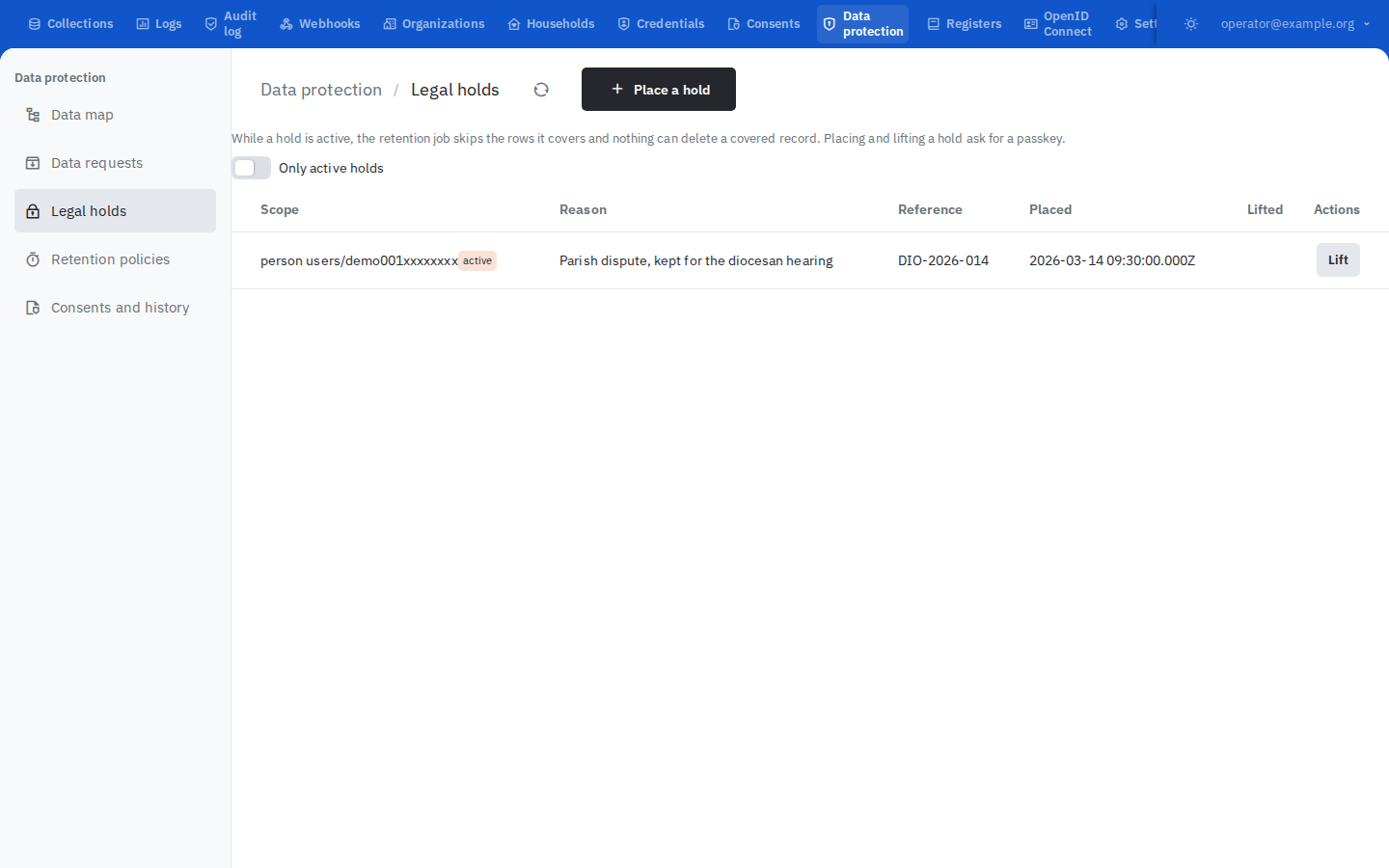
A subject hold can only be placed on an account. To freeze a child without a login, place a hold on their household member row as one record, in the collection _householdMembers.
3. Read and lift holds
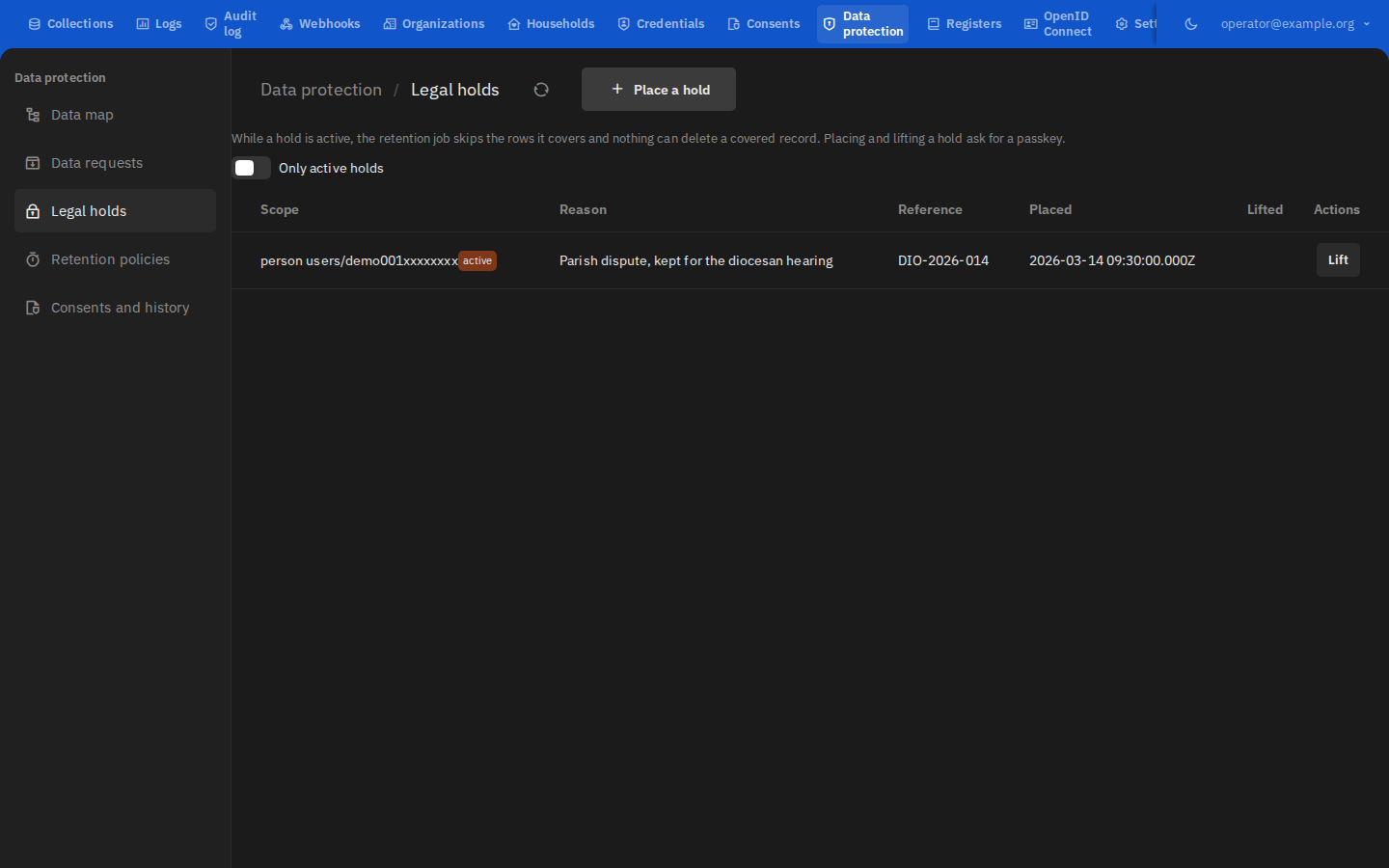
The table shows Scope, Reason, Reference, Placed, Lifted and Actions. Turn on Only active holds to hide lifted ones.
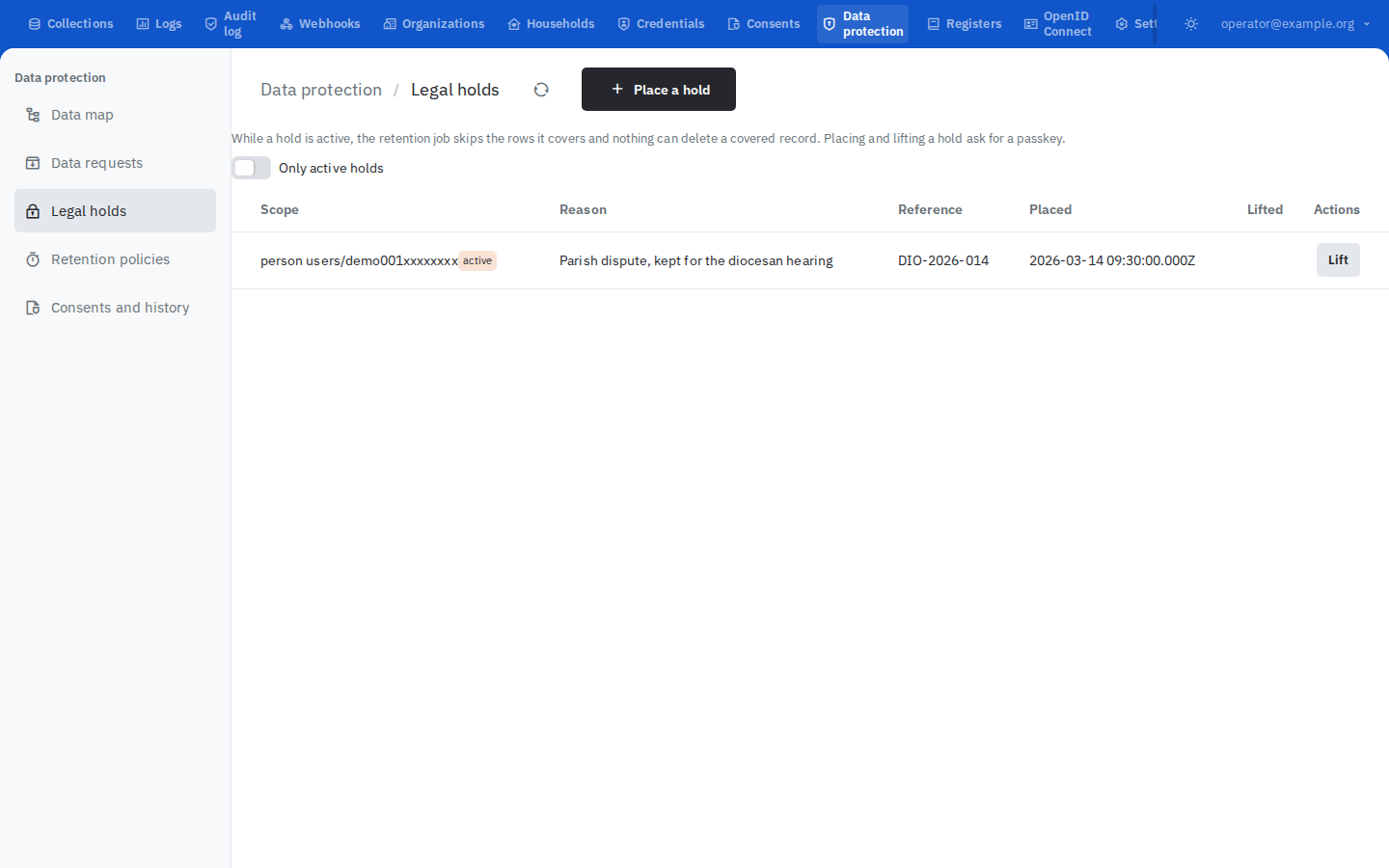
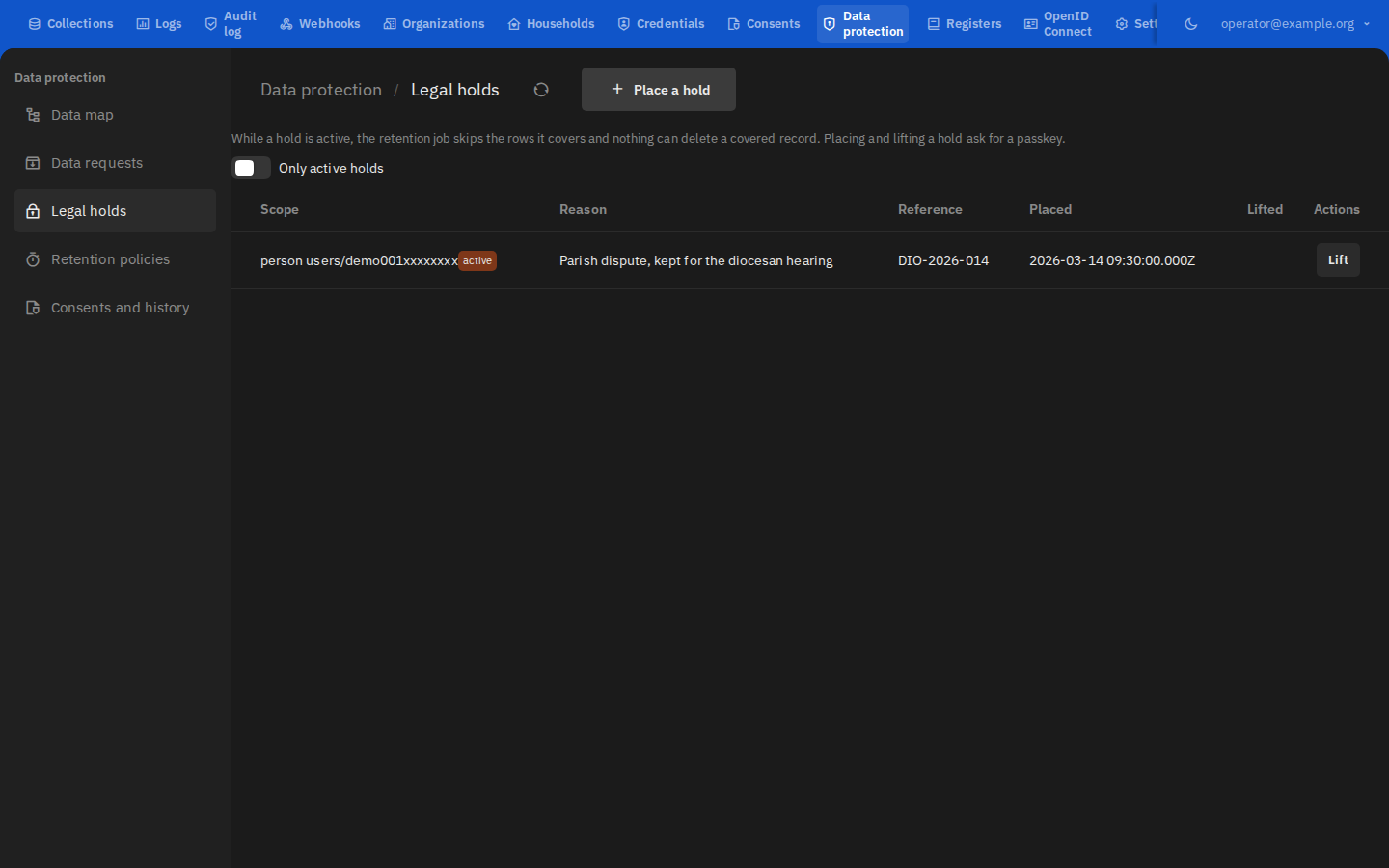
To lift a hold, press Lift. Claviger asks: "Lift this hold? The rows it covers can then be changed or deleted again. The hold stays in the list." Confirm, then use your passkey.
A lifted hold stays in the table as evidence. There is no delete.
4. Audit
Placing and lifting each write one audit entry, gdpr_hold and gdpr_hold_lift. The entry holds the hold id, the scope and the ids. It never holds the reason or the reference.
5. Quick reference card
Place
- Legal holds, Place a hold.
- Pick a Scope, enter the person or the record, write the Reason.
- Press Place the hold. Confirm with your passkey.
Lift
- Press Lift in the row. Confirm with your passkey.
Place the hold before you start a deletion, not after.