Review and edit the data map
See which collections hold data about people, and decide what an export and an erasure do with each one.
Superusers who run a Claviger install. You need to sign in to the admin screen at /_/.
Export and erasure only reach collections on the map. A collection that holds personal data and is not mapped is not exported and not erased. Keep the unmapped list empty.
What you will do, in one sentence
Open Data protection, then Data map, and give every unmapped collection an entry.
Screens are captured from a seeded test system. Every name, address and number on the screens is invented. Prepared 15 November 2026.
1. What the data map says
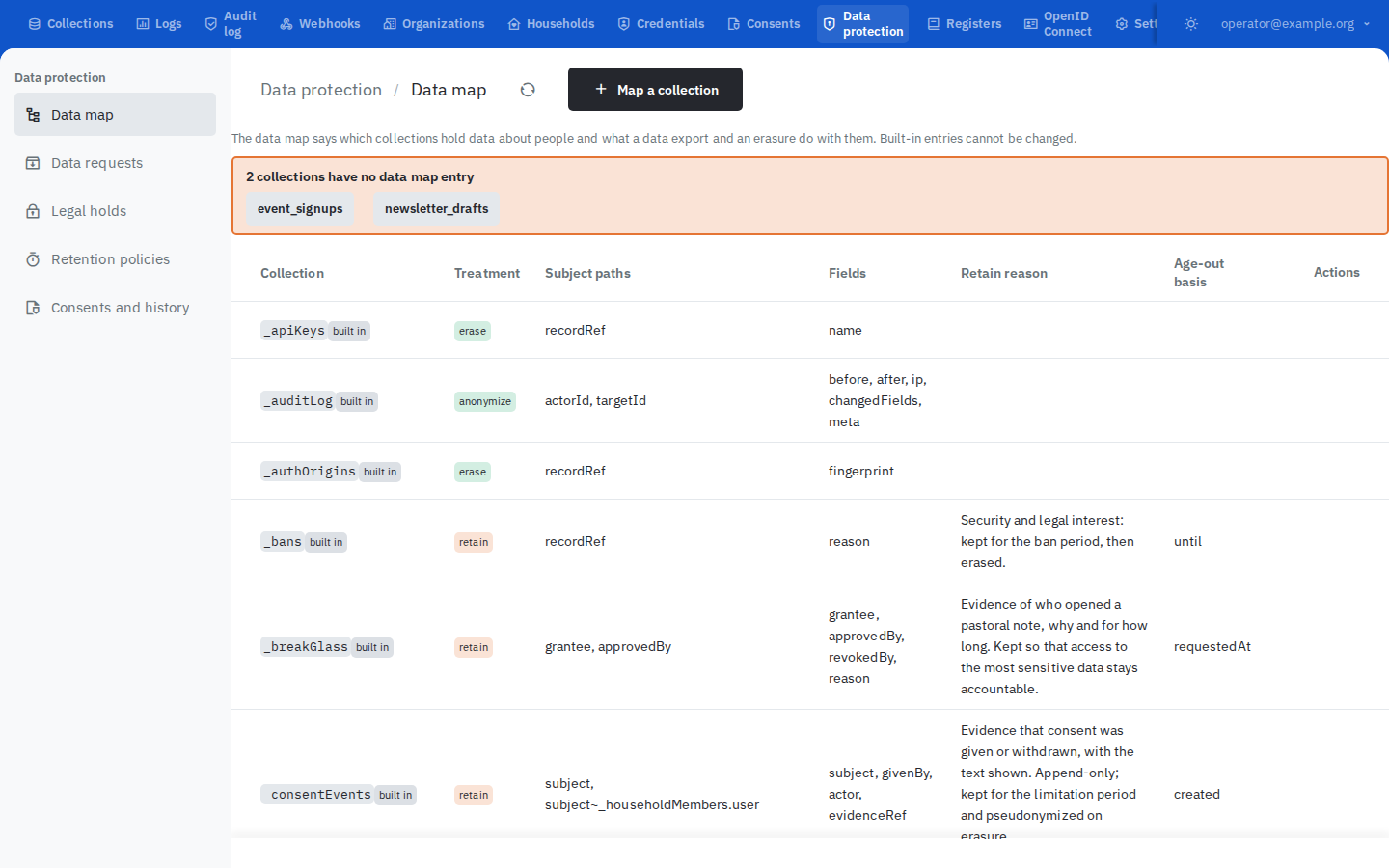
The data map has one row for each collection. It says which fields link a row to a person, which fields hold personal data, and what happens on erasure. Only superusers can see it.
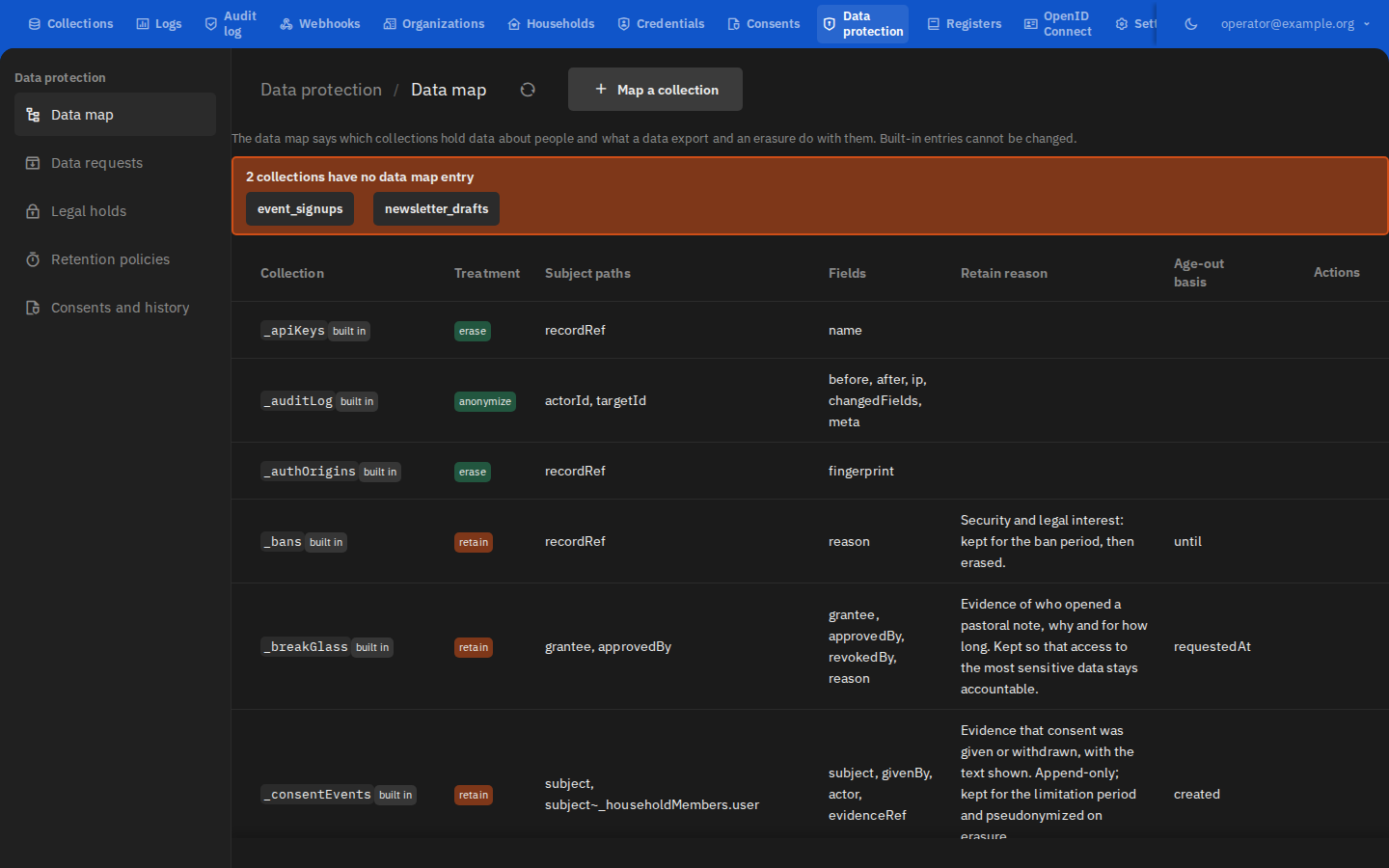
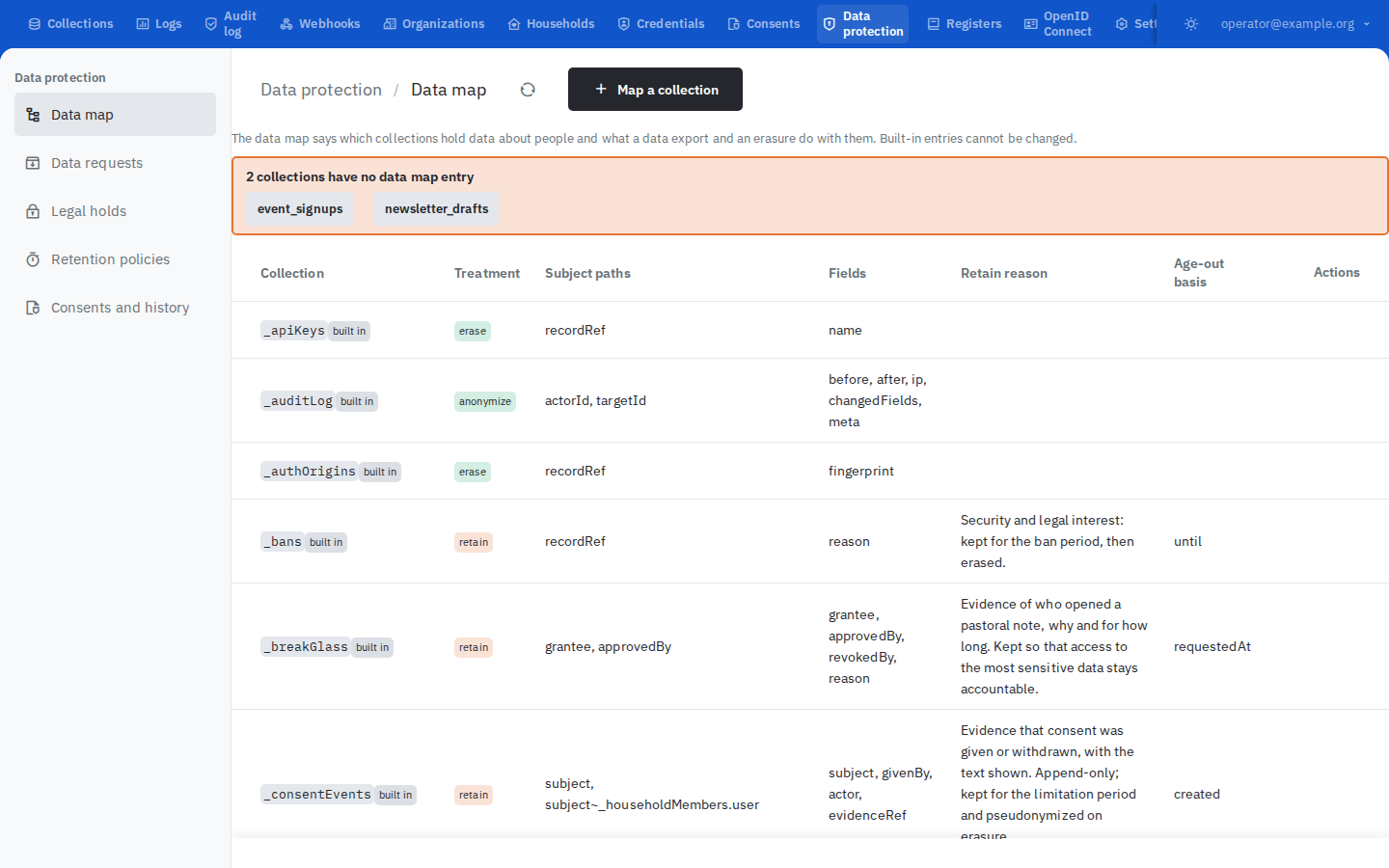
Open Data protection in the admin menu, then Data map. The table shows Collection, Treatment, Subject paths, Fields, Retain reason, Age-out basis and Actions.
| Treatment | On export | On erasure |
|---|---|---|
erase | Exported. | Rows are deleted. |
anonymize | Exported. | Personal fields are blanked. |
retain | Exported. | Rows are kept for the stated reason. |
export | Exported. | Left alone. |
none | Not exported. | Left alone. It holds no personal data. |
Built-in entries ship with Claviger. They cannot be changed or removed, even by a superuser.
2. Map an unmapped collection
An orange notice says how many collections have no data map entry. Each name is a button. none counts as mapped, so use it for a collection you reviewed that holds no personal data.
- Press the collection's name, or press Map a collection.
- Fill in the form.
- Press Add.
| Field | What to enter |
|---|---|
| Collection | The collection name. |
| Treatment on erasure | One of the five treatments above. |
| Subject paths | The fields that link a row to a person, separated by commas. Use id when the row is the person. |
| Personal fields | The fields that hold personal data, separated by commas. |
| Retain reason (required for retain) | Why the rows are kept. |
| Age-out basis (date field, optional) | The date field after which rows age out. |
| Note | Free text. |
Claviger checks the entry. The collection must exist. A retain entry needs a reason. Any treatment except none needs a subject path.
3. Edit or remove an entry
Press Edit on one of your own entries to change it. Press Remove and confirm to delete it. The collection then shows as unmapped again.
An anonymize retention policy blanks only the personal fields in the entry. A collection with no personal fields listed cannot have one enabled. A legal hold on a person reaches only the rows that the subject paths tie to them.
Whether to keep a record against an erasure request, and why, is a legal question. Ask a lawyer before you pick retain and write the reason.
4. Quick reference card
Clear the unmapped list
- Data protection, Data map.
- Press each name in the orange notice.
- Choose a Treatment on erasure. Press Add.
Check
- Look for "Every collection has a data map entry."
The route GET /api/data-map/unmapped returns the same list for scripts.