Handle data requests and start an erasure
Follow export and erasure requests, set the grace period, cancel an erasure, and start one for a person.
Superusers who answer a person's request for their data or for erasure. You need a passkey on your superuser account.
Erasure is destructive and cannot be undone after the grace period. It is built with an emailed confirmation, a grace period, legal holds and a log, so a mistake can still be caught.
What you will do, in one sentence
Open Data requests, check the grace period, then use Start an erasure for a person only after you have checked who they are.
Screens are captured from a seeded test system. Every name, address and number on the screens is invented. Prepared 15 November 2026.
1. Read the request list
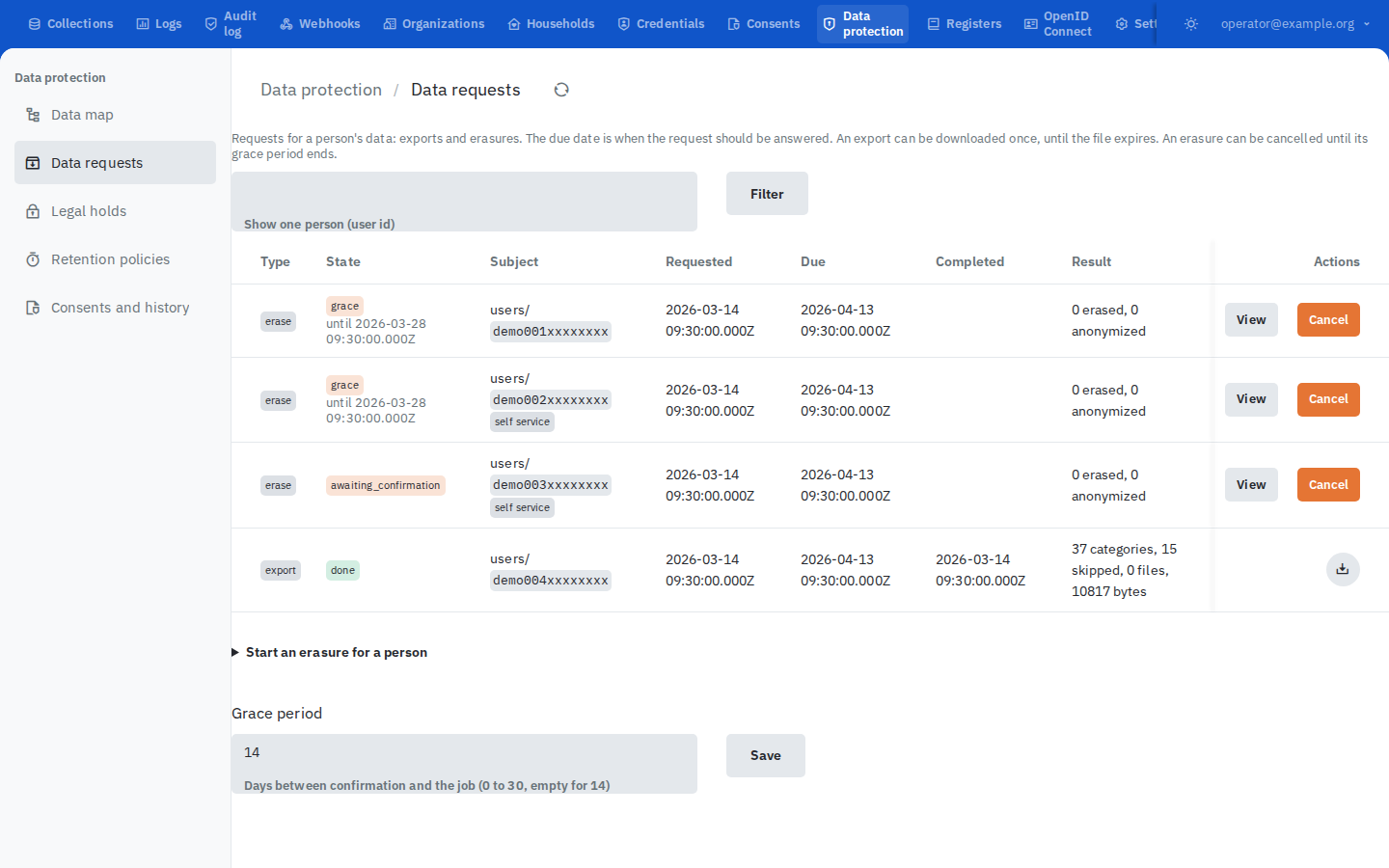
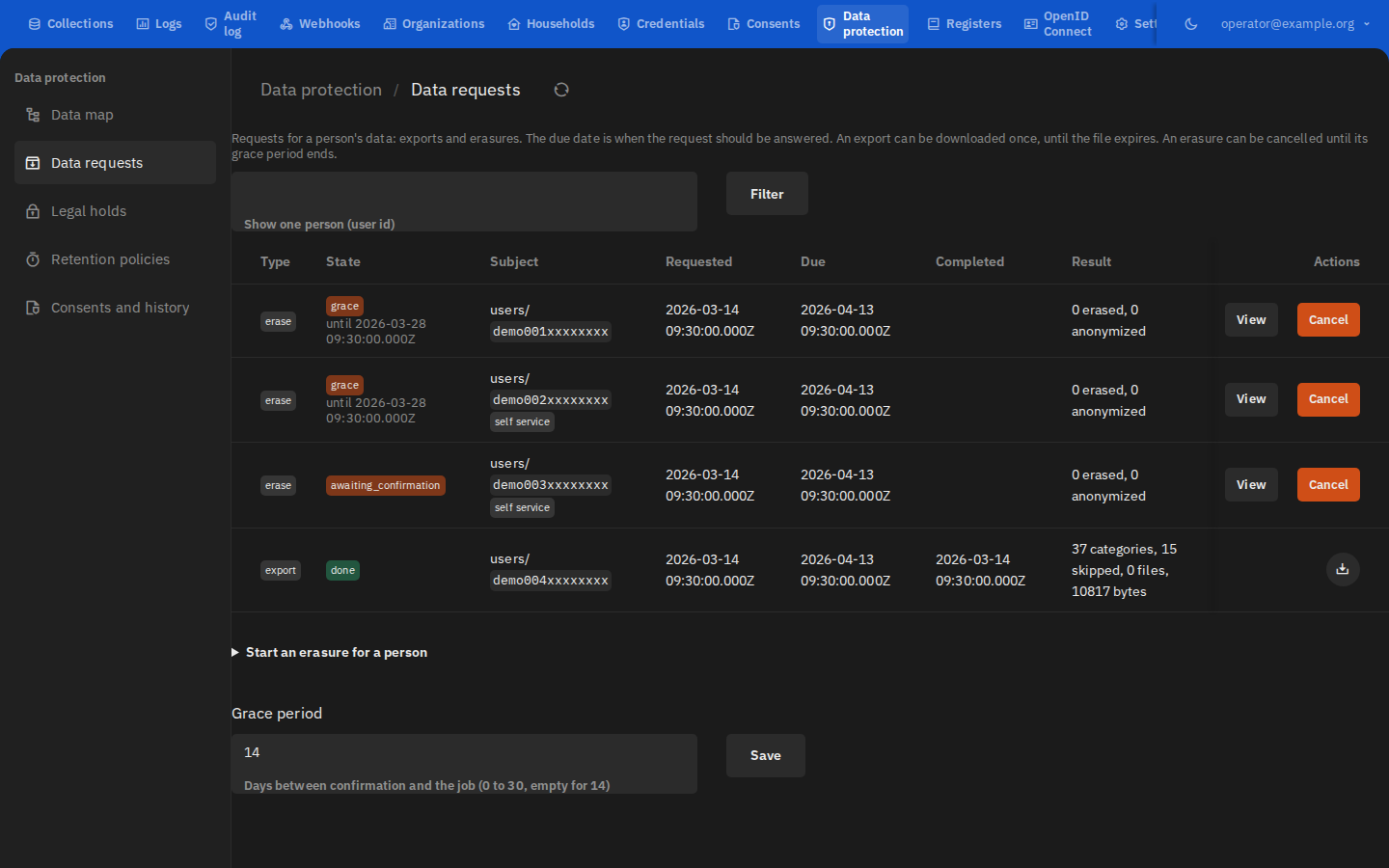
Open Data protection, then Data requests. The table lists exports and erasures with Type, State, Subject, Requested, Due, Completed, Result and Actions. To show one person, enter a user id in Show one person (user id) and press Filter.
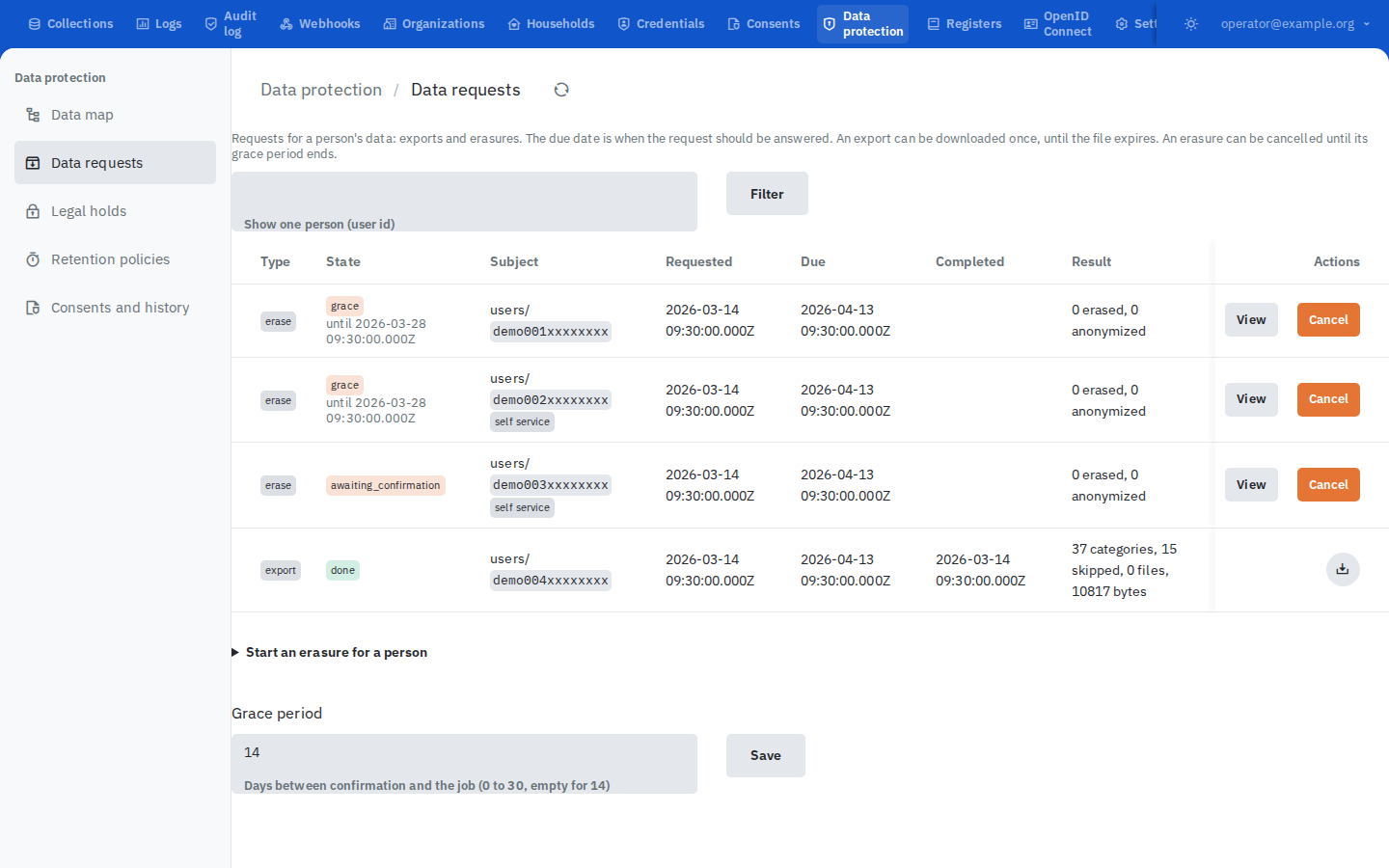
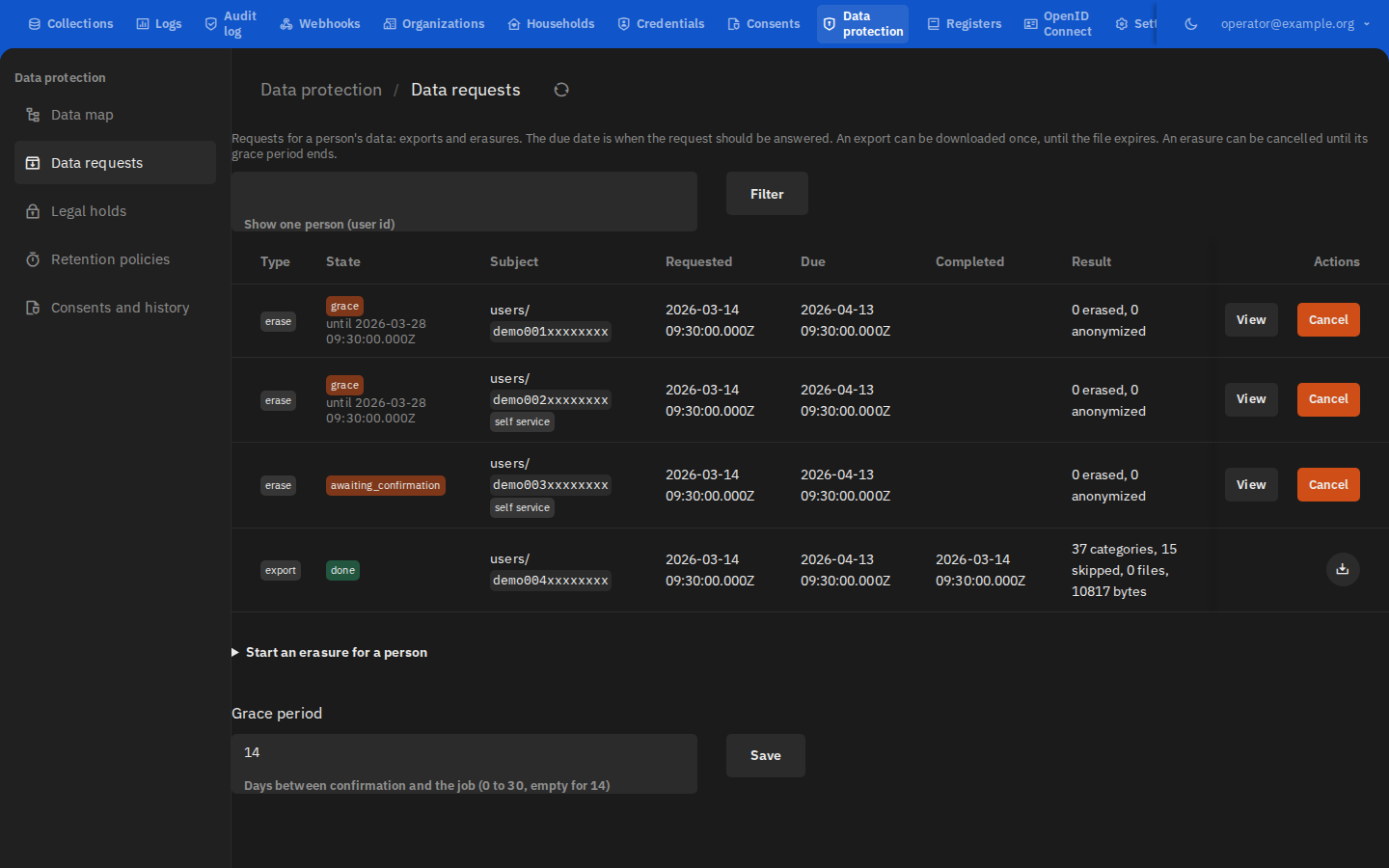
The Due date is when the request should be answered. For an export it is 30 days after the request.
- An export can be downloaded once, until the file expires. Press Download export in the row.
- An erasure can be cancelled until its grace period ends. Press Cancel and confirm. The account is unlocked and nothing is erased.
- Press View on an erasure to see its Result.
2. How an erasure runs
- The request starts as
awaiting_confirmation. The person gets an emailed link that works for 7 days. Only the button on the page confirms, so a mail scanner changes nothing. - After confirmation the state is
grace. The account is locked with apending_erasureban. Sessions end and API keys stop. - Until the job starts, the person can cancel with the link, or by signing in with a passkey.
- When the grace period ends, the job runs one step at a time and can resume after a restart.
- The state ends
done,partialwhen something was kept, orfailed.
The job reads the data map. Account rows are anonymized. Consent evidence is pseudonymized. Pastoral notes are kept for their author. Rows under a legal hold are skipped. Each final register entry gets a note and is restricted. The result lists what was kept, and why.
3. Set the grace period
- In Grace period, enter Days between confirmation and the job (0 to 30, empty for 14).
- Press Save.
A value of 0 starts the job at once. Pick a number of days that matches what you promise people.
4. Start an erasure for a person
Use this when a person asks you directly.
- Open Start an erasure for a person.
- Enter Person (record id). Enter Collection (empty for users) if the person is not in
users. Press Look up. - Decide how to check them. Either tick Ask the person to confirm by email first, or leave it off and fill in Identity check. Write how you checked who the person is, for example "Passport seen at the office". The text is kept in the request.
- Enter Grace period in days if you need a different value than the setting.
- Type the person's email or id in Type … to confirm.
- Press Start the erasure. Use your passkey when asked.
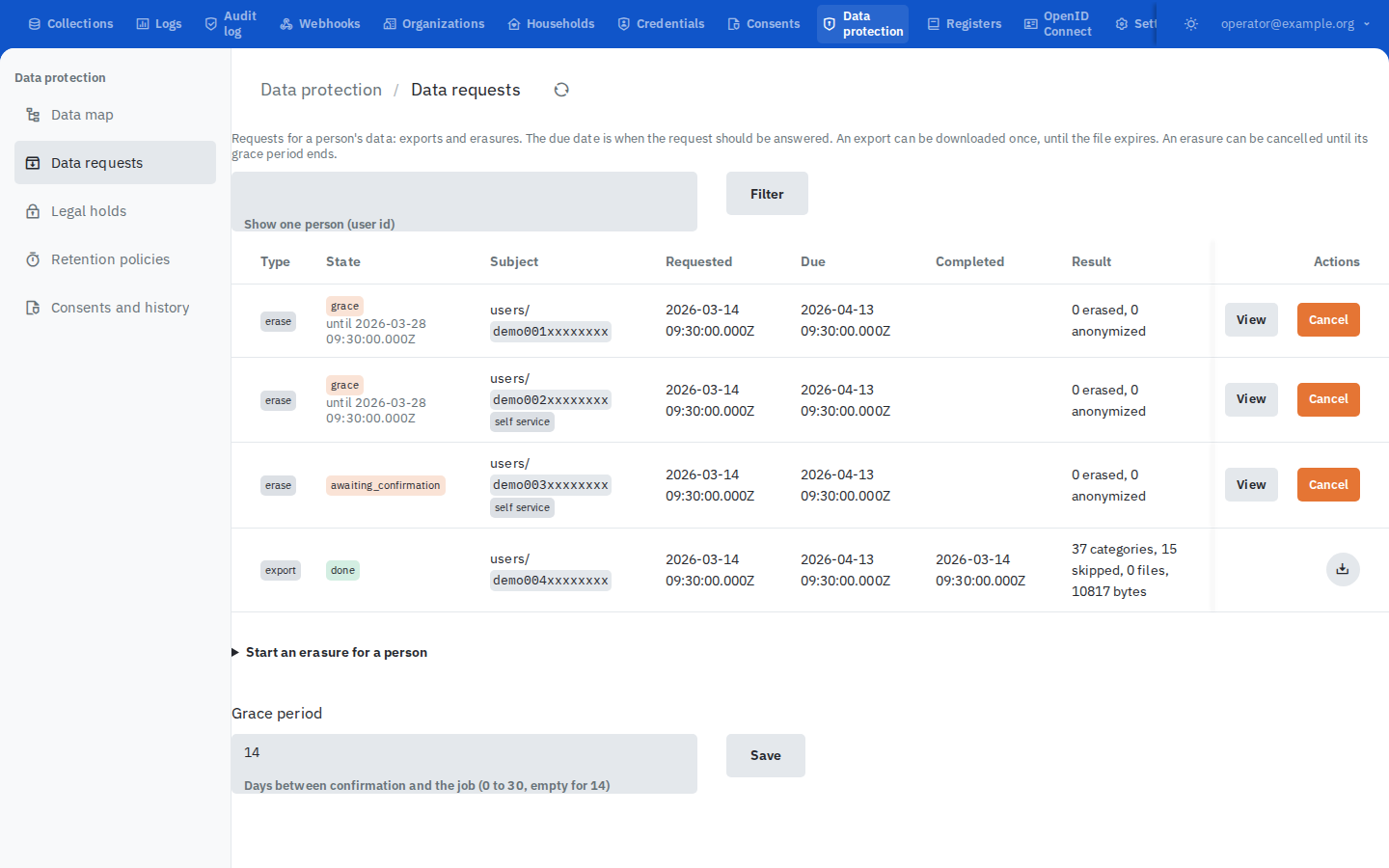
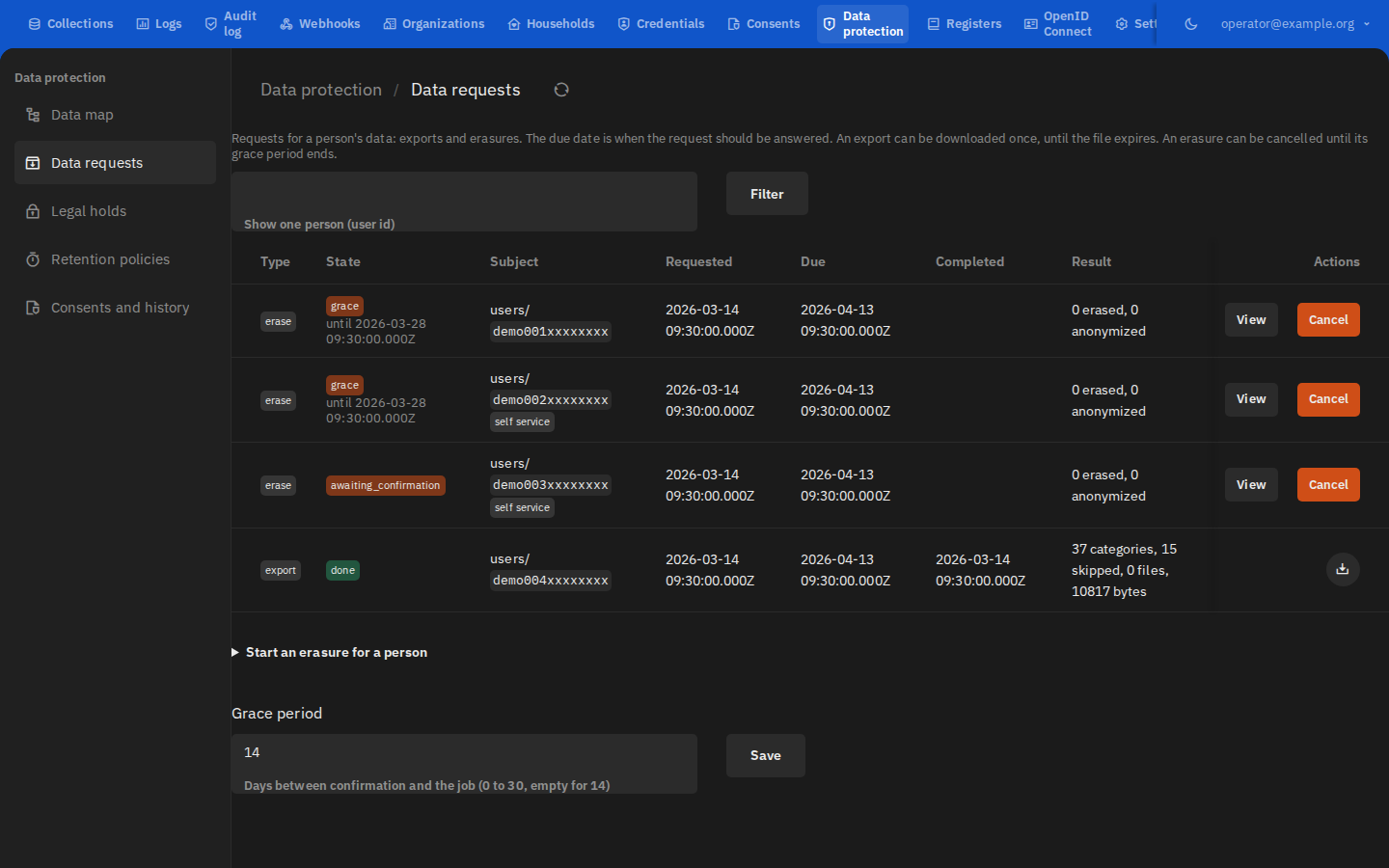
The account is locked at once. After the grace period the data is deleted or anonymized as the data map says. Check the person's identity yourself before you start. A phone call or a message is not enough. A superuser account cannot be erased with this tool.
Claviger refuses before it changes anything in two cases. One is the only active adult guardian of a household with an active minor. The other is the only active owner of an organization. Add another guardian or owner first.
5. Read the result
Result shows what was Erased, Anonymized and Pseudonymized, and the Notice to the person. A Kept table lists the collection, the rows, a code and the reason. A permanent register entry is retained by default, so the erasure ends partial.
The person is emailed the result before their address is anonymized. Someone without a usable address is not emailed. You read the result here.
6. Quick reference card
Cancel
- Find the row in Data requests.
- Press Cancel during
awaiting_confirmationorgrace.
Start
- Start an erasure for a person, Look up.
- Fill in the identity check, or ask for email confirmation.
- Type the email or id, press Start the erasure.
Ask a lawyer about three points. Which audit entries may be kept for security. Whether a church register may be kept against a request. How long consent evidence may be kept.