Set the limits of the personal data export
Set the file size, download time and request limits of the personal data export, and know what the export holds.
Superusers who answer requests for a person's data. You need to sign in to the admin screen at /_/.
A person may ask for a copy of their data (GDPR Articles 15 and 20). The export is one ZIP. Its limits decide whether large files are left out and for how long the download works.
What you will do, in one sentence
Open Settings, then Data export, set the five limits, and save.
Screens are captured from a seeded test system. Every name, address and number on the screens is invented. Prepared 15 November 2026.
1. What the export holds
The export follows the data map. Every collection on the map that holds personal data is exported, as the person's own rows only. The ZIP holds manifest.json, README.txt, one JSON file per collection under data/, and uploaded files under files/.
Secrets never leave. The export leaves out password hashes, token keys, passkey keys and one-time password hashes. Encrypted fields are exported decrypted, because they are the person's own data. The key never leaves the server.
The export of a collection you added yourself has no allowlist. It writes every field except password fields and fields whose name looks like a secret. If a row mixes in other people's data, split the collection or handle requests for it by hand.
2. Set the limits
Open Settings, then Data export.
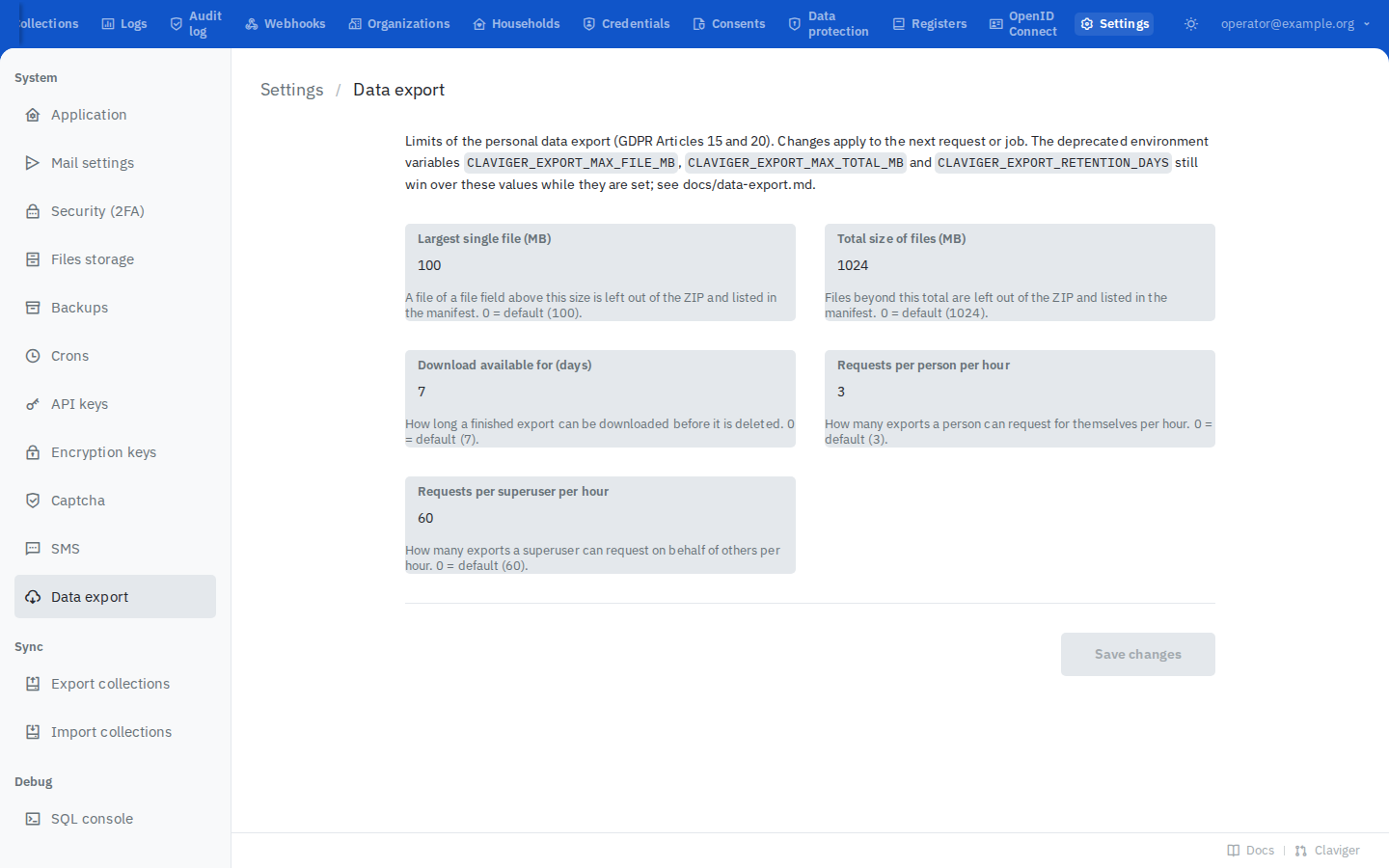
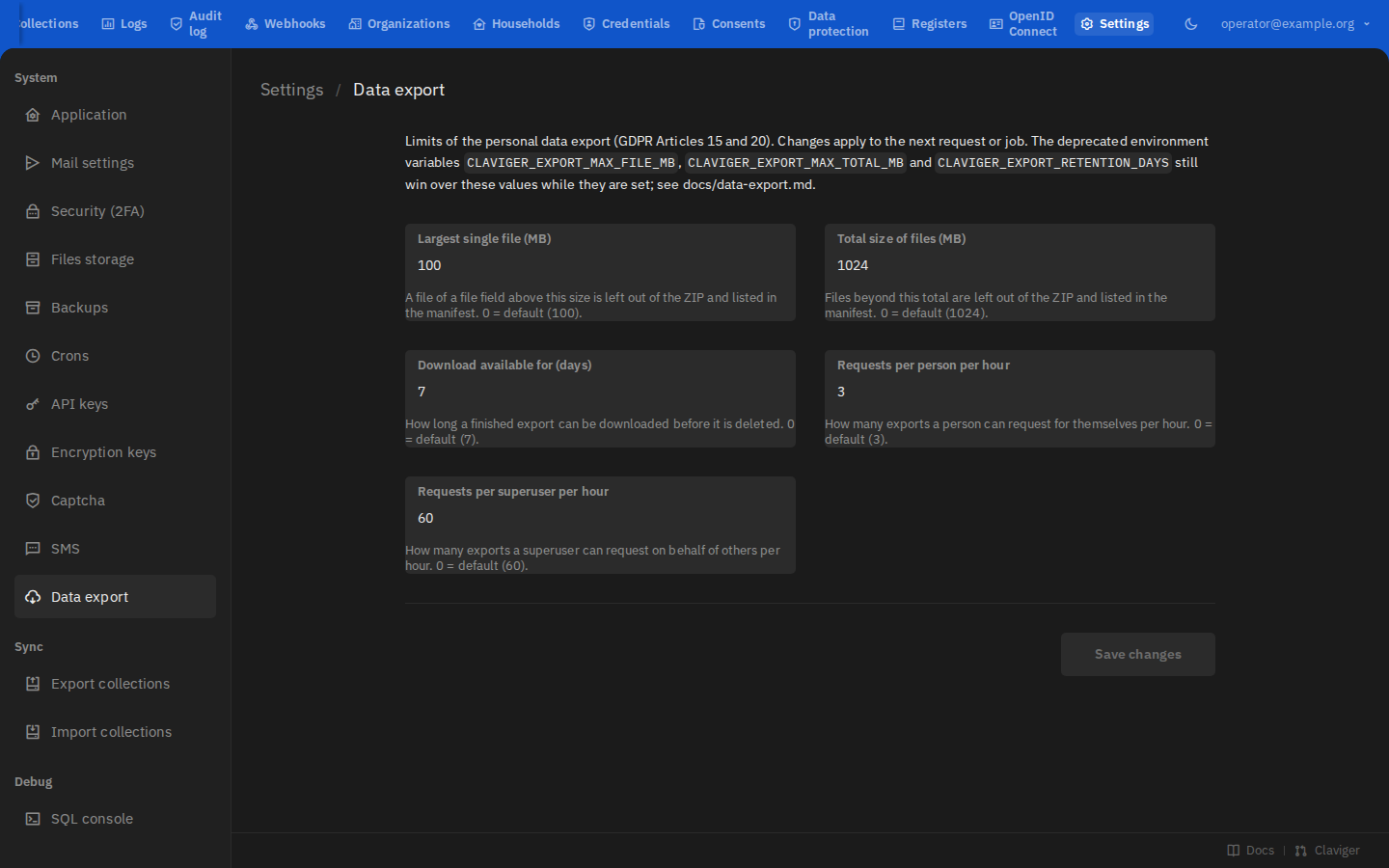
| Label | Default | Allowed | Meaning |
|---|---|---|---|
| Largest single file (MB) | 100 | 0 to 1024 | The largest single file put in the ZIP. |
| Total size of files (MB) | 1024 | 0 to 10240 | Files beyond this total are left out and listed in the manifest. |
| Download available for (days) | 7 | 0 to 30 | How long a finished export can be downloaded. |
| Requests per person per hour | 3 | 0 to 1000 | Exports a person may request for themselves. |
| Requests per superuser per hour | 60 | 0 to 10000 | Exports a superuser may request for others. |
A value of 0 means the default. Press Save changes. Limits take effect on the next request or job. A changed rate limit takes effect at once.
A file over the limit is listed in the manifest and the request ends partial. The same applies to anything else that was left out.
CLAVIGER_EXPORT_MAX_FILE_MB, CLAVIGER_EXPORT_MAX_TOTAL_MB and CLAVIGER_EXPORT_RETENTION_DAYS still work. A valid value beats the setting. Unset the variable to manage the limit here.
3. How people request an export
A signed-in person requests their own export. They need a fresh passkey, or their password when the account has no passkey. A superuser can request one for anyone with POST /api/gdpr/subjects/{id}/export. API keys cannot use these routes.
curl -X POST https://auth.example.org/api/gdpr/subjects/USER_ID/export \
  -H "Authorization: $TOKEN"
A person has one export at a time. The due date is 30 days after the request. States are queued, running, done, partial, failed, cancelled and expired.
The download works once. After the ZIP was sent in full, the file is deleted. A finished export expires after the days you set. For an export you made for someone else, you download it and pass it on.
4. What the log keeps
The audit log records gdpr_export_request, gdpr_export and gdpr_export_download, with ids and counts only. A webhook endpoint with the filter _dataRequests:* receives gdpr.export when an export finishes.
Request logs are not part of the export. They go away with the log retention setting logs.maxDays.
The export includes the person's legal holds, with reason and reference. Ask a lawyer first if a matter must not be disclosed. Pastoral notes can be held back from an export by an open hold. See the pastoral notes guides.
5. Quick reference card
Change a limit
- Settings, Data export.
- Edit the field. Use 0 for the default.
- Press Save changes.
Export for a person
POST /api/gdpr/subjects/{id}/exportwith your token.- Download the ZIP once. Pass it on safely.
Send the ZIP only to the person who asked. It holds decrypted personal data.