Read and rotate the OpenID Connect signing keys
Check the keys that sign tokens, rotate them, and know when old keys leave.
Superusers who run the OpenID Connect provider.
The signing keys prove that a token came from Claviger. If a key may have leaked, rotate it. Applications read the new key from the published key set without any change on their side.
What you will do, in one sentence
Open OpenID Connect, read the Signing keys table, and choose Rotate keys.
Screens are captured from a seeded test system. Every name, address and number on the screens is invented. Prepared 15 November 2026.
1. The table
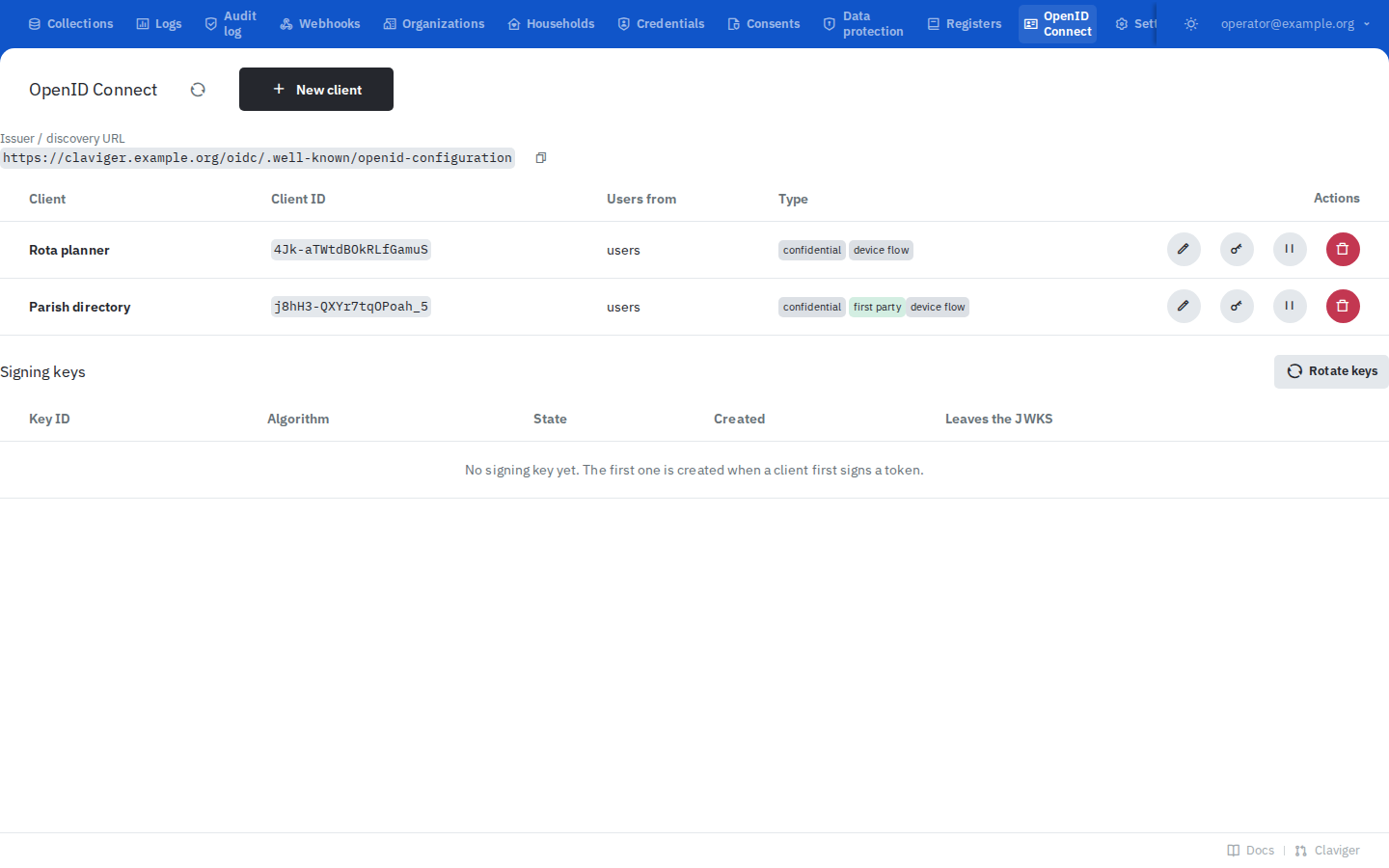
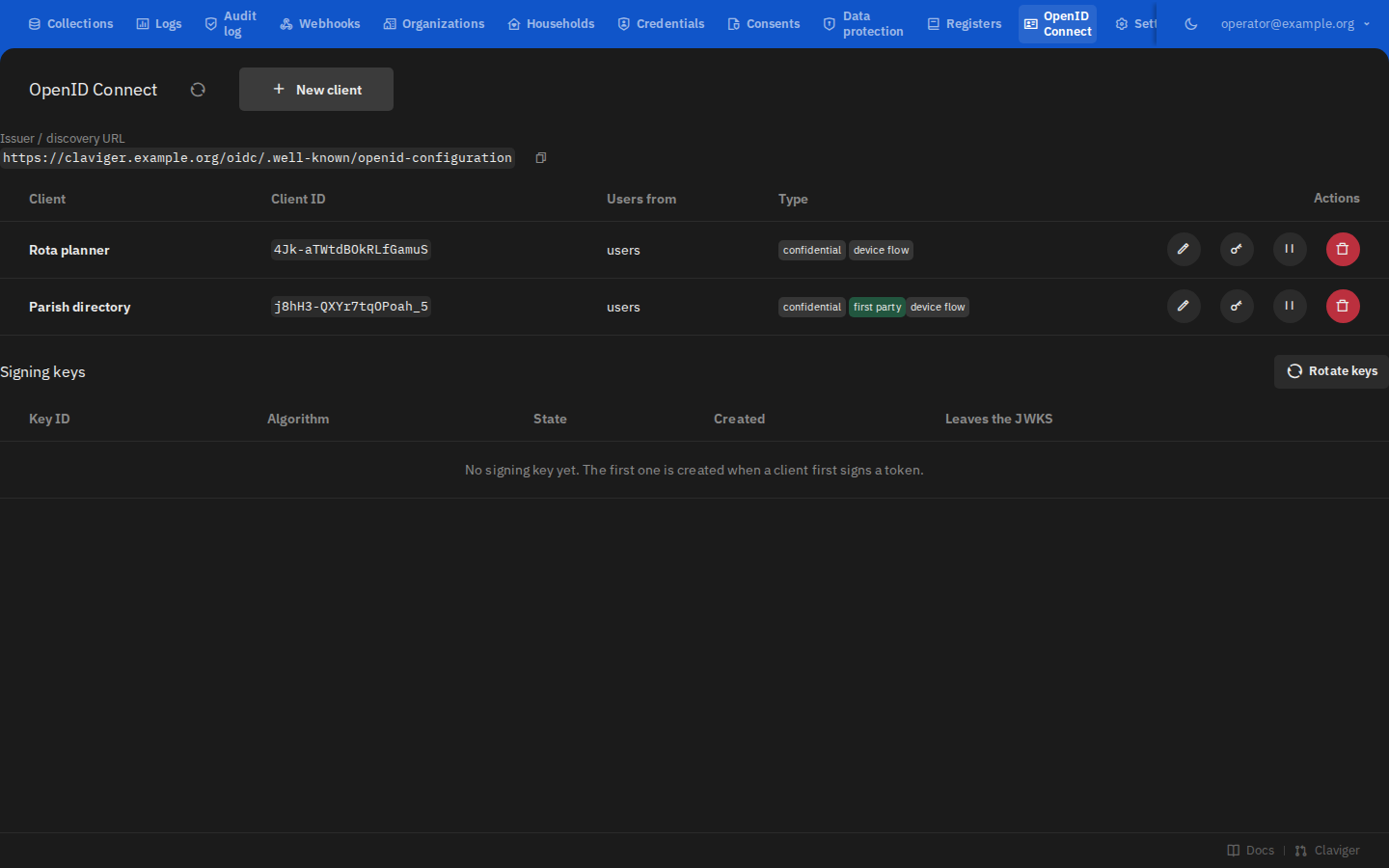
Open OpenID Connect. Scroll to Signing keys.
| Column | Meaning |
|---|---|
| Key ID | The kid in the header of each token. |
| Algorithm | RS256 or ES256. |
| State | active, retiring or retired. |
| Created | When the key was made. |
| Leaves the JWKS | When a retiring key stops being published. A dash means it stays. |
Claviger keeps one active key for each algorithm. It creates the first key when a client first needs a signed token. Before then the table says No signing key yet.
A key marked not encrypted (dev mode) is stored without encryption. That is allowed only in dev mode. Outside dev mode the provider needs the settings encryption key.
2. Rotate the keys
- Choose Rotate keys.
- Read the question. It says the current keys stay published for 7 days, so tokens already issued keep verifying.
- Confirm. A toast says New signing keys created.
The table then shows the new keys as active and the old ones as retiring, with a leaving date.
Applications read the keys from the JWKS address. Old keys stay published for the grace period. Check that each application refreshes its copy before the old key leaves.
3. When a key is gone
- A retiring key keeps verifying the tokens it signed until its leaving time. Then it leaves the JWKS.
- A later rotation deletes keys that retired more than 30 days before.
- Rotations are audited. The private key is hidden in audit entries and never returned by an API.
If you lose or change the settings encryption key, the stored keys become unreadable. Create new ones. The command line also offers claviger oidc rotate-keys, with --alg and --grace options.
Changing the settings encryption key without a plan makes the stored signing keys unreadable. Rotate keys after such a change.
4. Quick reference card
Rotate
- OpenID Connect, Rotate keys.
- Confirm.
- Check the new
activerow.
Check the plan
- Old keys stay for 7 days.
- Watch Leaves the JWKS.
The grace period is 7 days by default. Use the command line to change it.