Manage households, guardians and minors
Create households, add people, set guardians and mark minors on the Households screen.
Superusers who run a Claviger install with at least one organization. A superuser counts as staff of every organization.
A household holds a family's contact data and says which adults may manage the children. It also holds birth dates, allergies and medical notes. Set the encryption key first, or Claviger refuses to store them.
What you will do, in one sentence
Set the key-encryption key, pick an organization, then create a household and add its people.
Screens are captured from a seeded test system. Every name, address and number on the screens is invented. Prepared 15 November 2026.
1. Set the key before you add children's data
The address, home phone, birth date, allergies and medical notes are encrypted fields. Claviger encrypts them only when the server has a key-encryption key. The server reads it from CLAVIGER_KEK.
Until the key exists, Claviger refuses to store a value in these fields. The screen says: configure a key-encryption key (CLAVIGER_KEK) and restart the server. Ask your developer to set the key and restart before staff enter any child's details.
Claviger turns the fields into encrypted fields at the next start after the key is set. It also encrypts the values that are already there.
2. Find or create a household
- Open Households in the admin menu.
- Choose an Organization. If none exists, the page says "Create an organization first."
- Choose a Status: all,
activeorarchived. The list shows the first 200 households of the organization. - Press New household. Enter Household name. You may add First person (optional), Street, City and Home phone. Press Create.
The first person is added as head and guardian.
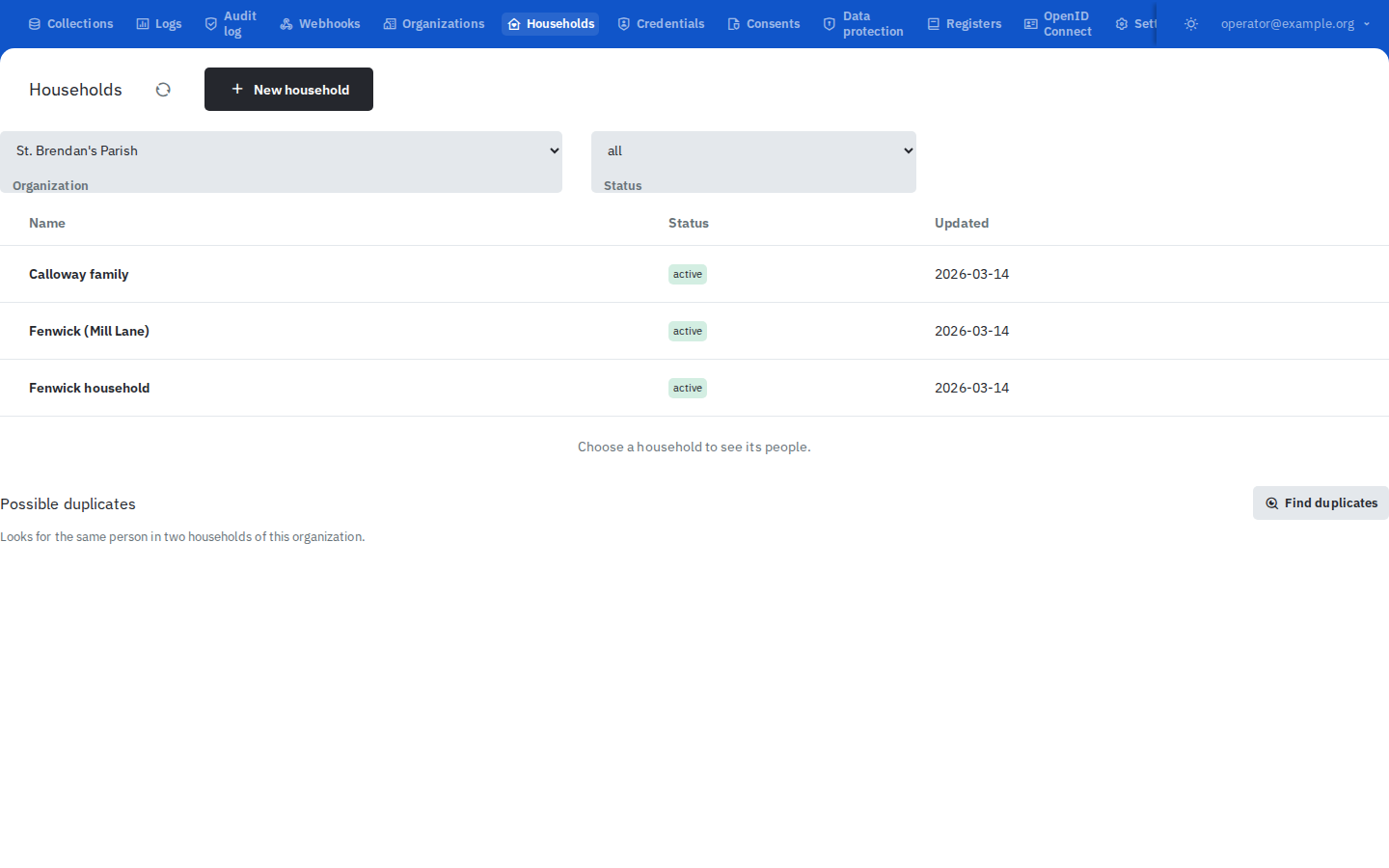
Select a household to see its people. The table shows Name, Role, Flags, Birth date, Allergies / medical, Login and Actions.
Press Edit above the table to change the Name, address, Home phone or Status. Press Archive to close a household. People stay, but nobody can add to it. Restore reopens it.
3. Add and edit people
- Press Add person.
- Enter Name. Choose a Role:
head,spouse,adult,childorother. - Tick Guardian for an adult who may manage the children.
- Tick Minor for a child. It follows the birth date when you enter one.
- Enter Birth date (YYYY-MM-DD), Allergies and Medical notes if you need them.
- Leave Login (user id) empty for a child. Press Add.
On an existing person, press Edit. The form then also shows Status: active, left or deceased. The guardian icon toggles the guardian flag after a confirmation. Remove deletes the person's row after a confirmation.
4. Rules the server enforces
Claviger answers in words when a change breaks a rule.
- A minor has no login. A minor is never a guardian.
- A household with an active minor keeps at least one active adult guardian. You cannot demote, remove or mark as
leftordeceasedthe last one. - The same login appears once per household.
- When a birth date is set, Minor follows it and the organization's graduation age. The default is 18. A superuser can set
graduationAgefrom 14 to 21 in the organization settings. - A daily job turns
isMinoroff for people who reach the age. It writes an audit entry without a name or a birth date.
A guardian flag is a church record. It is not a legal finding. Claviger does not decide custody. Staff can remove a guardian flag quickly when they must, if another adult guardian remains. Ask a lawyer how to handle a custody dispute. Age rules for children's accounts also differ by country, so ask a lawyer before you change the default of no logins for minors.
5. Who is staff
Staff of an organization are its owners, its admins and its active members tagged registrar. A viewer is never staff. Staff of a parent organization do not see a household through the tree. Give them a role in the home organization.
Every change is a normal record write in the audit log, with meta.orgId. Household collections never produce webhooks.
6. Quick reference card
Add a family
- Households, pick the Organization.
- New household, enter the name and first person.
- Add person for each other member.
Before a child goes in
- Check that
CLAVIGER_KEKis set and the server restarted. - Mark the child Minor. Leave Login empty.
- Keep one adult Guardian in the household.
Erasing one person keeps the household record, because it belongs to the others too.