Merge, split and de-duplicate households
Join two households, split one into two, and find people who appear twice.
Superusers who clean up household data after a marriage, a move or an import.
A merge or a split moves people and the records about them. Claviger refuses a result that leaves a child without an adult guardian. The audit entry is the only record of who moved.
What you will do, in one sentence
Select a household, then use Merge another in, Split, or Find duplicates.
Screens are captured from a seeded test system. Every name, address and number on the screens is invented. Prepared 15 November 2026.
1. Merge a household into another
- Select the household that will stay.
- Press Merge another in.
- In Household to merge in, pick the other household. Its people move here and the other household is closed.
- Press Merge. Confirm.
Both households must be active and belong to the same organization. Every person row of the source moves, whatever its status. The source becomes archived.
Claviger refuses a merge that would leave an active minor without an active adult guardian. It also refuses when the same login sits in both households.
Two rows for one person stay two rows. Remove one by hand. The merge cannot be undone in this screen. To reverse it, split with the recorded ids.
2. Split a household
- Select the household.
- Press Split.
- Enter Name of the new household.
- Tick Move next to each person who leaves.
- Press Split. The notice says how many people moved.
The new household has no address and no phone. Staff or a guardian enter them on purpose, because they are sensitive. Someone must stay in the source. The rules about minors and guardians hold on both sides, or the split is refused.
3. Find duplicates
- Under Possible duplicates, press Find duplicates.
- The table lists Person, Household, a second Person and Household, and a Reason.
- Press Merge second into first to merge the household of the second person into the first.
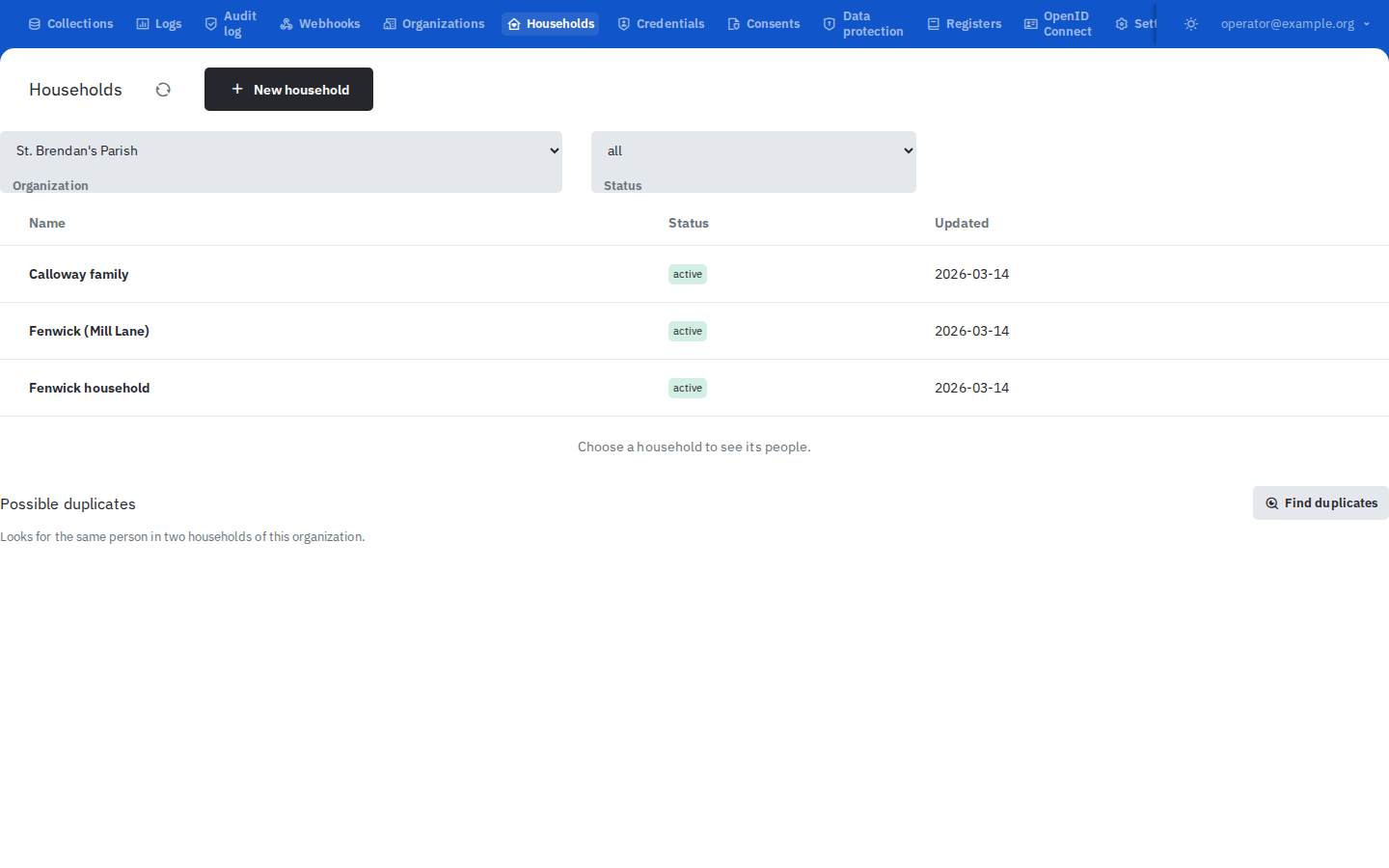
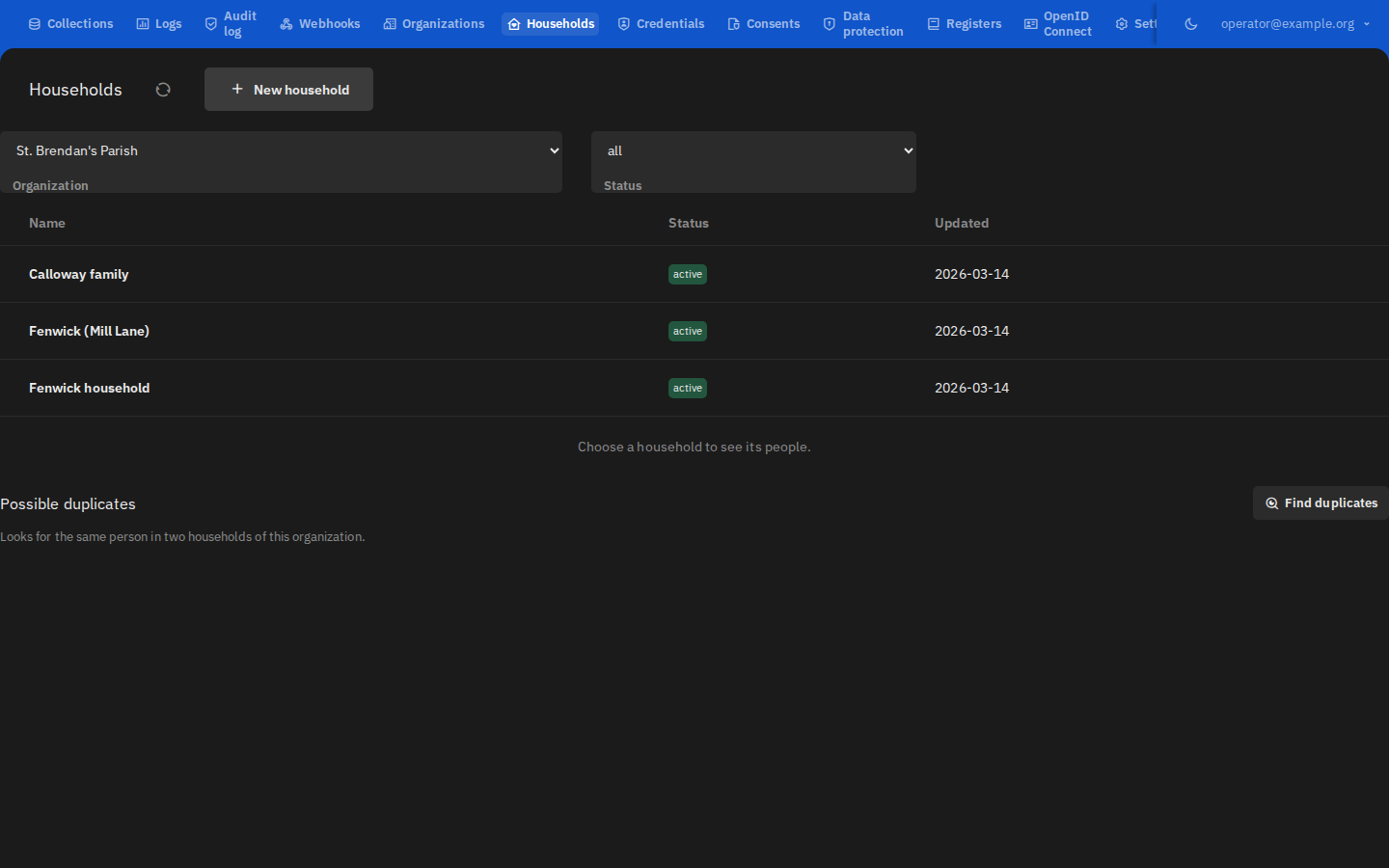
Claviger matches the same name and birth year in any household, or the same name inside one household. It never shows the birth year. If the key is not set yet, only the same-household rule runs.
A server without these routes answers that the feature is not available on this server.
4. What the audit log records
Merge and split each run in one transaction. They write one audit entry: household_merge or household_split. The entry holds ids only. It holds no names and no birth dates.
5. Quick reference card
Merge
- Select the household to keep.
- Merge another in, pick the other one, Merge.
Split
- Split, name the new household, tick the people to move.
- Press Split.
Check the guardians of both households before you press the button.