Define credential types and gate collections on them
Create the credential types an organization recognizes, and copy the rules that gate a collection on a type.
Superusers who set up safeguarding for a congregation. Organization owners and coordinators use the API or their own tools.
A type with a lapse date closes access to children's data by itself when a check expires. No job has to run. Claviger stores a yes-or-no attestation, never a background check report.
What you will do, in one sentence
Open Credentials, pick the organization, add a type in Credential types, then copy its Rule snippet into the collection's API rules.
Screens are captured from a seeded test system. Every name, address and number on the screens is invented. Prepared 15 November 2026.
1. What Claviger stores
Claviger stores an attestation: the credential type, the dates, who issued it, and which coordinator recorded and verified it. It does not run checks, call a vendor or keep a report.
Background-check data is regulated in many places, for example FCRA in the US and DBS in the UK. Ask a lawyer what you may store and for how long before you rely on this. Documents are off by default for that reason.
2. Add a credential type
- Open Credentials in the admin menu. Choose an Organization.
- In Credential types, press New type.
- Fill in the form, then press Create.
| Field | What to enter |
|---|---|
| Key | Lowercase letters, digits and _, 2 to 40 characters, such as safe_environment. It cannot change. |
| Name | The name people see. |
| Valid for (months, 0 = set each expiry by hand) | How long a credential lasts. The default is 12. |
| Needs a second verifier | Tick it to require a second coordinator before the credential counts. |
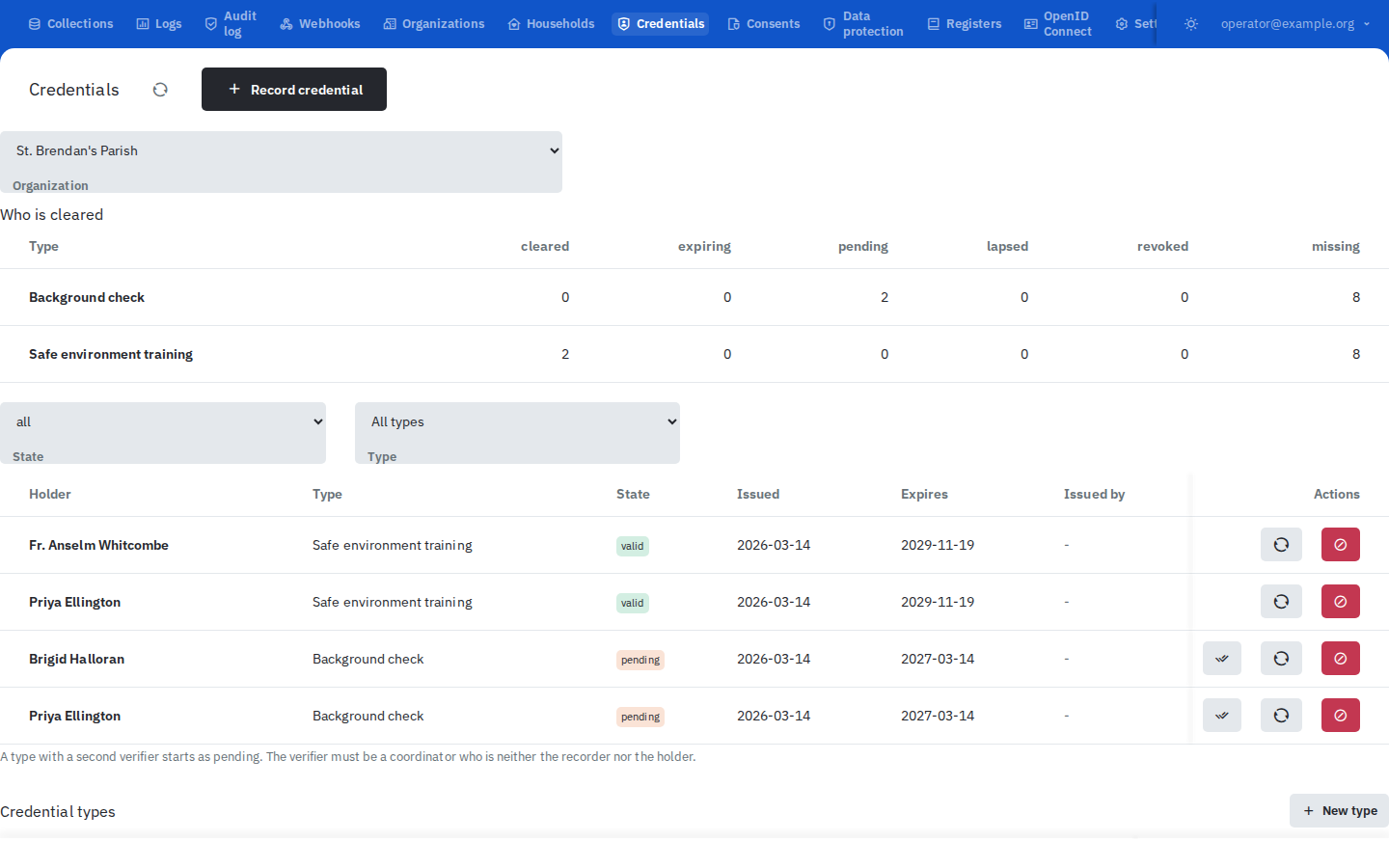
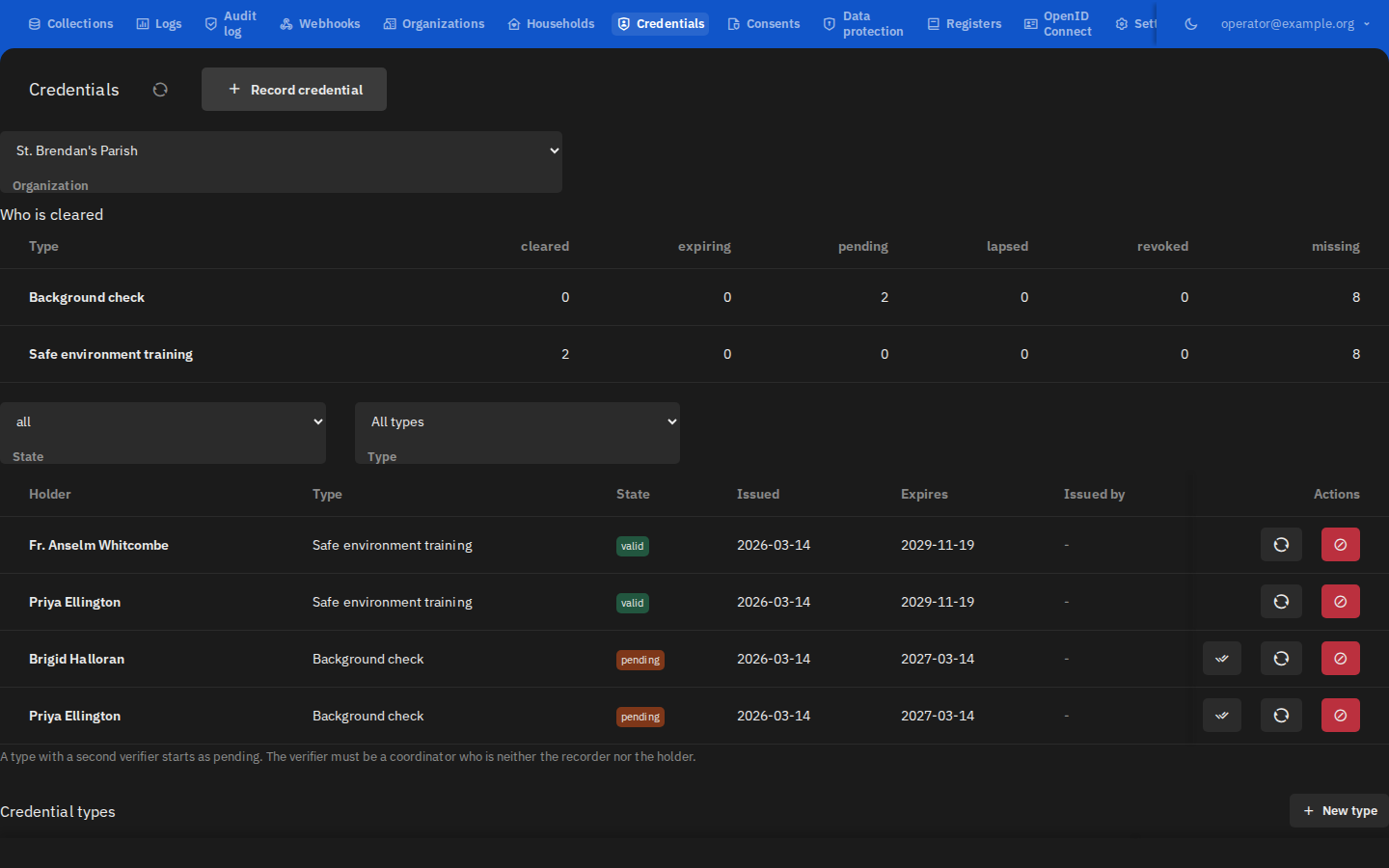
The table shows Name, Key, Valid for, Second verifier and Status. A type defined at an organization also applies to every organization below it. Inherited types show "(inherited)" and are read-only.
3. Edit, retire or delete a type
- Edit changes the name, validity or verifier setting of your own types.
- Retire stops new use of a type. Reactivate brings it back.
- Delete asks you to confirm. A type that has credentials cannot be deleted. Retire it instead.
4. Gate a collection on a type
Press Rule snippet in a type's row. The page shows the List, View, Create, Update and Delete rules for a collection with an org relation. Members then need a current credential of that type, issued by the record's organization or any organization above it.
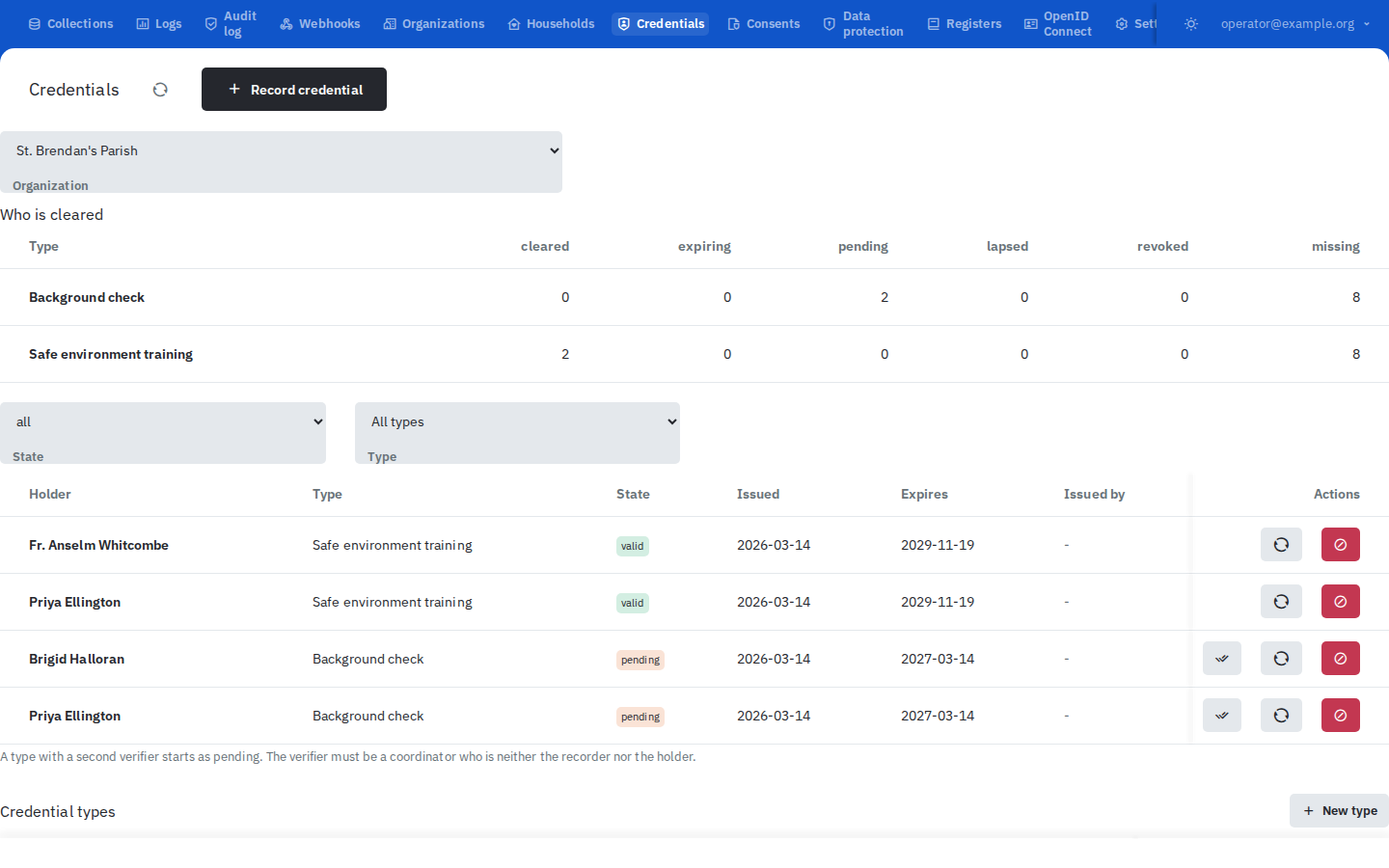
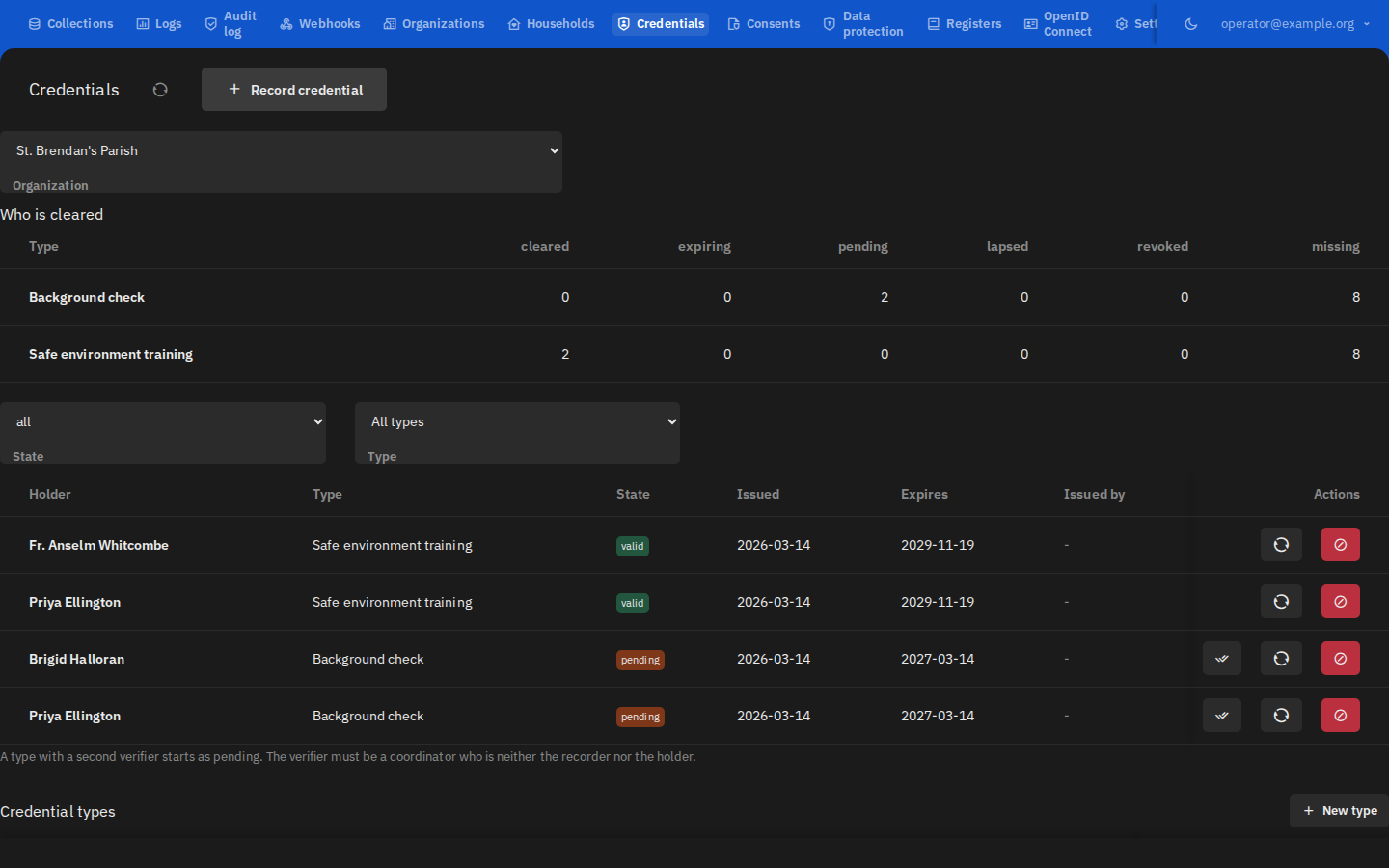
Paste the rules into the collection's API rules. They come from the same code the server tests.
- A lapse closes access at once, because the rule reads the expiry date.
- Data a client already fetched stays on that client. Apps should fetch again after an empty list.
- A silent empty list looks like a bug to a volunteer. Tell volunteers why. Coordinators can see who is affected on this screen.
5. Settings kept in the organization
These are set by editing the organization's settings as a superuser.
| Setting | Meaning |
|---|---|
credentialDocuments | Set to true to allow a scanned document. Off by default. A type cannot require a document while it is off. |
credentialReminderDays | One to five reminder thresholds, each 1 to 365 days. The default is 30 and 7. |
6. Quick reference card
New type
- Credentials, pick the organization.
- New type, enter Key, Name, Valid for.
- Press Create.
Gate a collection
- Press Rule snippet in the type's row.
- Paste the rules into the collection's API rules.
A coordinator is an owner, an admin, or a member tagged safeguarding. A viewer never is.