Encrypt backups and keep the key safe
Turn on encrypted backups, restore and decrypt them, and keep the key where you can still reach it.
Developers and self-hosters who copy backups off the server, for example to S3 or a downloaded file.
An encrypted backup can only be read with the key it was made with. If you lose the key, you lose every encrypted backup, and Claviger cannot recover them.
What you will do, in one sentence
Set a key, escrow a copy, switch on Encrypt new backups, and test a restore with only the escrowed key.
Screens are captured from a seeded test system. Every name, address and number on the screens is invented. Prepared 15 November 2026.
1. Turn it on
Backup encryption is off by default. When it is off, nothing about backups changes.
- Set a key-encryption key. See the field encryption guide. The same key covers fields and backups.
- Store a copy of the key away from the server and away from the backups.
- Open Settings, then Backups. Switch on Encrypt new backups. You can also send
PATCH /api/settingswithbackups.encryptset totrue.
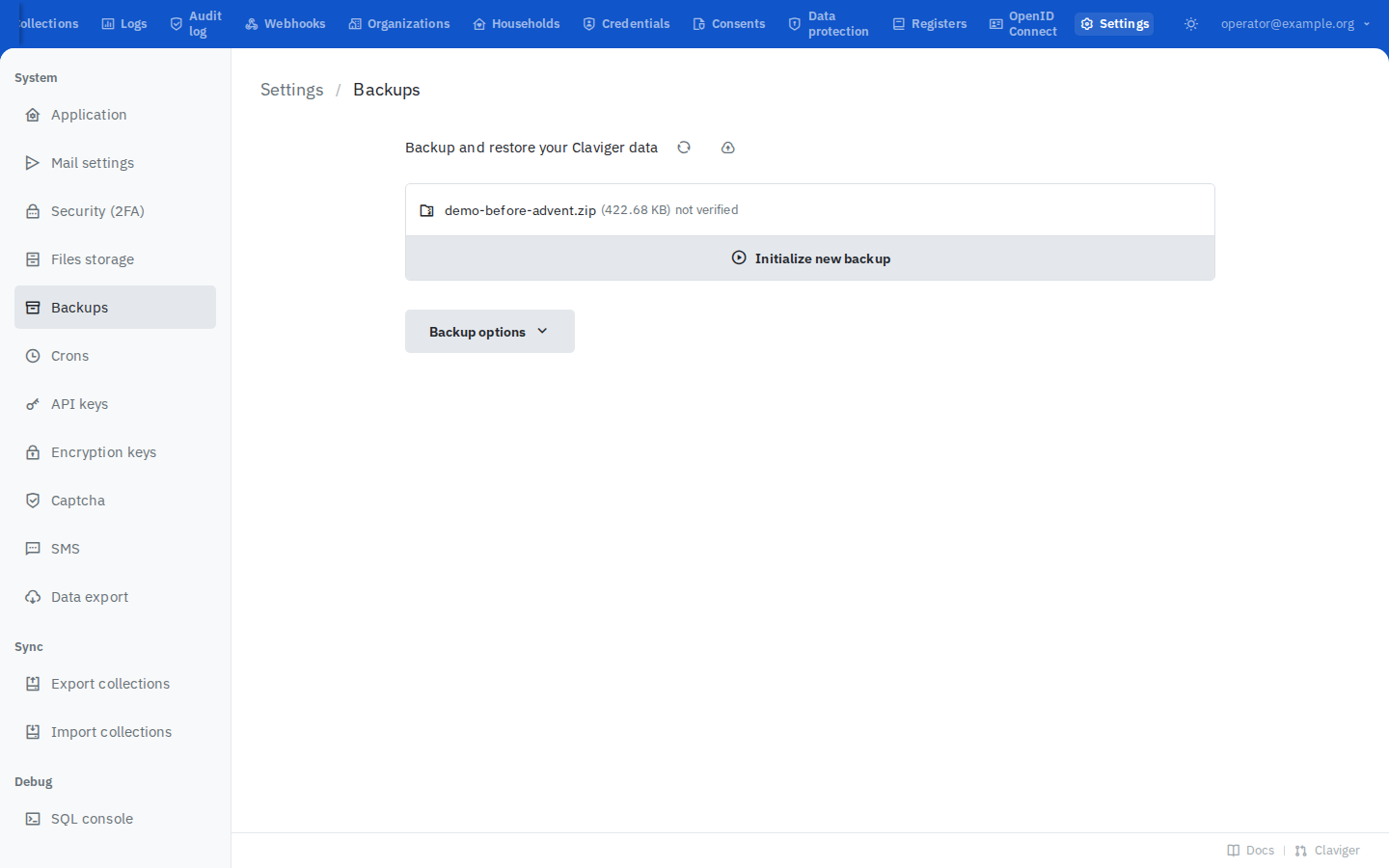
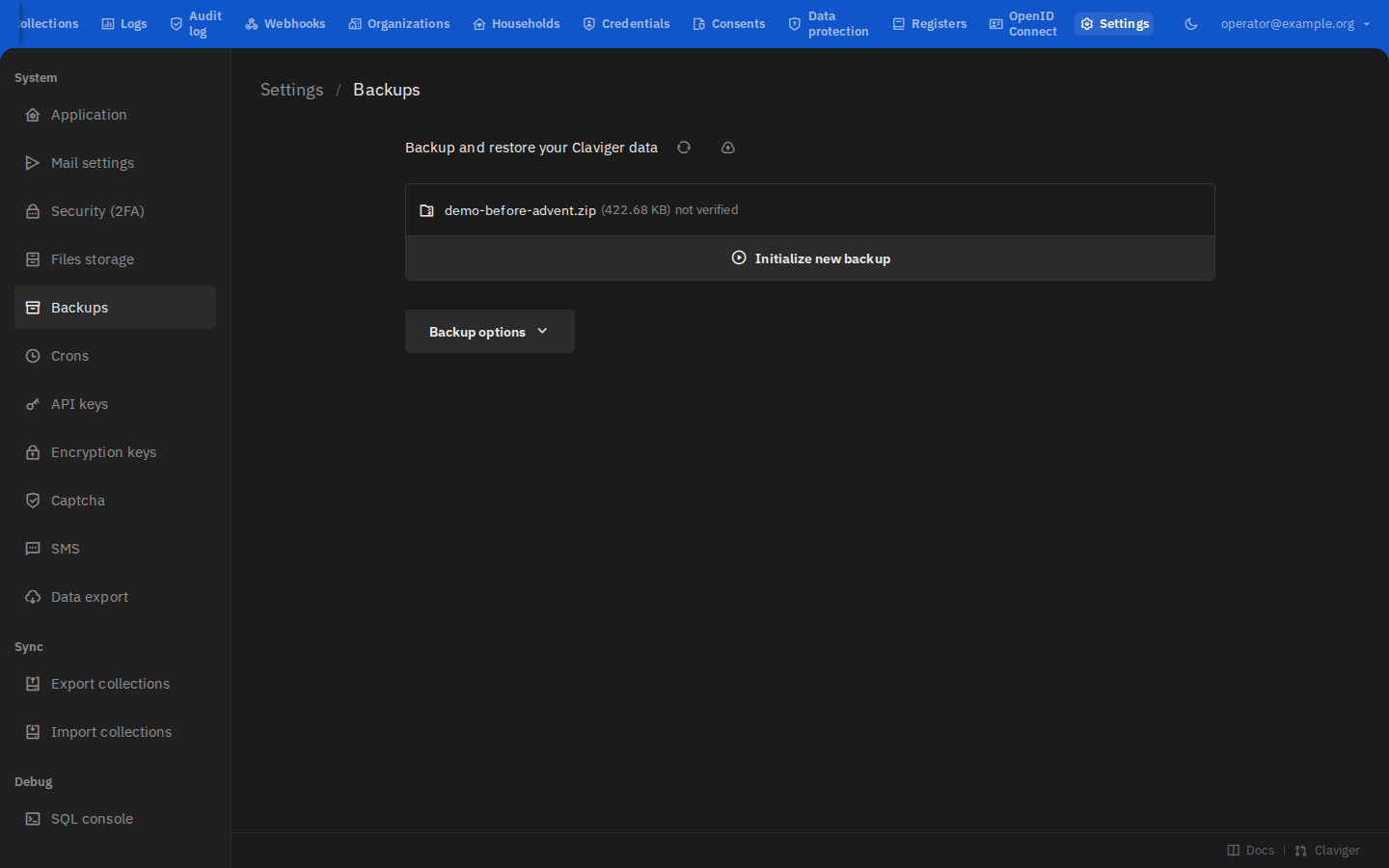
Saving the setting checks at once that the key can wrap and unwrap. If it cannot, the save is refused with the reason. You find out now, not when the nightly backup fails.
From then on, new backups are stored as .zip.enc. That covers manual backups, auto backups and S3 uploads. A manual backup named church.zip is stored as church.zip.enc.
The archive is encrypted as it is written. The plain zip never touches the disk. If the key is missing at backup time, the backup fails and leaves no file. It never falls back to a plain backup.
2. Restore and verify
Restore and verify work the same as for a plain backup. Pick the backup in the dashboard, or call POST /api/backups/{key}/restore.
The backup is decrypted into a temporary directory first, and every chunk is checked. pb_data is not touched until the whole archive is decrypted. A wrong key, a rotated-away key or a damaged file stops the restore and leaves pb_data as it was. The error names the key id the backup needs.
Plain backups stay restorable, with the setting on or off. Claviger reads the first bytes of a file, not its name, to tell the two apart.
Automatic restore verification also decrypts the backup. A backup that cannot be opened fails its check and alerts the superusers.
3. Download and decrypt offline
The download button returns the encrypted file as stored. To decrypt it where you hold the key:
claviger backups decrypt church.zip.enc --out /safe/place/church.zip
The command needs no running server and does not touch pb_data. It reads the key from the same variables as the server, plus the *_OLD variables for a backup made under an earlier key. A wrong key leaves nothing behind. --force overwrites an existing output file.
The result is a standard zip file.
4. Key escrow
If you lose the key, you lose every encrypted backup. Claviger cannot recover them. Backups that sit next to the key protect nothing.
- Keep a copy of the key in one place that is not the server and not the backup storage. A password manager and a sealed envelope held by two people both work.
- With Azure Key Vault, a backup is only as durable as the vault key. Turn on soft delete and purge protection.
- Test your escrow once. Take an encrypted backup to a clean machine, set only the escrowed key, and run
claviger backups decrypt. - If you also use field encryption, one escrowed key covers both.
5. After a key rotation
Each encrypted backup records the id of the key that wrapped it. It is never rewritten.
- New backups use the new key.
- Old backups stay readable only while the old key is provided. Set
CLAVIGER_KEK_OLDor the matching*_OLDvariable next to the new key, for the server and forclaviger backups decrypt. keys rewrapdoes not touch backup files.
The last step of a key rotation removes the *_OLD variable. That makes every backup made under the old key unreadable on that server. First do one of two things. Keep the old key in escrow for as long as you keep those backups. Or take a fresh backup under the new key and delete the old ones. The setting cronMaxKeep decides how long backups stay.
6. Quick reference card
Turn on
- Set a key. Escrow a copy.
- Settings, Backups, Encrypt new backups.
Decrypt a file
claviger backups decrypt <name>.zip.enc- Use
--outto choose the output path.
Encryption protects the backup file. It does not change what is inside. SMTP and S3 passwords sit in data.db and are only as safe as the key. On Postgres installs, encrypt your pg_dump separately.