Manage webhook endpoints and deliveries
Add an endpoint, send a test event, read deliveries, redeliver a failed one, and rotate the signing secret.
Superusers who connect Claviger to another service that must hear about record changes.
A webhook sends record data to another system. A wrong address leaks that data. A lost secret lets others forge events, so rotate it.
What you will do, in one sentence
Open Webhooks, choose New webhook, give an https address and the events, copy the secret, and send a test event.
Screens are captured from a seeded test system. Every name, address and number on the screens is invented. Prepared 15 November 2026.
1. Add an endpoint
With no webhook, nothing is sent and no background work runs. Open Webhooks in the header.
- Choose New webhook.
- Type the URL (https), for example
https://hooks.example.org/claviger. - Type a Description so you remember what it is for.
- List the Events (one per line).
- Keep Enabled on, then choose Create.
| Event filter | Matches |
|---|---|
* | Every event. |
users:create | One collection and one action: create, update or delete. |
users:* | Every action on one collection. |
*:delete | One action on every collection. |
Only https addresses work. Private and internal network addresses are always refused. Claviger does not follow redirects. Some collections never produce events, such as the audit log.
Each event holds the record after the change and, for updates, the old values of the changed fields. Passwords, tokens, secrets, hidden fields and encrypted fields appear as [redacted]. Other fields are sent as they are. Send events only to services you trust, and list only the events you need.
2. Copy the signing secret
A window shows the Signing secret once. It starts with whsec_. Copy it and give it to the service that receives the events. That service uses it to check each signature.
No page, API, log or audit entry shows it again. If you lose it, rotate the secret.
3. Test, read deliveries and redeliver
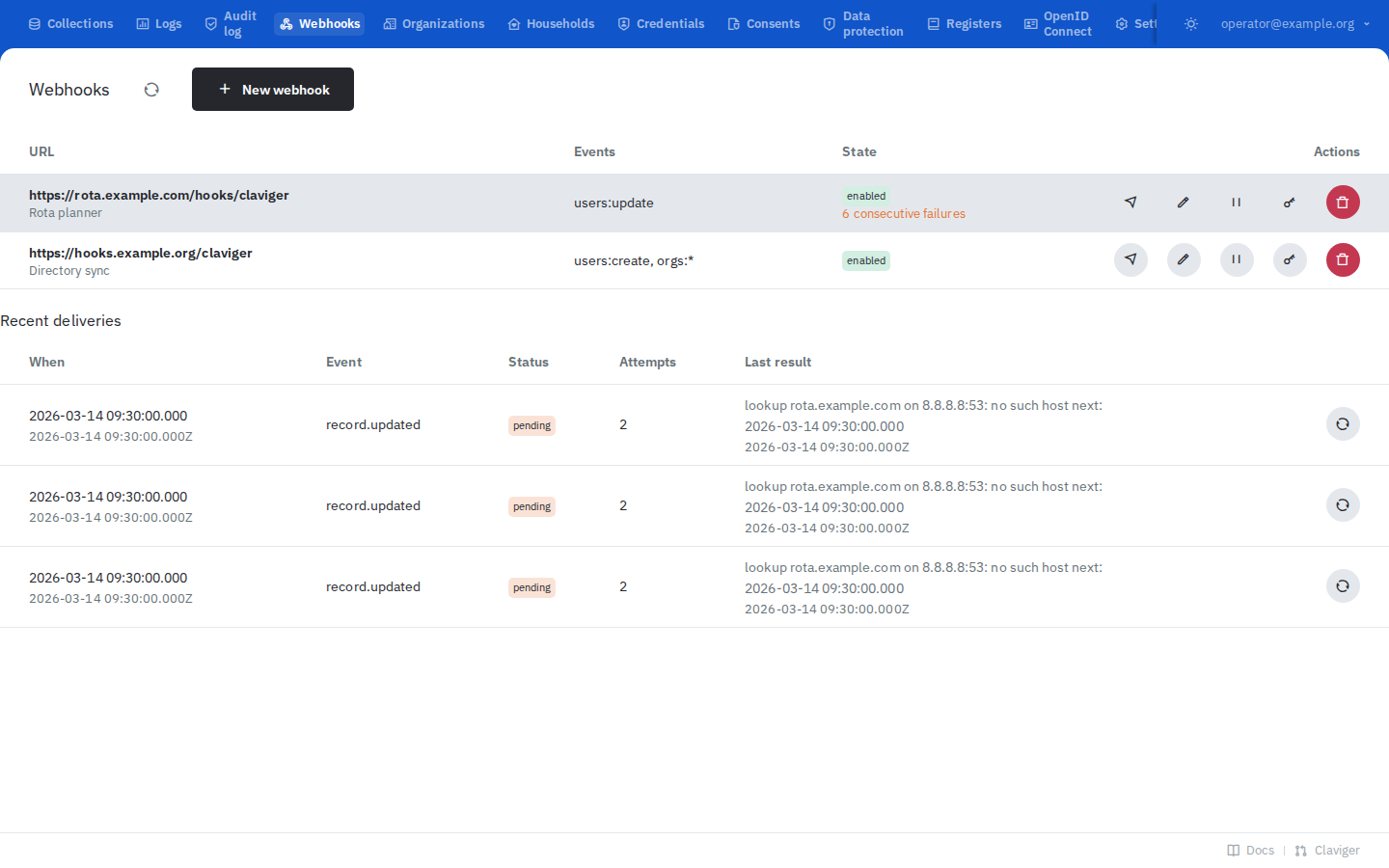
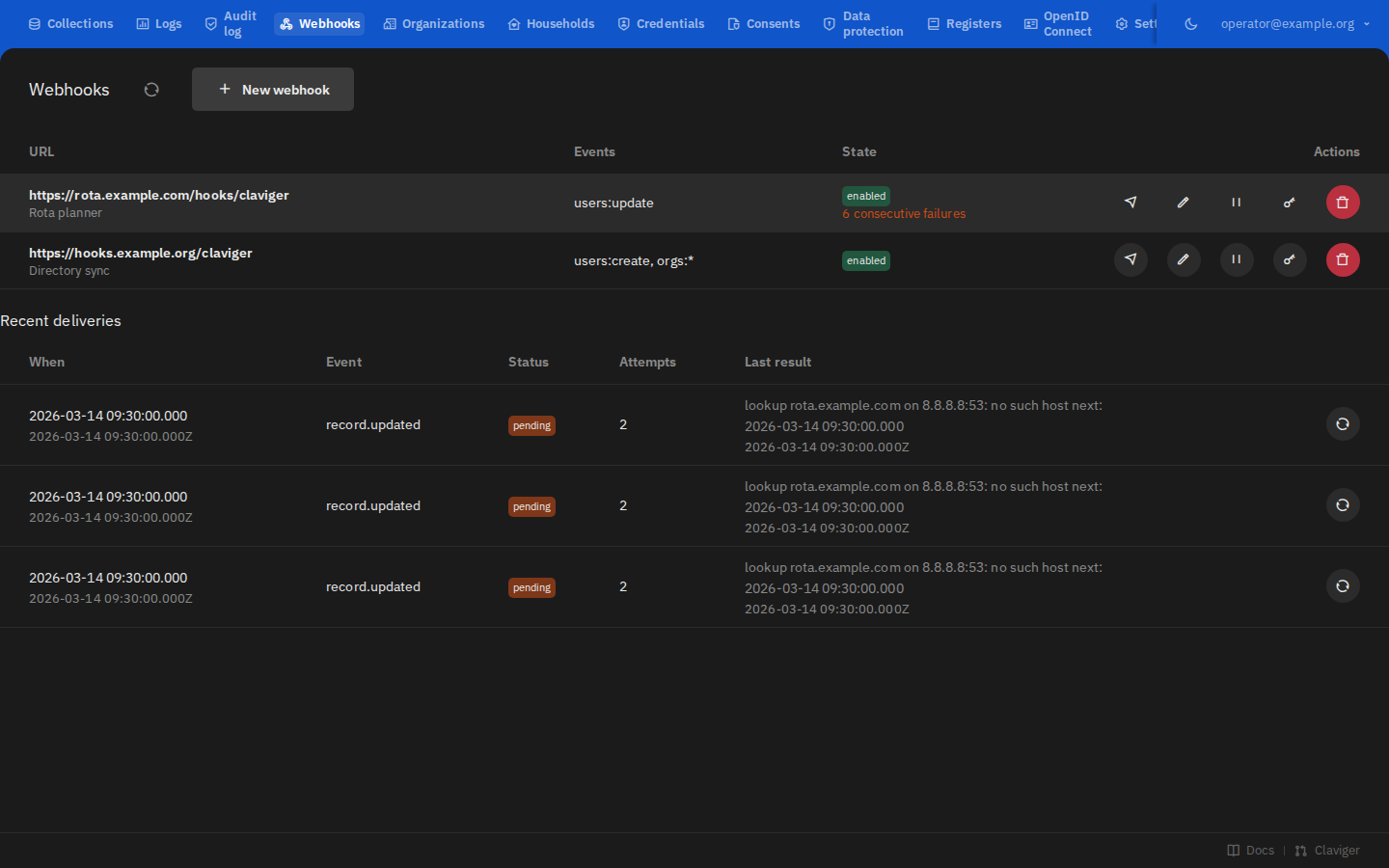
The table lists each endpoint with its URL, Events and State. Choose a row to see its Recent deliveries.
Buttons on a row:
| Button | Effect |
|---|---|
| Send test event | Sends a webhook.test event. A toast says Test event delivered. or shows the error. |
| Edit | Changes the address, description, events or the enabled switch. |
| Disable or Enable | Pauses or resumes the endpoint. |
| Rotate secret | Makes a new signing secret. |
| Delete | Removes the endpoint and its delivery log. |
The deliveries table shows When, Event, Status, Attempts and Last result. The status is success, pending or dead. A pending delivery shows when the next try is.
Claviger counts any 2xx answer as success. It retries a failed delivery after 1 minute, 5 minutes, 30 minutes, 2 hours, 6 hours and 24 hours. After seven attempts the delivery is dead. Choose Redeliver on the row to queue it again. Test events have no redeliver button.
Deliveries are at least once. The receiving service must ignore a repeat by the webhook-id header.
An endpoint is disabled by itself after 10 failed attempts in a row that span at least 24 hours. Superusers get an email. The row then shows the reason. Turn it on with Enable after you fix the problem.
4. Rotate the secret
- Choose Rotate secret on the row.
- Confirm. The old secret keeps working for 24 hours.
- Copy the new secret from the window New signing secret.
- Update the receiving service within 24 hours.
During those 24 hours, each delivery carries both signatures.
The same functions exist in the API for superusers: POST /api/webhooks, POST /api/webhooks/{id}/test, POST /api/webhooks/{id}/rotate-secret and POST /api/webhook-deliveries/{id}/redeliver.
curl -X POST https://auth.example.org/api/webhooks/WEBHOOK_ID/test \
  -H "Authorization: $TOKEN"
5. Quick reference card
Add
- New webhook.
- URL (https), Events (one per line).
- Create. Copy the secret.
- Send test event.
A delivery failed
- Select the endpoint.
- Read Last result.
- Fix the receiver. Choose Redeliver.
Claviger runs one instance. Do not run two on one data directory.