Set up and check permanent registers
Create a permanent register, read its entries and marginal notes, withdraw a pending request, and verify the hash chain.
Superusers who set up registers for baptisms, confirmations, marriages or membership rolls. Registrars sign entries on a hosted page. A superuser can never sign.
A final entry cannot be changed or deleted through Claviger. Corrections are marginal notes. This is a working register, not a legal archive.
What you will do, in one sentence
Open Registers, press New register, then read entries and run Verify the chain from time to time.
Screens are captured from a seeded test system. Every name, address and number on the screens is invented. Prepared 15 November 2026.
1. What the guarantee covers
Claviger does not decide three things. One is whether an electronic register replaces the paper book. Another is whether a printed page is a valid certificate. The third is how long entries must be kept. These are questions for the church and for civil law in your country. Ask a lawyer about each one.
A final entry cannot be updated or deleted through the records API, the admin screen, Go code or script hooks. The check sits in the data layer, like the audit log's.
It does not cover raw SQL, the SQL console, anyone with the database file, or restoring an older backup. The optional hash chain lets you detect the first three afterwards. It does not prevent them.
2. Create a register
- Open Registers in the admin menu.
- Press New register.
- Enter Collection name (letters, digits and _; cannot change).
- Choose Signers:
1or2. With 2, a registrar puts an entry forward and a different registrar confirms it. - In Why entries are kept when someone asks for erasure (the legal reason), write the reason that applies to you. Press Create.
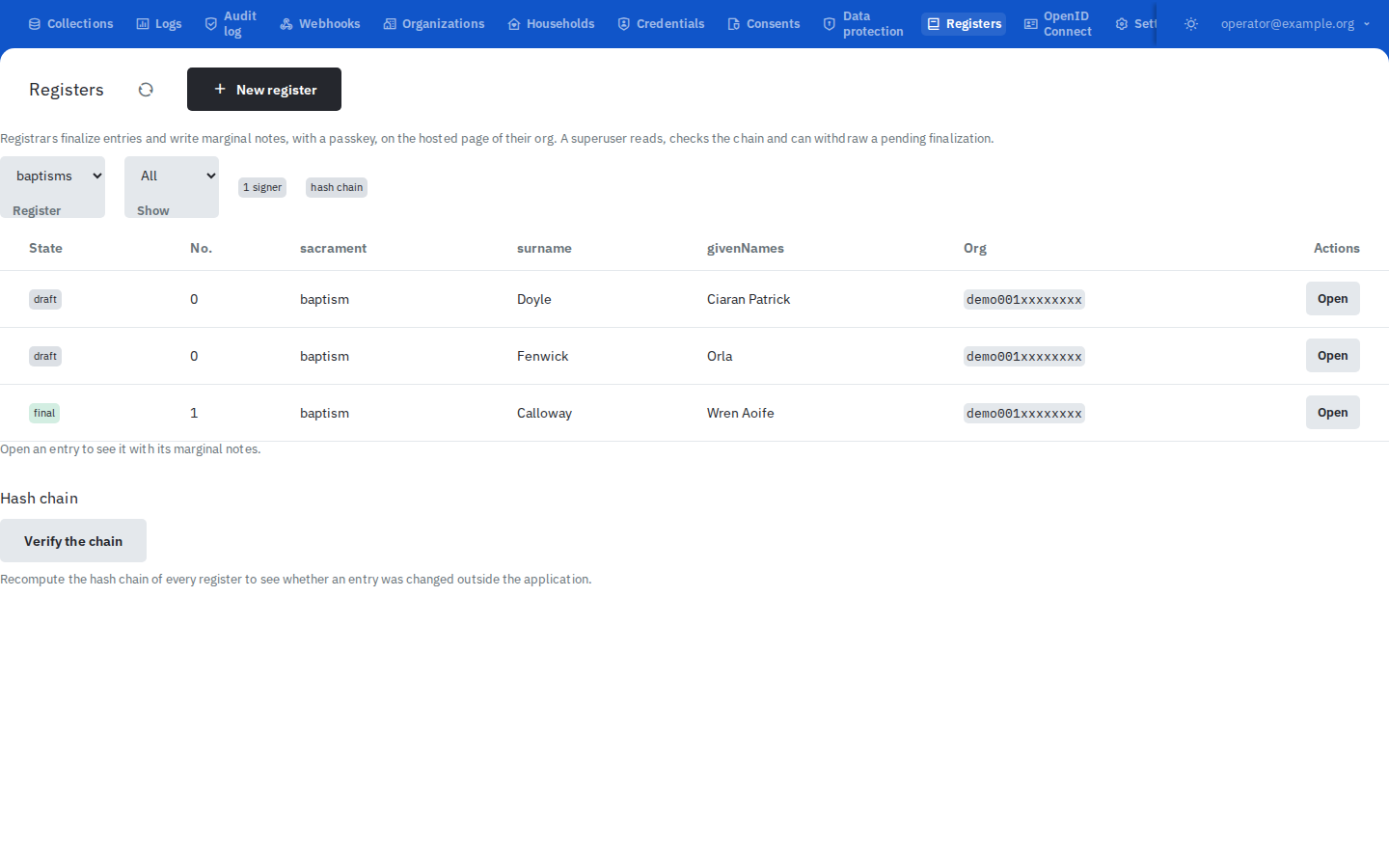
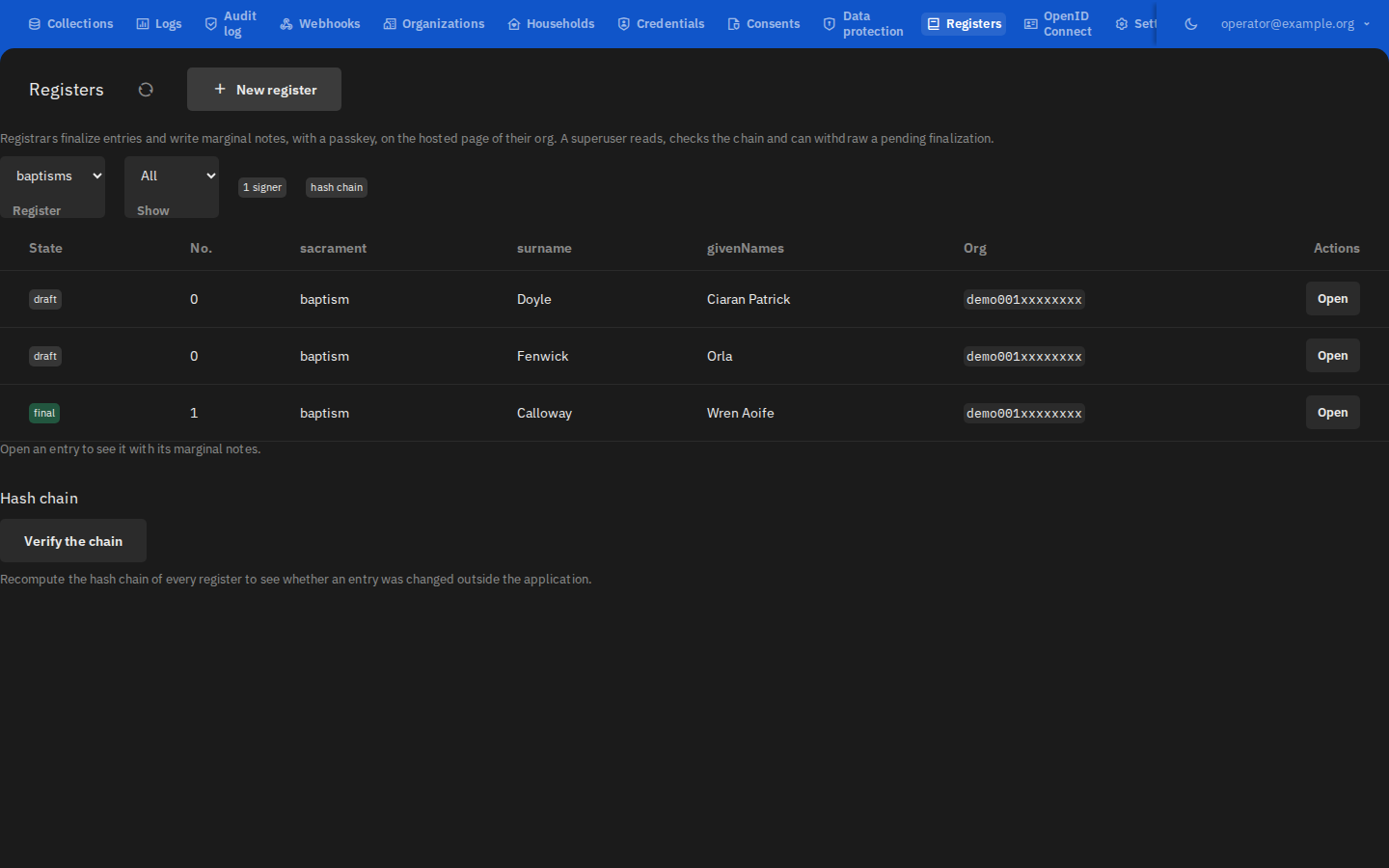
The register uses the sacramental template, with the hash chain on. It has fields such as sacrament, surname, given names, event date and place, officiant and book reference.
Finalizing is irreversible. A register that has final entries cannot be taken out of permanent mode. It cannot be deleted, renamed or lose a field, and its organization cannot be deleted. The default reason is a placeholder. Replace it with a reason a lawyer has confirmed.
3. Read entries and notes
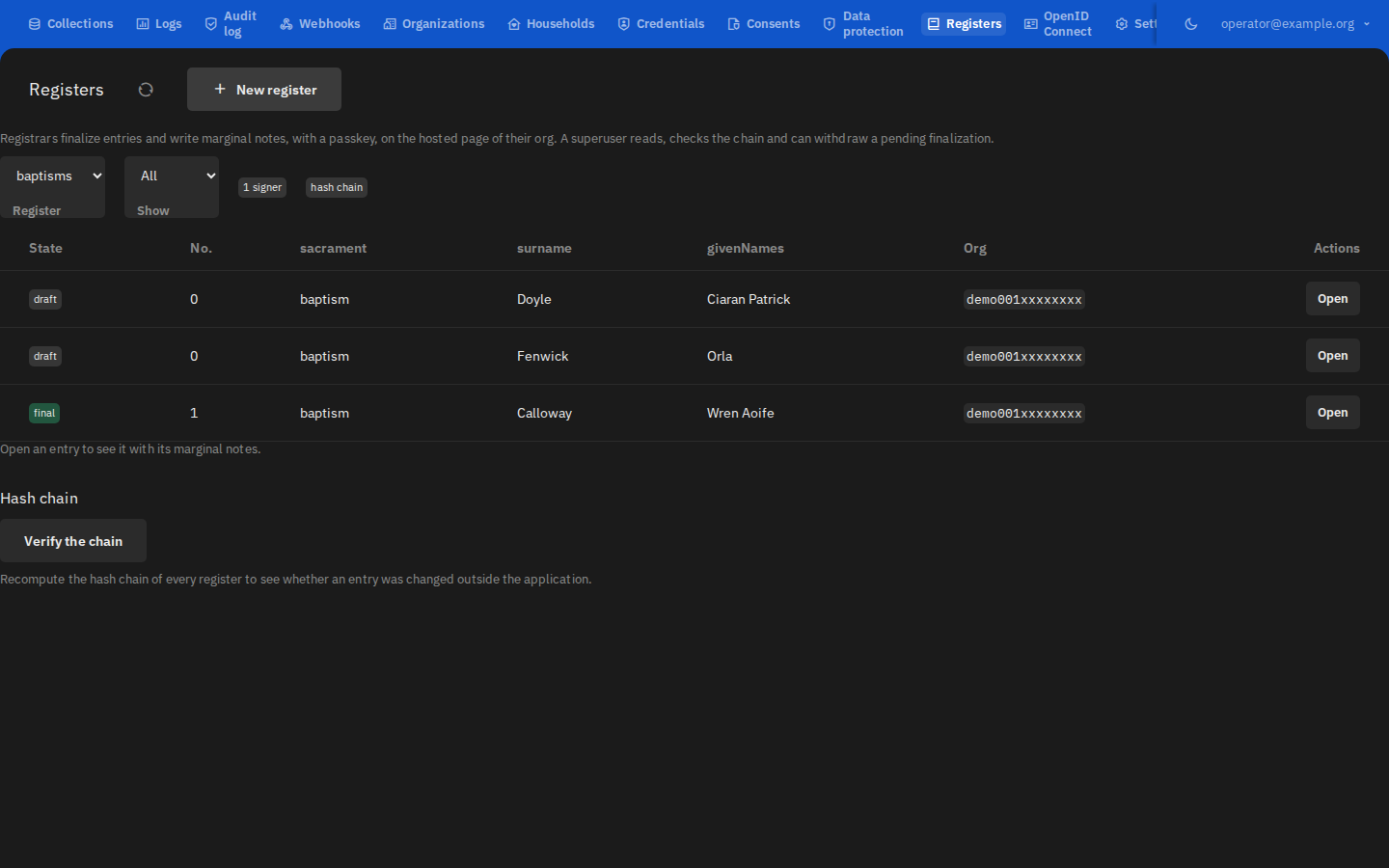
Choose a Register and set Show to all, draft, pending or final. The table lists State, No., the register's fields, Org and Actions. Press Open on a row.
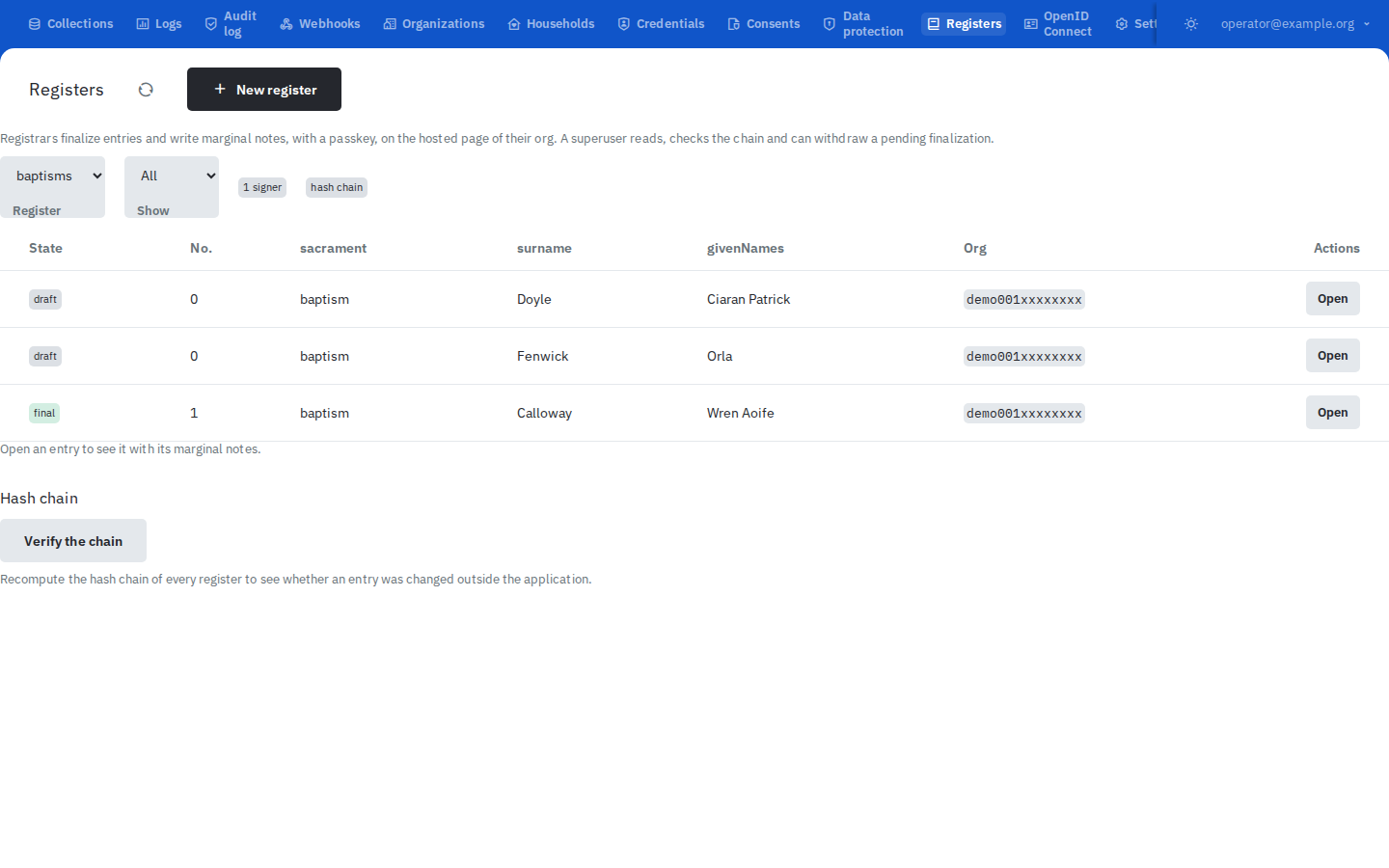
An open entry shows who and when: Final since, Entered by, Confirmed by, Put forward by, Register number and Chain hash. Below it, Marginal notes list corrections oldest first. The kinds are correction, later_event, legal_note, retraction and data_subject_note.
Registrars write notes on the hosted page /orgs/registers/<org slug>, with a fresh passkey. A note can never be changed or removed. A mistaken note is withdrawn by a retraction that points to it.
A superuser reads, checks the chain and can press Withdraw the request on a pending entry. The entry goes back to a draft.
4. Verify the chain
Press Verify the chain. Claviger recomputes the hash chain of every register. The result says "Every chain is intact." or "A chain is broken." A table lists each Register, its Final entries, Chain, Head and Problems.
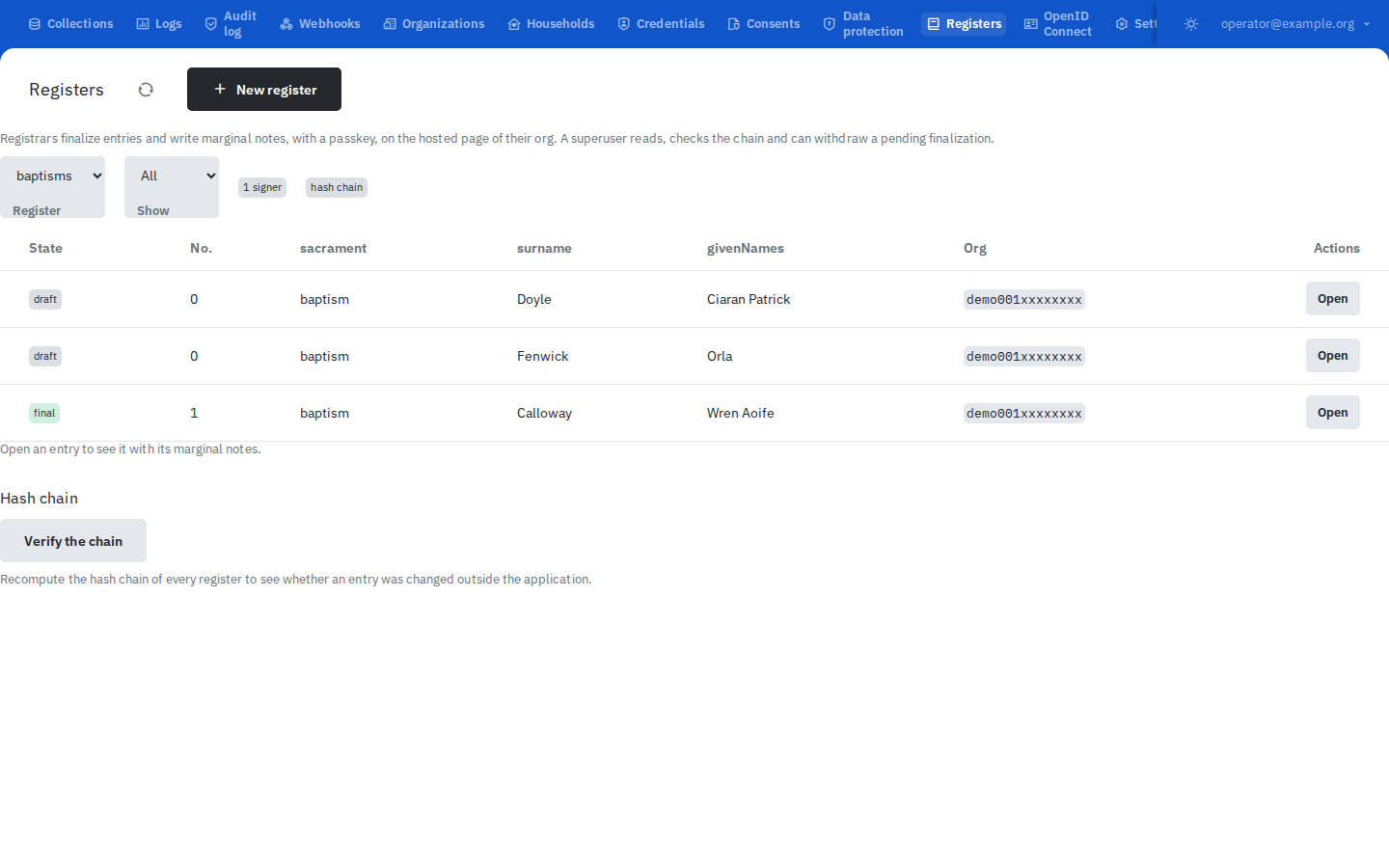
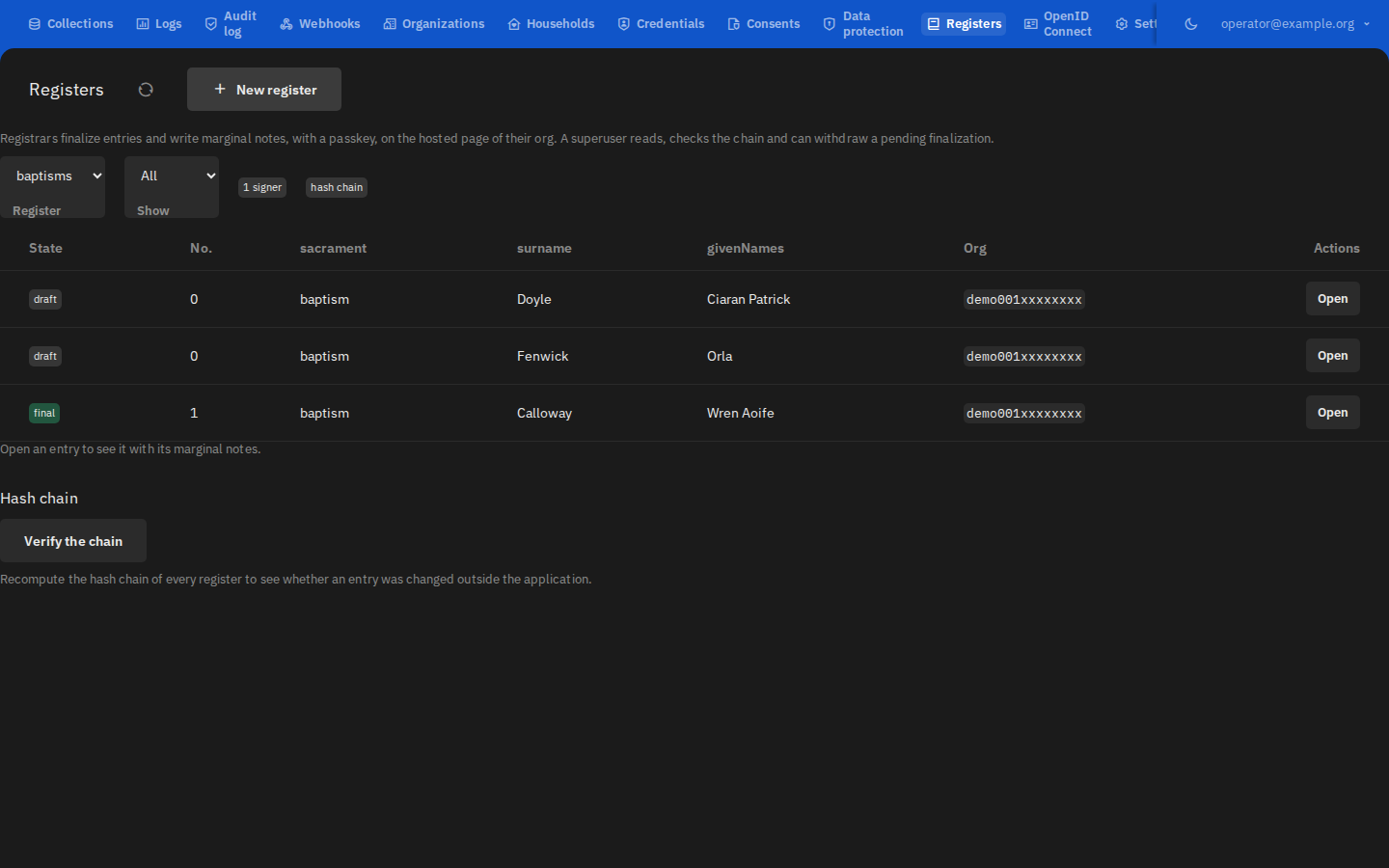
The check finds an entry changed, removed from the middle, inserted or renumbered outside Claviger. It does not find entries removed from the end. Keep the head number and hash somewhere else for that. A chain does not say who wrote an entry.
Your developer can run the same check from the command line with claviger registers verify. After a restore, compare the head with the one you kept. Re-entering missing entries is a decision for the registrar.
5. Certificates and erasure
Registrars, owners and admins can open an HTML certificate for a final entry and print it to PDF. Whether it is valid is the church's call.
When a person asks for erasure, a final entry is retained for the reason you recorded. Erasure adds a data_subject_note and restricts the entry to the registrar role. Whether a church register may be kept against an erasure request is a question for your lawyer, by country and denomination.
6. Quick reference card
Create
- Registers, New register.
- Enter the name, Signers and the legal reason.
Check
- Press Verify the chain.
- Note the head. Keep it elsewhere.
Anonymizing a final entry is not built. A registrar decides what to do with a draft.