Set up staff-vouched recovery
Prepare an install so church staff can vouch for a person and give them a short recovery code.
Superusers who run a Claviger install. Staff use the recovery page of their organization. This guide covers what you set up and what you watch.
Some people cannot use an email reset. A code from a trusted staff member lets them set a new passkey. Anyone who can issue codes can take over an account, so choose them with care.
What you will do, in one sentence
Tag the staff who may issue codes with greeter, turn on SMS if you want it, and watch the audit log.
Screens are captured from a seeded test system. Every name, address and number on the screens is invented. Prepared 15 November 2026.
1. How recovery works
- Staff check who the person is, in person.
- Staff open the recovery page of the organization, at
/orgs/recovery/<org slug>. They choose the person and say how they checked. - The page shows a code that lasts 15 minutes and works once.
- The person opens
/recoveryon their own device and types the code. - The person creates a new passkey. This is the normal passkey reset. Old passkeys are removed and old sessions stop.
Staff never see or set a password. The code is never sent in a message.
2. Choose who may issue codes
These people can issue a code in an organization:
- Owners and admins of the organization.
- Members tagged
greeterin that organization. - Superusers.
The person who receives the code must be an active member of the organization. Nobody can issue a code for themselves. A viewer is never staff.
To add a greeter:
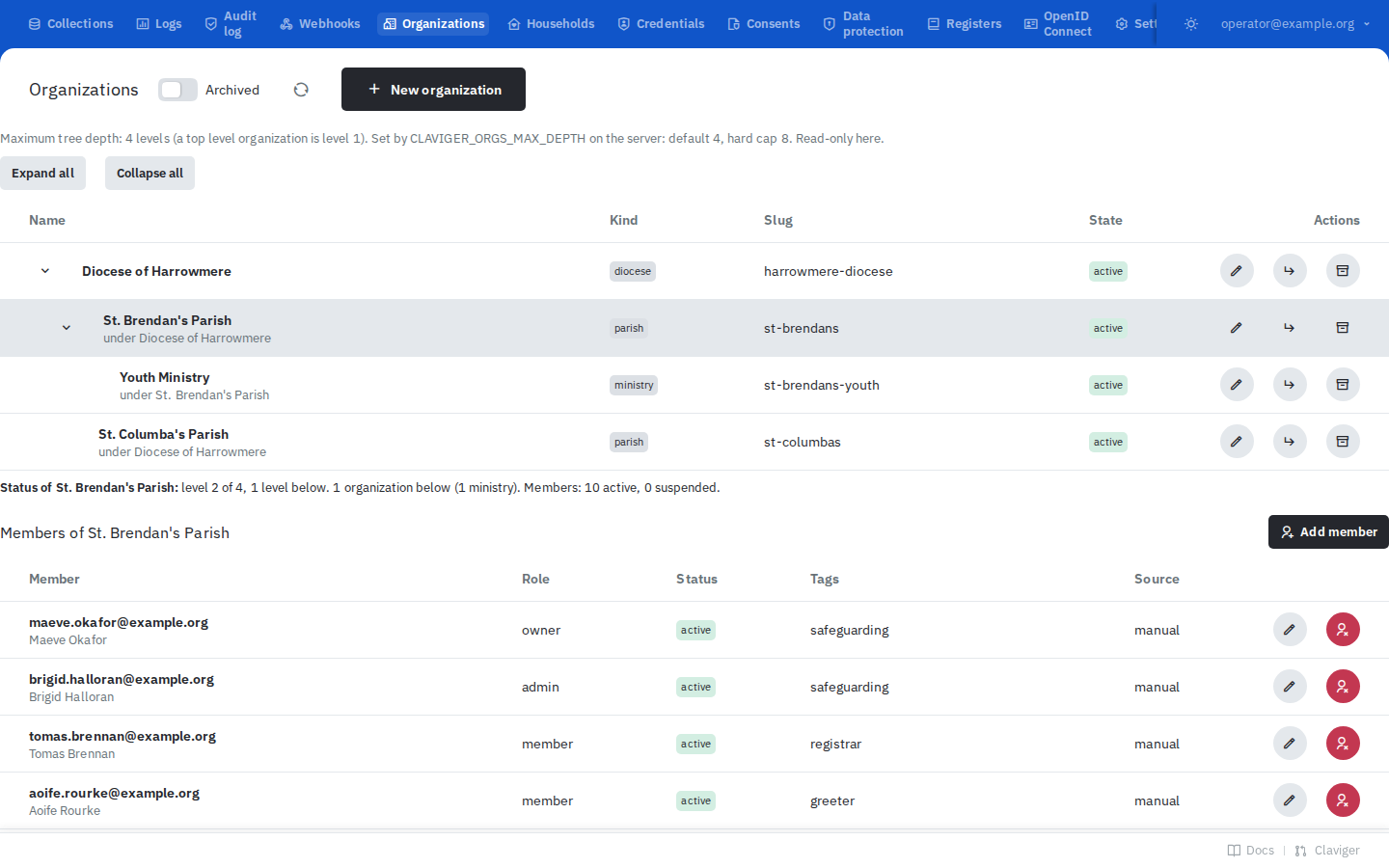
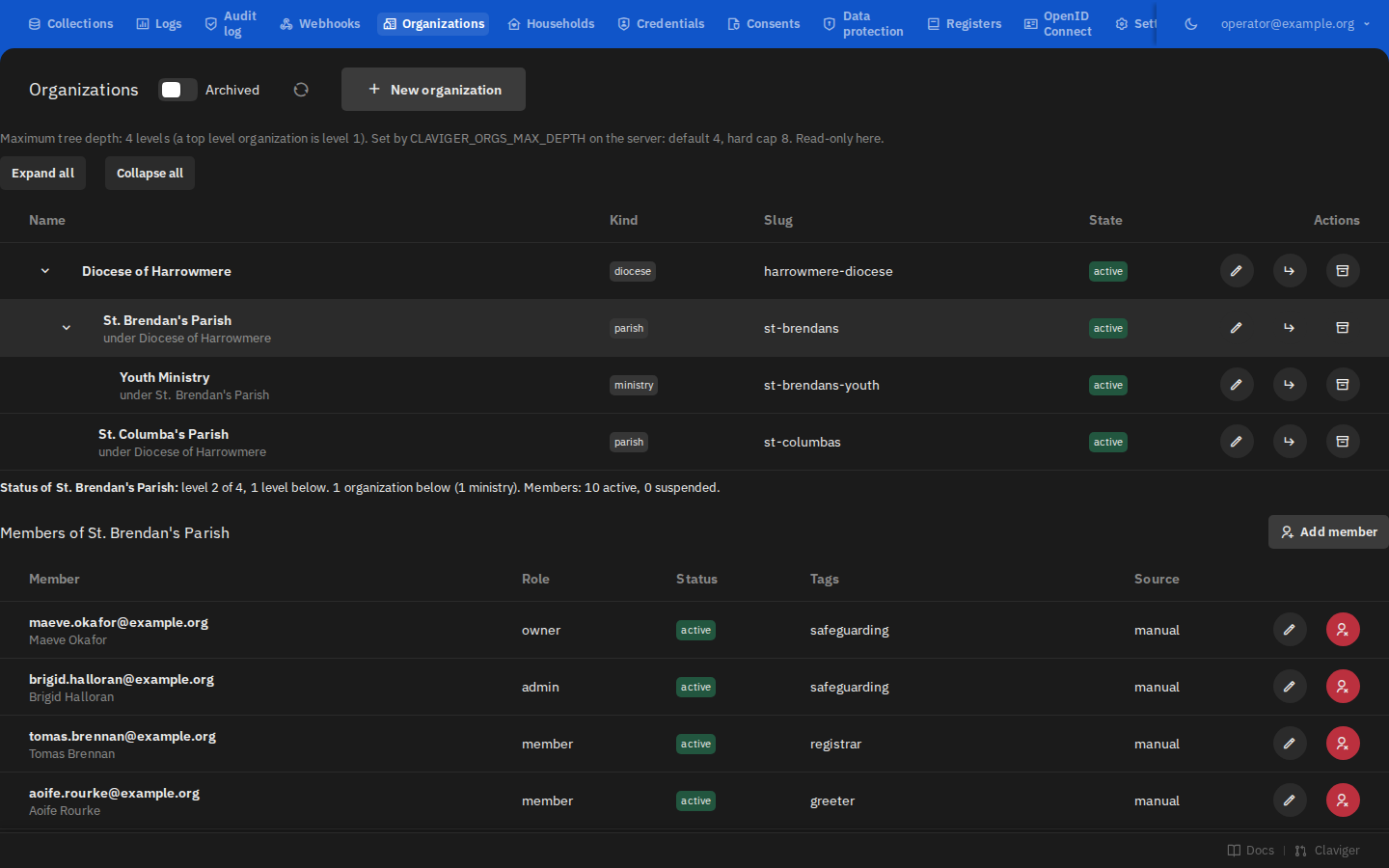
- Open Organizations and select the organization.
- Press Edit on the member's row.
- Add
greeterto Tags (comma separated). Save.
Staff must have used a passkey in the last 5 minutes. The page asks for it when needed. This includes superusers. Turn on passkeys for the _superusers collection before a superuser issues codes.
Review who holds the greeter tag from time to time. If a staff member is removed, suspended or loses the tag, their open codes stop working.
3. Two staff for owners and admins
If the person is an owner or admin of any organization, one staff member is not enough. The first staff member creates a request and no code exists yet. A different staff member opens the same page and confirms with a fresh passkey. The code appears only for the person who confirmed. It is not stored and cannot be shown again.
The same rule applies when the person's email is the email of a superuser. Neither staff member can be the person being recovered.
4. The SMS option
A person with a phone number and no email gets the notice as a text message. Staff can also choose the sms channel. It texts the person a link to /recovery. The text never holds the code.
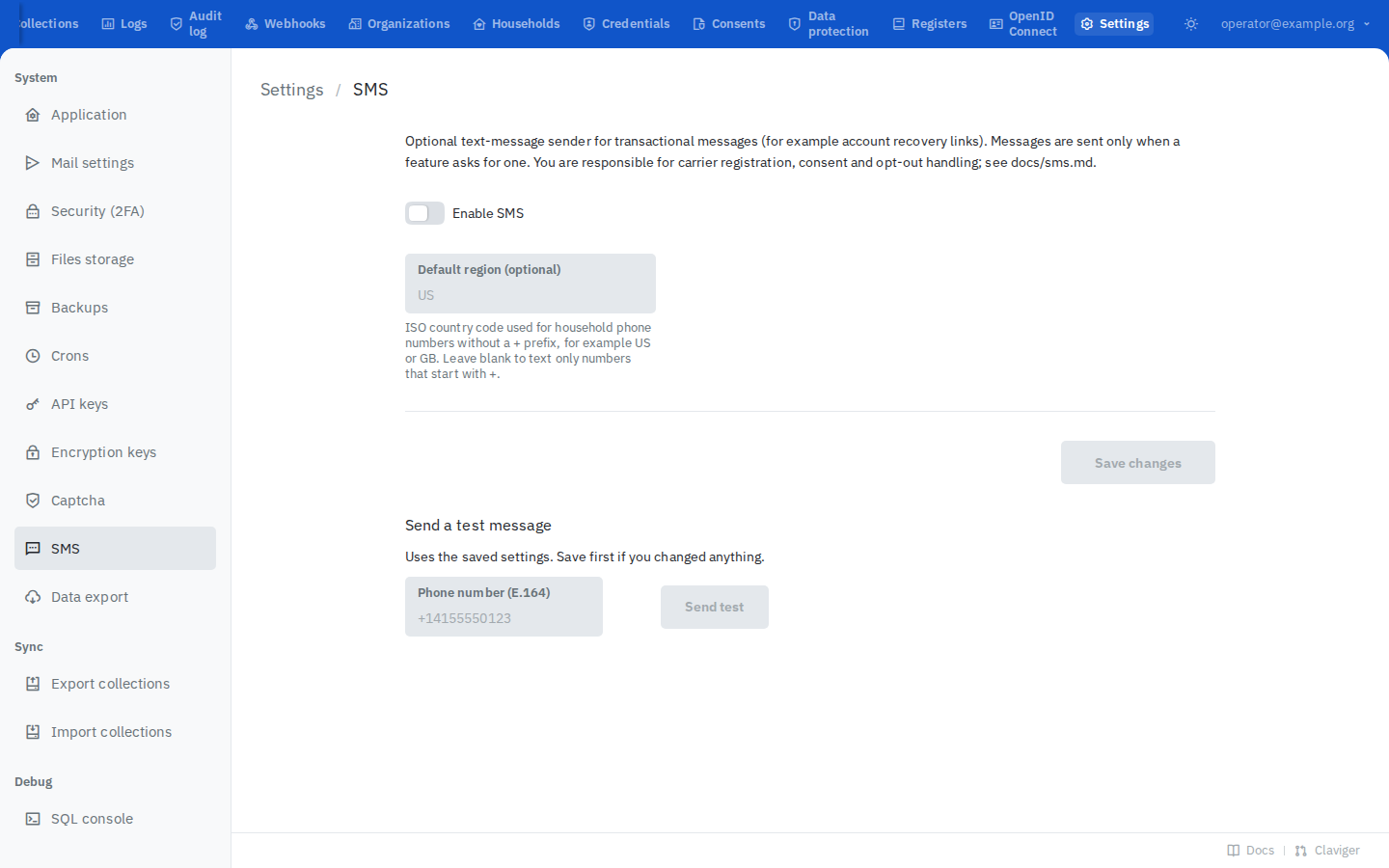
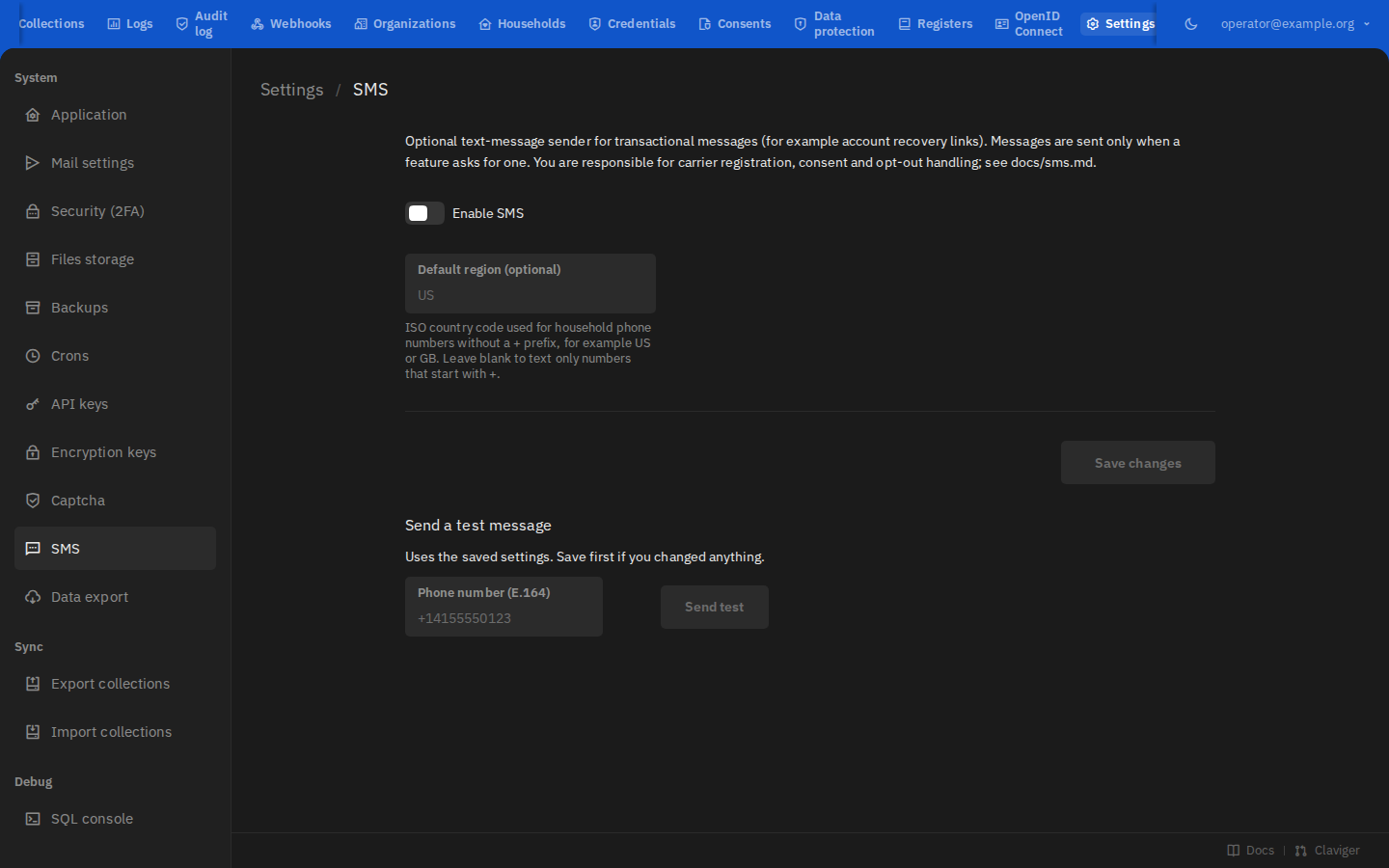
- Open Settings, then SMS.
- Turn on Enable SMS. Choose a Provider: Twilio or Generic webhook.
- Fill in the provider fields. Set Default region (optional), for example
US, if household phones have no+country code. - Save, then use Send test to check.
Claviger takes the number from the home phone of the person's household in the same organization. Staff never type it. A number without a country code is not used unless you set a default region. If SMS is not set up, or the person has no usable phone, the issue is refused before any code exists. Staff can issue again with another channel.
You are responsible for carrier registration, consent and opt-out handling. Ask a lawyer which rules apply to texting your members in your country.
5. Limits you can tune
| Setting | Default | Meaning |
|---|---|---|
CLAVIGER_RECOVERY_CODE_MINUTES | 15 | Life of a code, 5 to 60. |
CLAVIGER_RECOVERY_ISSUE_PER_HOUR | 5 | Codes one staff member may issue per hour, 1 to 100. |
A code has 10 characters. Three wrong guesses with a valid reference lock it. Claviger stores only a hash. A banned person gets no code. Rows are deleted 30 days after they expire.
6. Watch the audit log
Open Audit log and look for these actions.
| Action | When |
|---|---|
recovery_issue | A code or a pending request was created. |
recovery_confirm | A second staff member confirmed. |
recovery_redeem | The person used the code. |
recovery_redeem_failed | A guess matched a live code, or a right code could not be used. |
recovery_code_locked | The third wrong guess. |
recovery_reported | The person pressed "This was not me". |
recovery_sms_sent | A text was sent. It never holds the number or the link. |
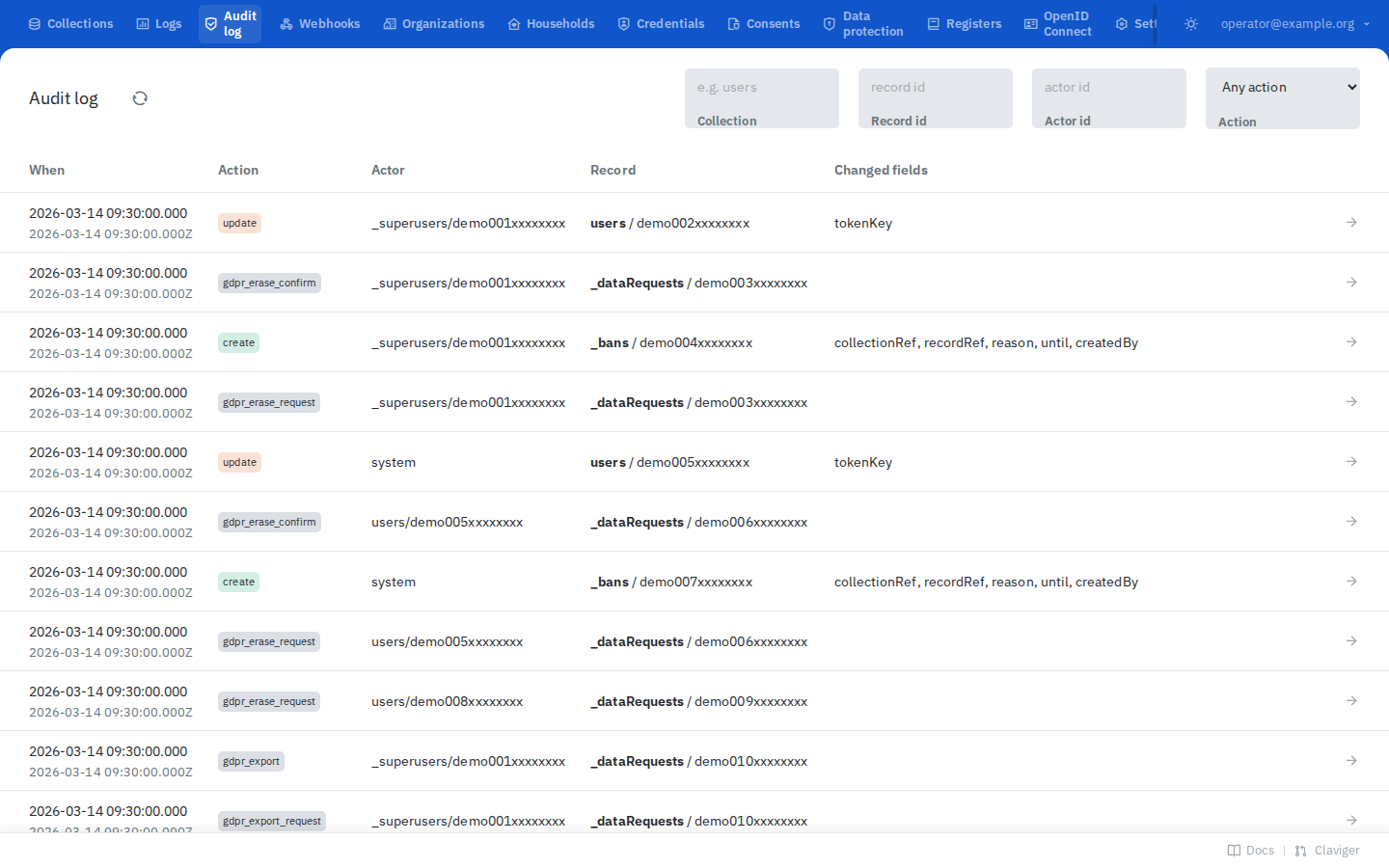
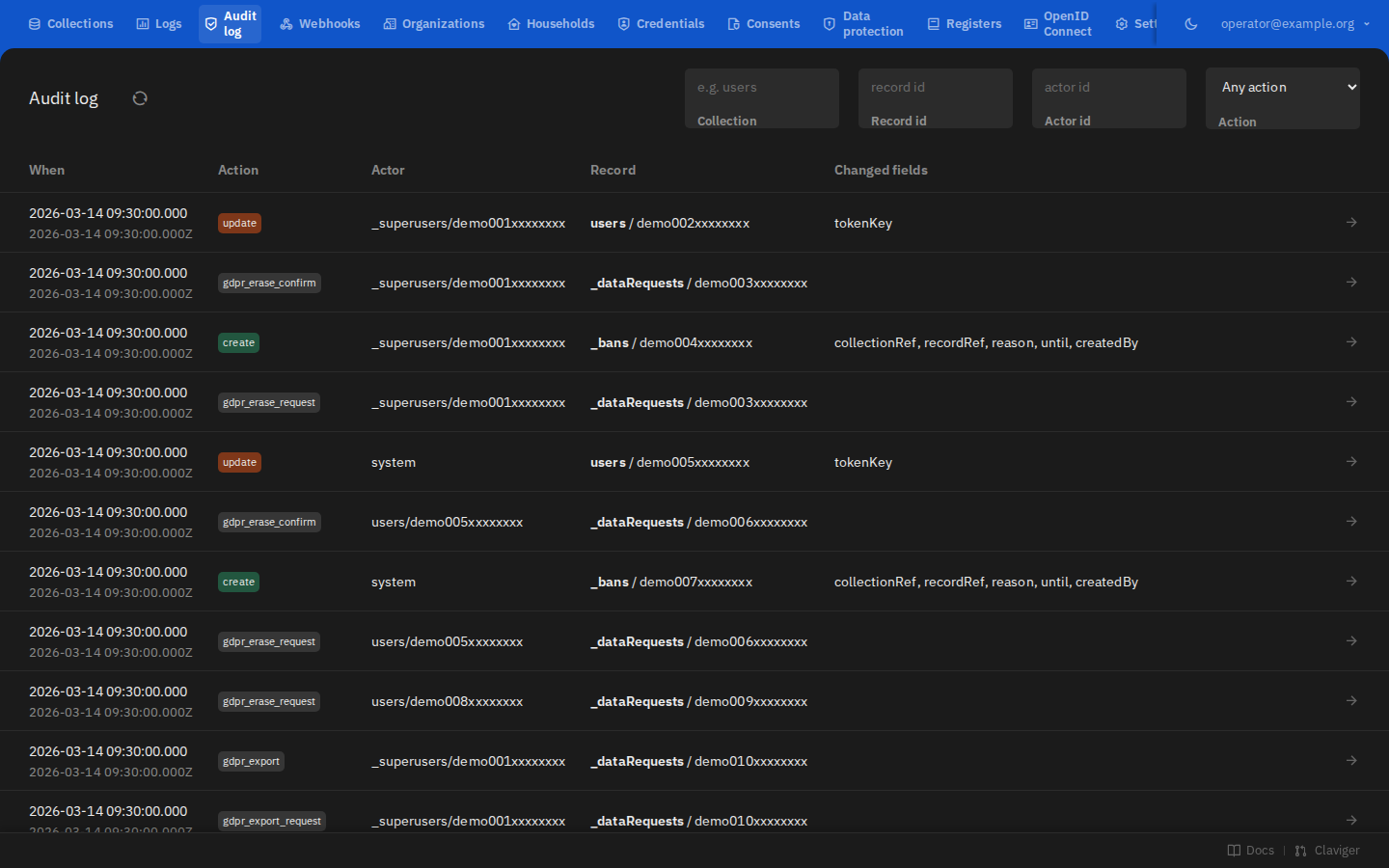
A guess that matches no code goes to the application log, not the audit log. Guessing attacks cannot fill the audit log.
7. Quick reference card
Give staff the right
- Organizations, select the organization.
- Edit the member. Add
greeterto Tags.
Turn on SMS
- Settings, SMS, Enable SMS.
- Choose a Provider. Save. Send test.
Tell staff the rule that matters most: never recover an account for someone who only asks by phone or message. Ask them to come in.