Define consent purposes and read consent history
Create consent purposes, change their text, and look up what one person agreed to.
Superusers who run a Claviger install and set the purposes that apply to every organization. Org staff manage their own purposes on a hosted page.
A consent record is proof of what a person agreed to, on which wording, and who gave it. Changing the wording changes the version, and old consents show as outdated until people agree again.
What you will do, in one sentence
Open Consents, press New purpose, write the text, and later enter a person's id to read their history.
Screens are captured from a seeded test system. Every name, address and number on the screens is invented. Prepared 15 November 2026.
1. What consent records hold
Three hidden collections hold the data. Claviger writes them through its own routes, never through the records API.
| Collection | What it holds |
|---|---|
_consentPurposes | What a person can consent to: key, name, text, version, lawful basis, flags. |
_consents | The current state for one person and one purpose. |
_consentEvents | The evidence. One row for each grant or withdrawal, with the version and the full text shown. It is append-only. |
Which purposes need consent, and how long you keep the evidence, depends on the country and the congregation. Ask a lawyer to review each purpose and its text. This includes the age at which a guardian must consent for a minor.
2. Create a purpose
- Open Consents in the admin menu.
- Press New purpose.
- Fill in the form, then press Create.
| Field | What to enter |
|---|---|
| Key (a-z, 0-9, _ and -; cannot change) | A short unique key, such as newsletter. Keys are unique across all organizations. |
| Name | The name people see. |
| Text shown to the person (a change raises the version) | The wording of the consent. |
| Lawful basis | consent, legitimate_interest, legal_obligation, contract, vital_interest or public_task. Only consent needs a grant. |
| Minimum age (0 for none) | Below this age, a guardian must give the consent. |
| A guardian must give it for a minor | Tick it to require a guardian for every minor. |
| Direct marketing (never for a minor) | Tick it for marketing. It gets a minimum age of 18 when none is set. |
A purpose with no organization is offered to everyone. A purpose made here is global. Org owners, admins and registrars create purposes for their own organization on the hosted page /orgs/consents/<slug>.
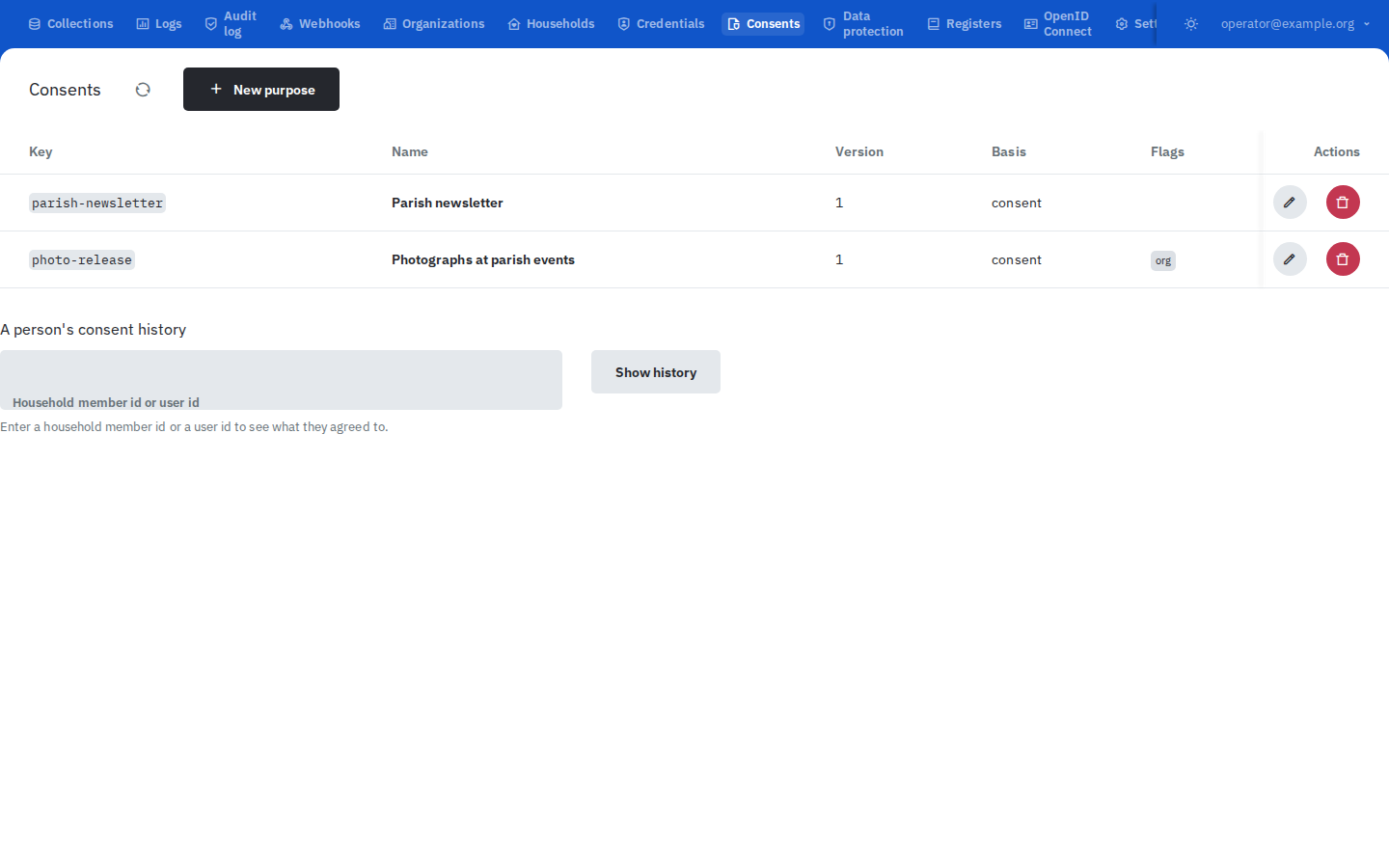
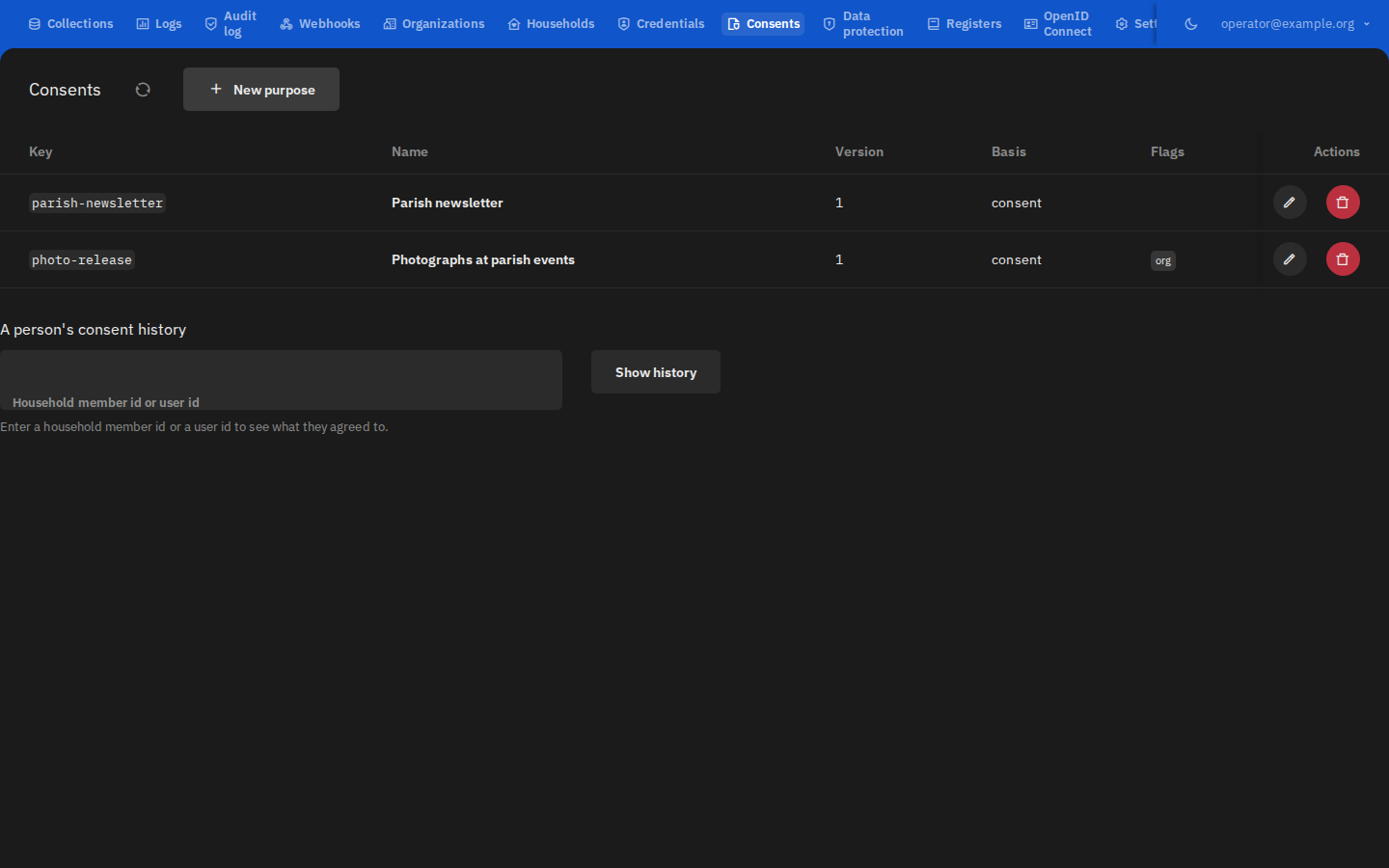
The table shows Key, Name, Version, Basis, Flags and Actions.
3. Change or retire a purpose
- Press Edit to change it. The form then shows Status:
activeorarchived. - A changed text raises the version. Existing consents keep their version and show as
outdateduntil the person agrees again. A changed name, basis or flag does not raise it. - Press Delete and confirm. A purpose that has consent records cannot be deleted. Archive it instead. It is no longer offered, and the evidence stays.
4. Look up one person
Enter a household member id or a user id in Household member id or user id. Press Show history.
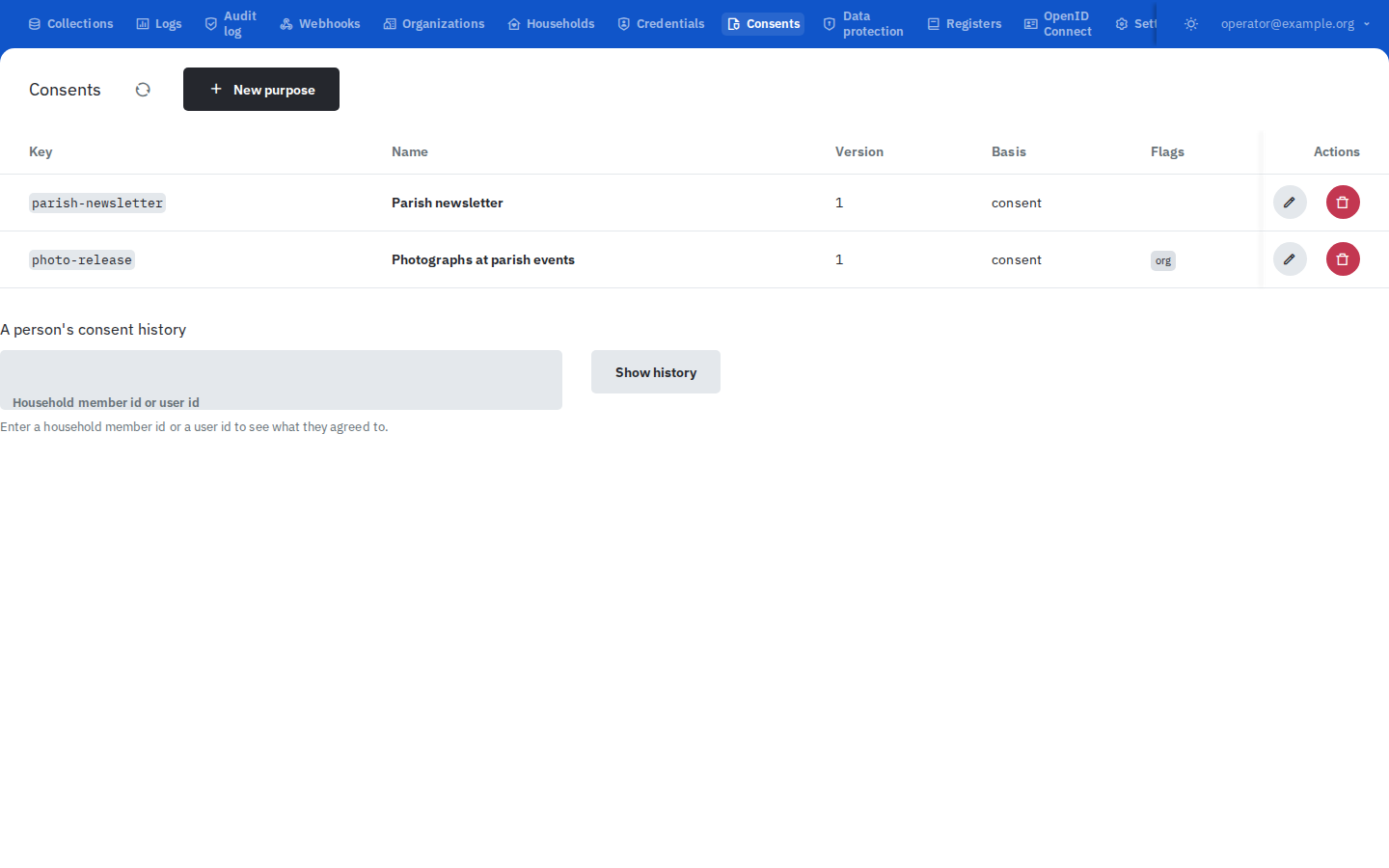
Consents shows Purpose, Status, Version, Given, Withdrawn, Method and Evidence. The method is web, paper or staff. History (append-only) shows When, Purpose, Action, Version, Method, Given by, Done by and the evidence reference.
5. Who may consent for whom
| Subject | Who grants or withdraws |
|---|---|
| An adult user | The user, signed in. |
| A minor in a household | An active adult guardian of that household. |
| Anyone, on paper or in person | Org staff, with an evidence reference. |
Marketing consent can never be granted for a minor, by anyone. Withdrawal is never harder than granting. A guardian, the person or staff can withdraw.
Consent records are evidence. When a person is erased, Claviger keeps the rows and replaces the person with a pseudonym. Ask a lawyer how long consent evidence may be kept.
6. Quick reference card
New purpose
- Consents, New purpose.
- Enter Key, Name and the text. Choose the Lawful basis.
- Press Create.
Read a history
- Enter the member id or user id.
- Press Show history.
The people themselves have no hosted page for their consents yet. The routes exist.