Accept an invitation to join a group
Open the link in your invitation email, sign in or make an account, and join the organization.
People who got an email that invites them to join a church or group on Claviger.
You join only after you press "Accept the invitation". If the link is old, ask for a new invitation.
What you will do, in one sentence
Open the link in the email, sign in or create your account, and press "Accept the invitation".
Screens are captured from a seeded test system. Every name, address and number on the screens is invented. Prepared 15 November 2026.
1. Open the invitation
An organization can be a church, a ministry or a group. Someone there sent you an email. Open the link in it. The page is called "Join" and the name of the group. It tells you your role and your email address, for example "You are invited as member with [email protected]."
The roles are owner, admin, member and viewer.
The page opens in your language when it can. See the guide "Larger text, high contrast and language" to change it.
2. If you have no account yet
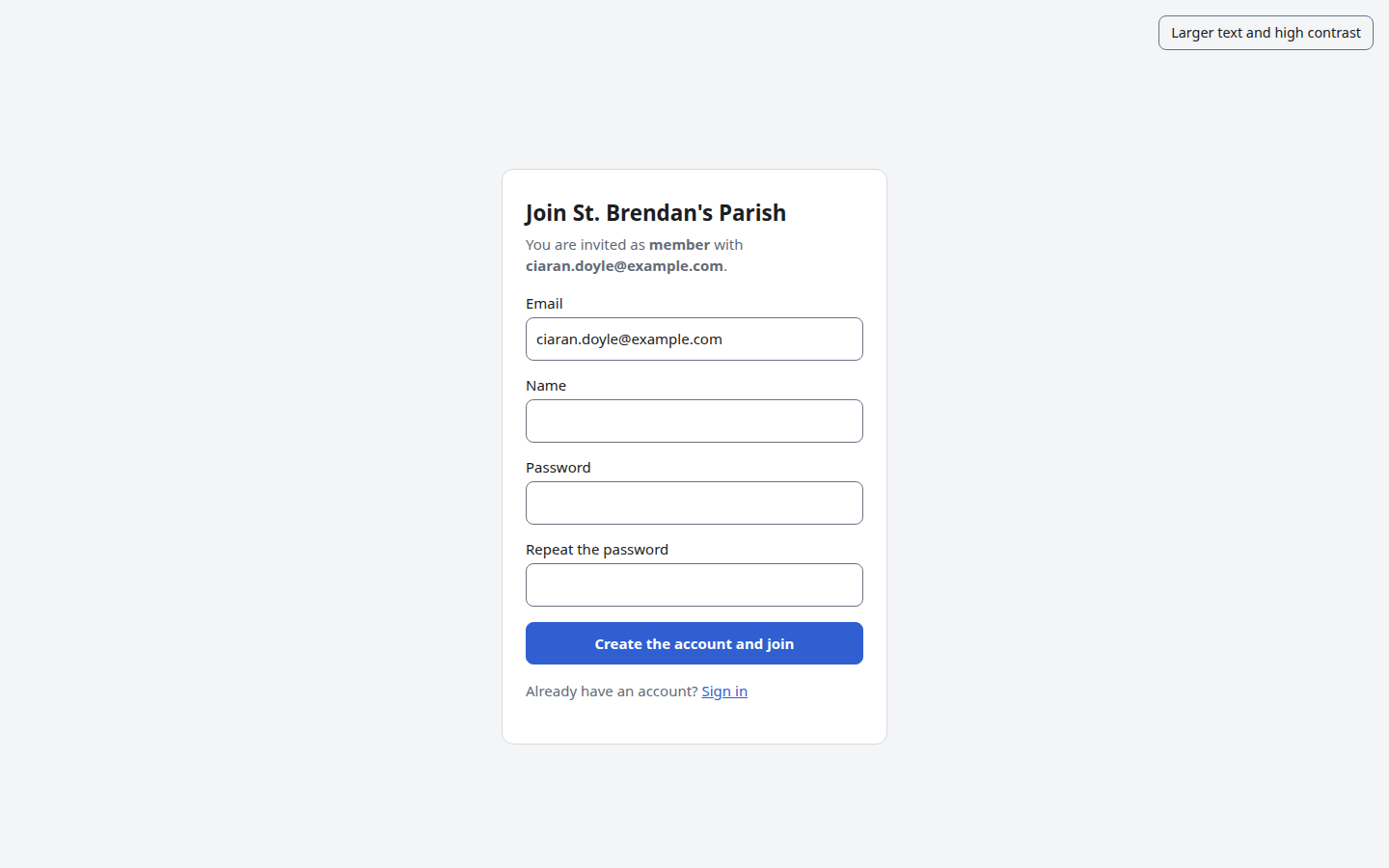
The page shows a form to create your account.
- The Email box already has your address. You cannot change it.
- Type your name in Name.
- Type a password in Password. Use at least 8 characters.
- Type it again in Repeat the password.
- Press Create the account and join.
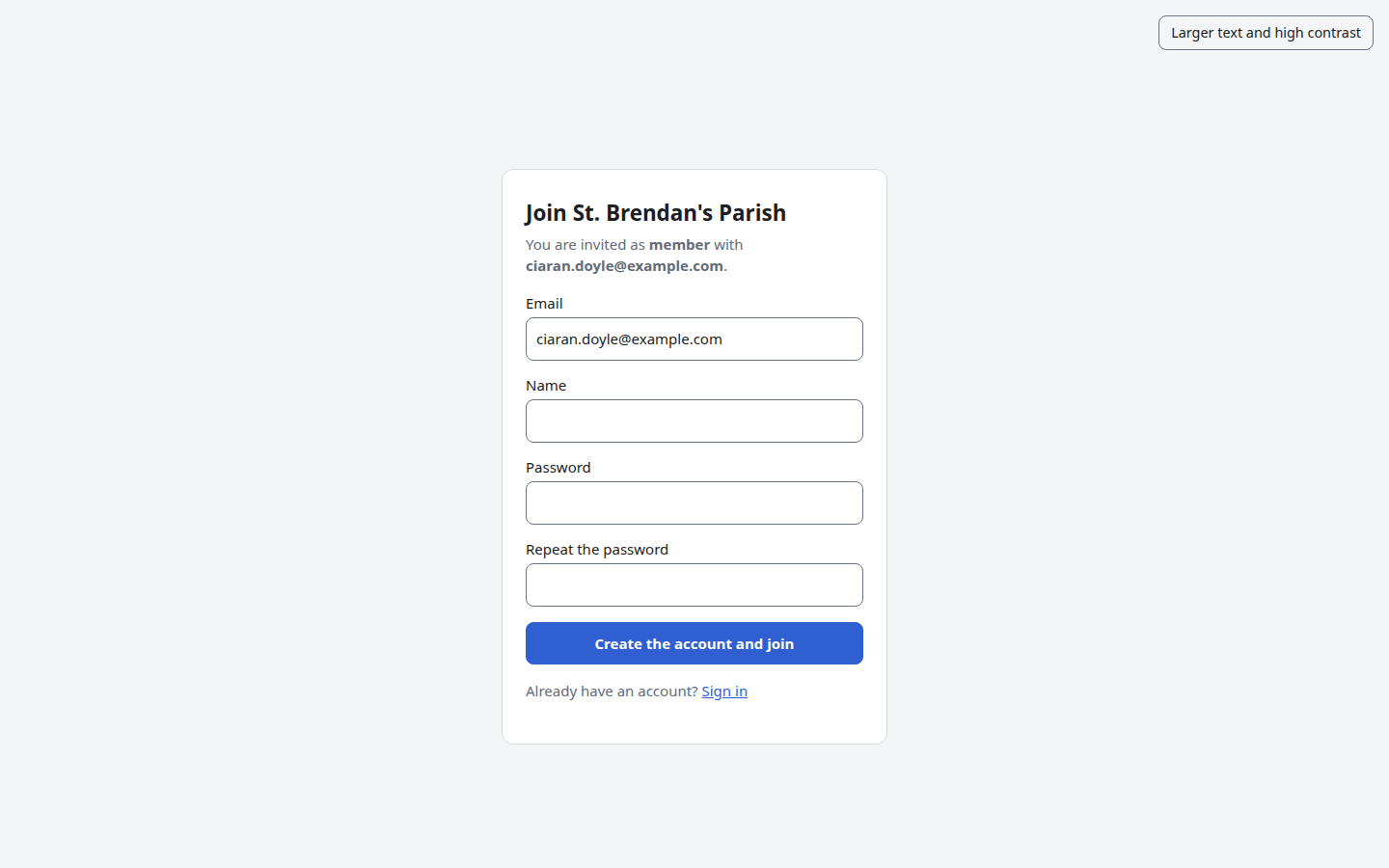
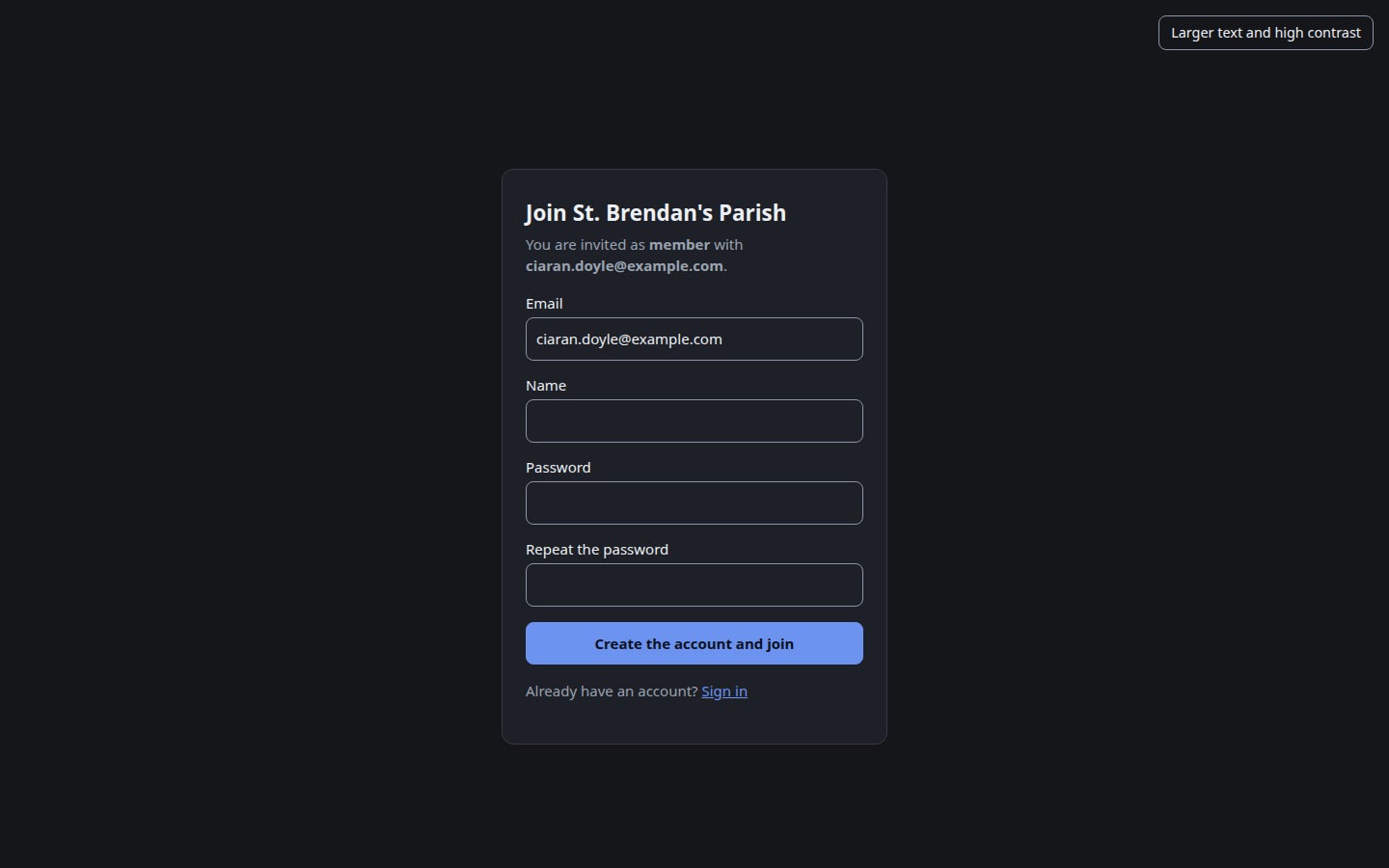
If you already have an account, press Sign in under the form.
3. If you have an account
The page shows the sign-in box. Your email is already filled in. Sign in with your password, a passkey or an emailed code. See the guide "Sign in with a passkey or another method".
Press Create one if the page offers it and you want a new account.
4. Accept
After you sign in, the page says "Signed in as" and your email.
- Press Accept the invitation.
- The page says "You joined" the group "as" your role.
- Press Open the organization page to see the group page.
If you want to use another account, press Use another account.
If the page does not let you accept and shows a button Send me a verification email, press it. Then check your inbox. The page tells you to check your inbox and come back. Open the email, confirm, then come back and press Accept the invitation again.
5. If the link does not work
| Message | What to do |
|---|---|
| This invitation is invalid or has expired. Ask for a new invitation. | Ask the person who invited you to send a new one. |
| The invitation could not be accepted. | Try again. If it fails again, ask the church office. |
| The account could not be created. | Check the details on the form, then try again. |
| Too many attempts. Try again later. | Wait a few minutes. |
6. Quick reference card
New to Claviger
- Open the link in your email.
- Fill in Name, Password and Repeat the password.
- Press Create the account and join.
You have an account
- Sign in on the page.
- Press Accept the invitation.
Old link
- Ask for a new invitation.
You join only after you accept. Keep your invitation email until you have.