See and update your household
See the people in your family household, update the details your church keeps, and learn what guardians can do.
Members who belong to a household at their church, and parents or guardians who look after children. You use the page at /households/mine.
Your church keeps contact details, and for children some health notes. Only a guardian can change them. Accurate details help the church reach your family and care for your children.
What you will do, in one sentence
Open /households/mine, sign in, and use the forms to check or change the details, if you are a guardian.
Screens are captured from a seeded test system. Every name, address and number on the screens is invented. Prepared 15 November 2026.
1. Open the page
- Open
/households/mineon your church's address. - Sign in the usual way. See the guide "Sign in with a passkey or another method".
- The page says "My household". It shows the people in your household and the details your church keeps about them.
If you are in more than one household, the page lists each one.
If the page says "You are not part of a household yet. Ask the church office to add you.", ask the office.
2. A guardian can change things
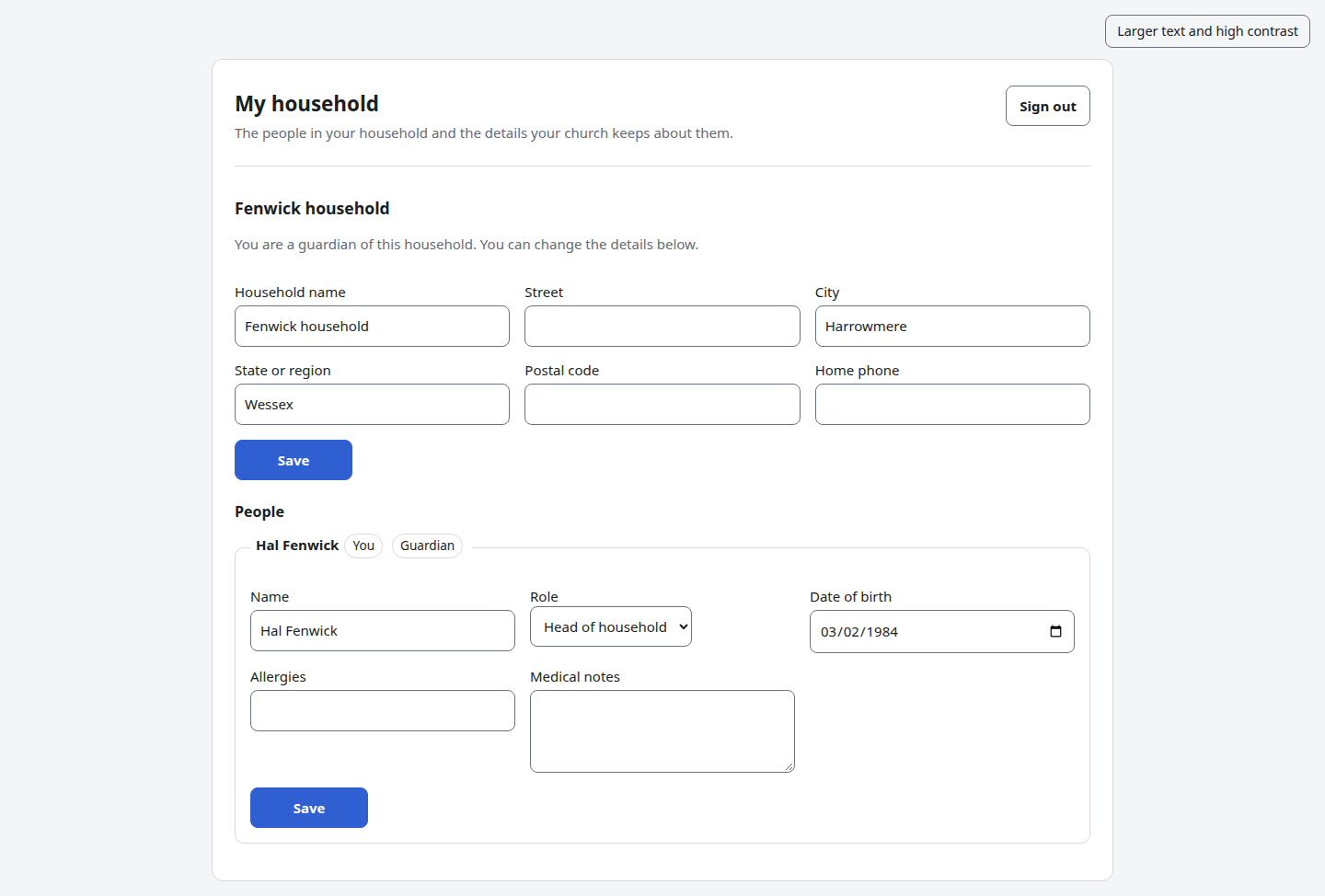
A guardian is an adult who looks after the household. Next to a person's name the page shows labels: You, Guardian and Child.
If you are a guardian, the page tells you that you can change the details below.
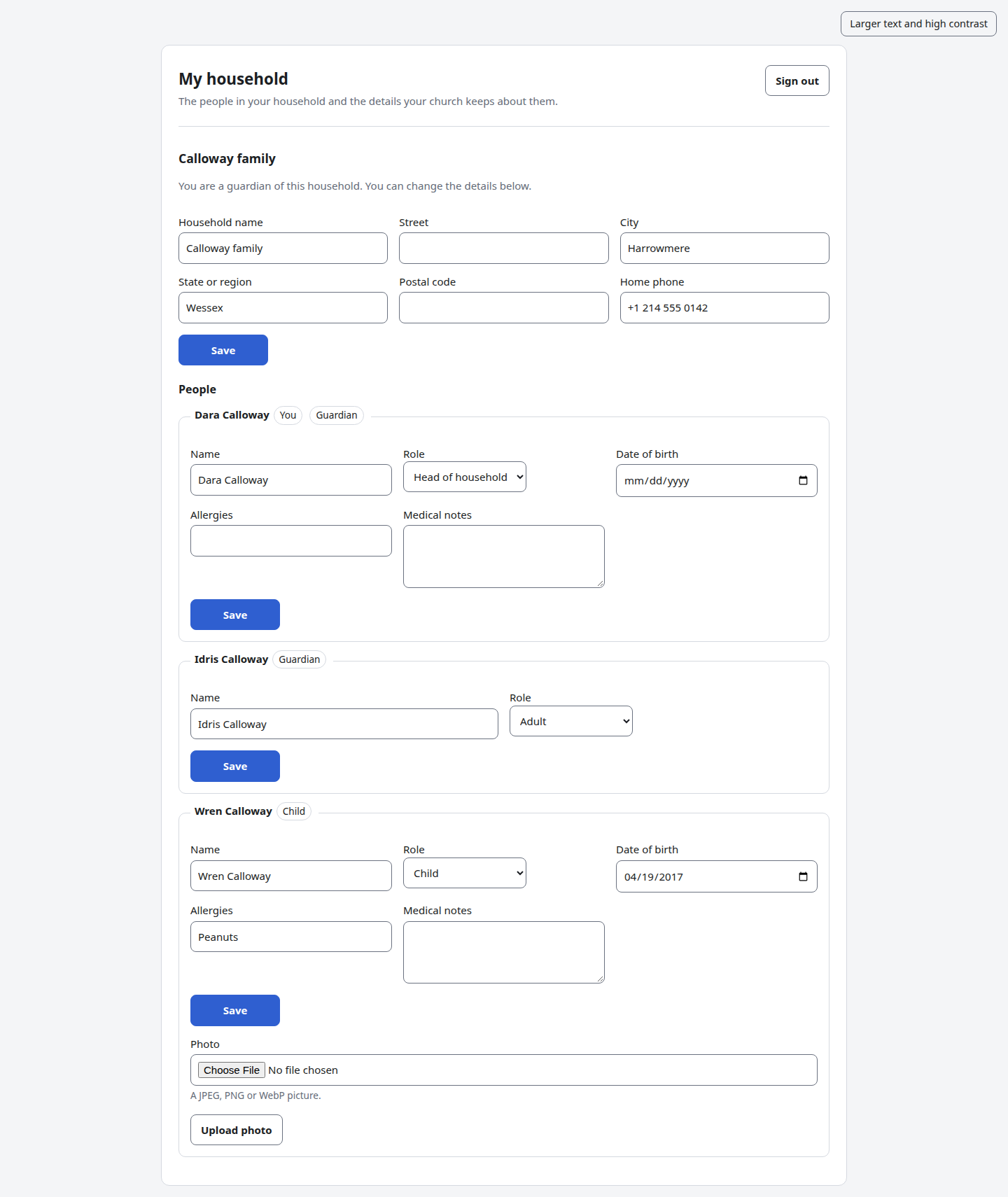
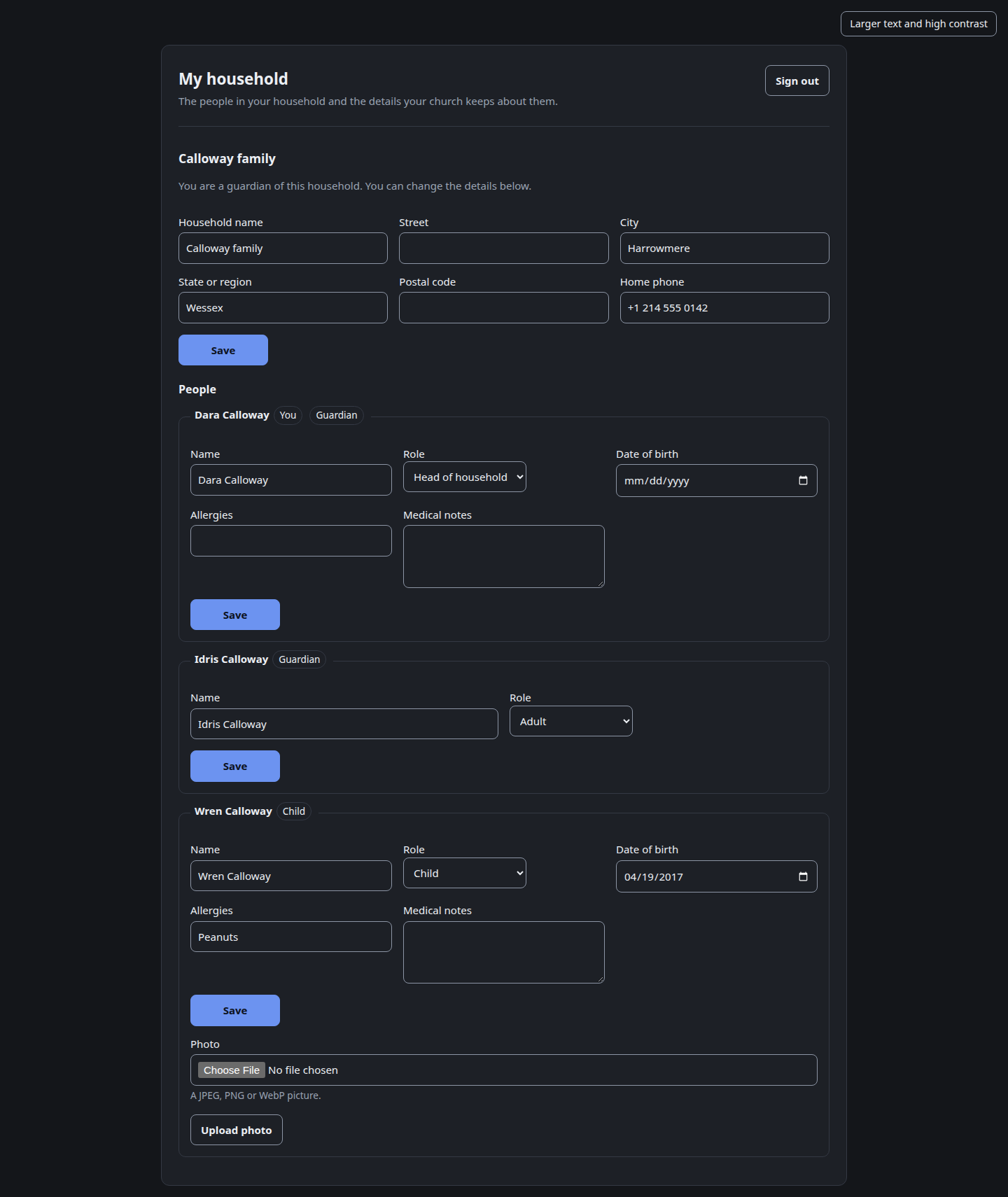
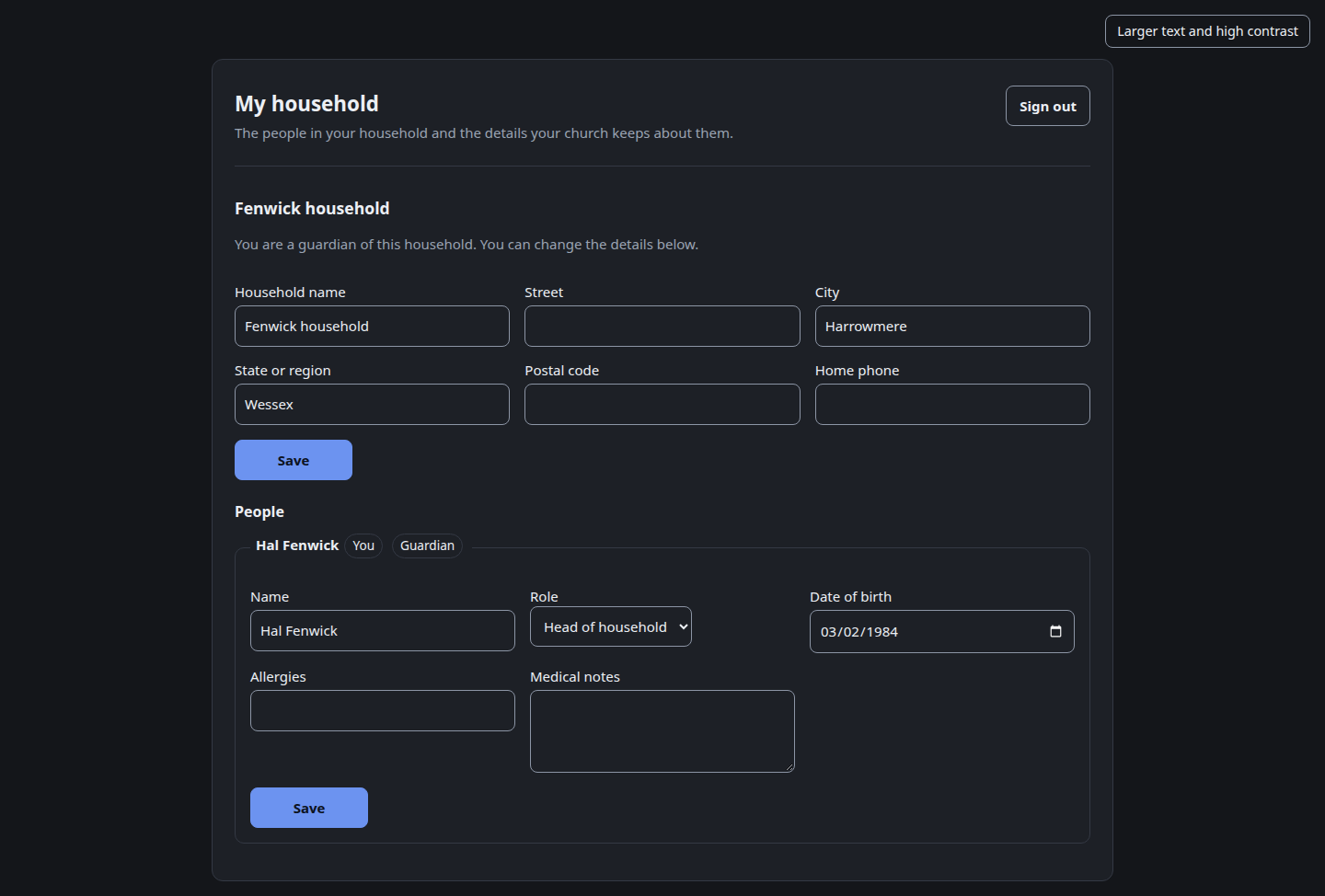
Household details has these boxes: Household name, Street, City, State or region, Postal code and Home phone. Press Save. The page says "Saved."
Under People each person has a form with Name and Role. The roles are Head of household, Spouse, Adult, Child and Other.
For a child, and for yourself, the form also has Date of birth, Allergies and Medical notes. Press Save after you change them.
For a child you can add a picture. Under Photo, choose a JPEG, PNG or WebP file. Press Upload photo. Press Remove photo to take it away. If the page says "Photos are not available yet.", this server does not offer photos yet.
3. Everyone else can look
If you are not a guardian, the page says "You can see this household, but only a guardian can change it. Ask a guardian or the church office." You see the people and their roles, and nothing more than the church lets you see.
4. Children, teenagers and leaving
A child in a household has no sign-in of their own. A guardian manages the child's details.
When a child reaches the graduation age of your church, they count as an adult. The usual age is 18. Your church may set it between 14 and 21. After that:
- guardians can no longer change that person's details.
- everyone in the household can still see them.
- church staff can give the person a sign-in, and their history stays with them.
A person with a sign-in can change their own name, birth date, allergies and medical notes. They can also step down as a guardian, or leave the household. The page has no button for stepping down or leaving. Ask the church office to do it.
A guardian cannot remove the last adult guardian while a child is in the household. The church keeps at least one guardian. If you are the only guardian and you want to leave, ask the office first.
A person who left shows the label "Left the household".
It is not a legal decision about who looks after a child. Church staff can remove a guardian quickly when they need to.
5. If something goes wrong
| Message | What to do |
|---|---|
| Your household could not be loaded. Try again later. | Wait and try again. |
| You are not allowed to change this. | Ask a guardian or the church office. |
| This household or person could not be found. Reload the page. | Reload the page. |
| That could not be saved. | Try again. Check the boxes. |
| Your church has not finished turning on protection for this kind of information, so it cannot be saved yet. Please tell the church office. | Tell the office. Try again later. |
| Households are not set up on this server. | Ask the church office. |
6. Quick reference card
Check your details
- Open
/households/mineand sign in. - Read Household details and People.
Change them (guardians)
- Edit the boxes.
- Press Save.
Leave, or step down as guardian
- Ask the church office.
Only a guardian can change a household. Ask the office when you are unsure.