Confirm or cancel an erasure of your data
Understand the erasure of your account and data, and use the two pages that the emails link to, to confirm it or to cancel it.
Members who asked, or whose guardian asked for them, to have their account and data erased. It also applies to a guardian who asked for a child.
Erasure cannot be undone after the waiting period. You have a chance to stop it until then. Some records cannot be erased, and you are told which.
What you will do, in one sentence
Press "Confirm the erasure" on the page the first email links to, and press "Cancel the erasure" any time during the waiting period if you change your mind.
Screens are captured from a seeded test system. Every name, address and number on the screens is invented. Prepared 15 November 2026.
1. What this is
You can ask to have your account and the data about you erased. This guide covers the pages and emails that follow a request. Your server must run a version that includes erasure.
There is no hosted page to start a request. A request starts from an app, or from the church office with the server administrator. You prove it is you with your passkey, or with your password if you have no passkey.
After the waiting period, Claviger erases your data. You cannot get it back. If you want a copy first, ask for your data. See the guide "Ask for a copy of your data".
Who can ask:
- You, for your own account.
- A guardian, for a child who has no sign-in. The child cannot ask for themselves.
- The server administrator, after checking who you are.
A guardian cannot ask for another adult.
2. Confirm the request
After you ask, you get an email. It says "Confirm that you want your data erased." Nothing has been erased yet.
- Open the link in the email. It works for 7 days.
- The page says "Confirm the erasure". Read the text. It says there is a waiting period during which you can still cancel.
- Press Confirm the erasure.
- The page says "The erasure is confirmed." You also get an email with the date and a link to cancel.
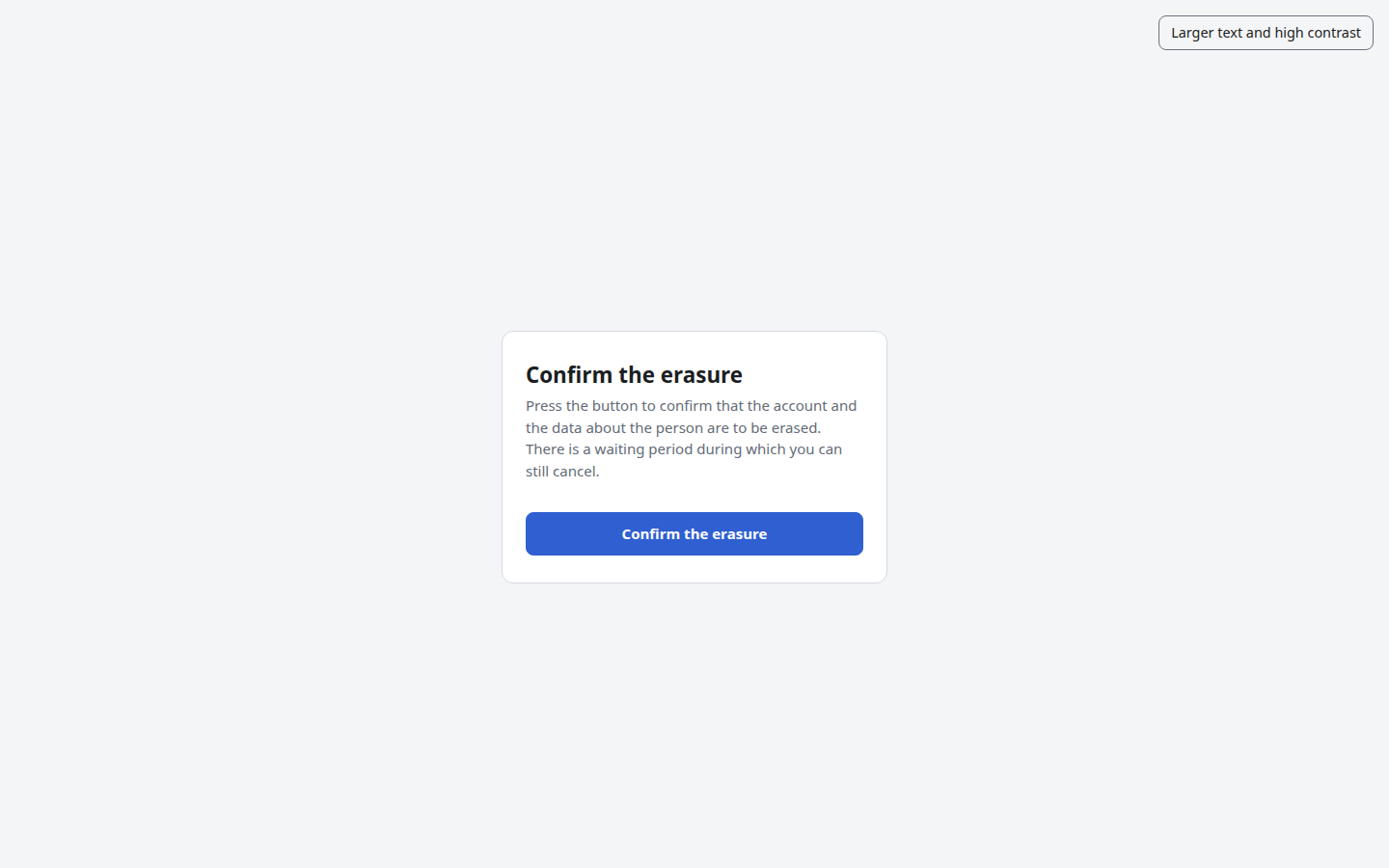
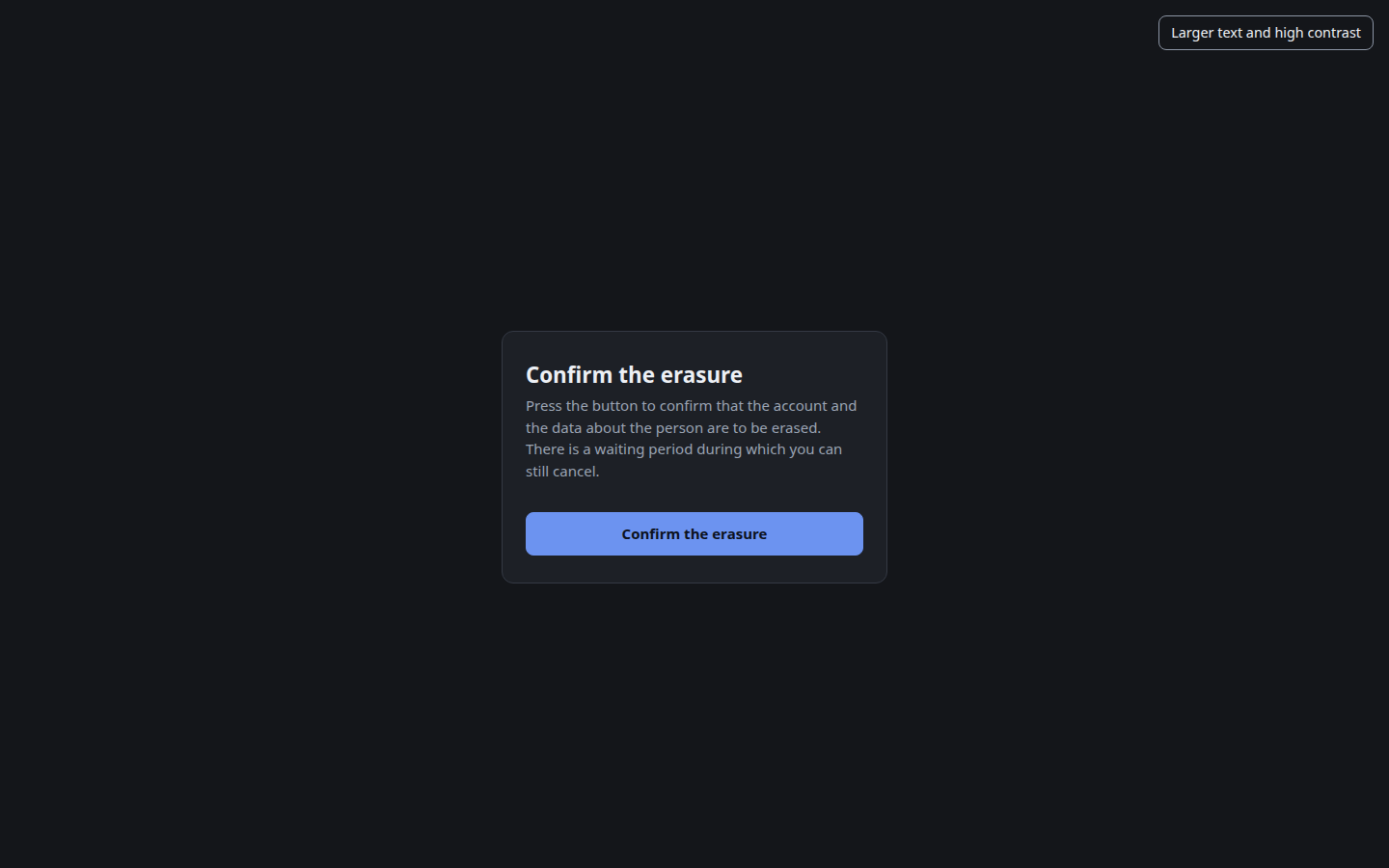
Opening the link only shows the page. Only the button confirms. If you did not ask for this, ignore the email and nothing happens.
If the page says "This link is not valid, has expired, or the request is no longer open.", ask for a new request.
3. The waiting period
The usual waiting period is 14 days. The server administrator can set 0 to 30 days.
During the waiting period:
- Your account is locked, so you cannot sign in the normal way. A child's account is not locked, and the guardian can still sign in.
- You get an email with the date of the erasure and a button to cancel.
4. Cancel the erasure
You can cancel until the erasure starts. There are three ways:
- Press the Cancel the erasure button in the email.
- Sign in with a passkey. The passkey sign-in cancels the erasure.
- Ask the church office to cancel it.
For the button:
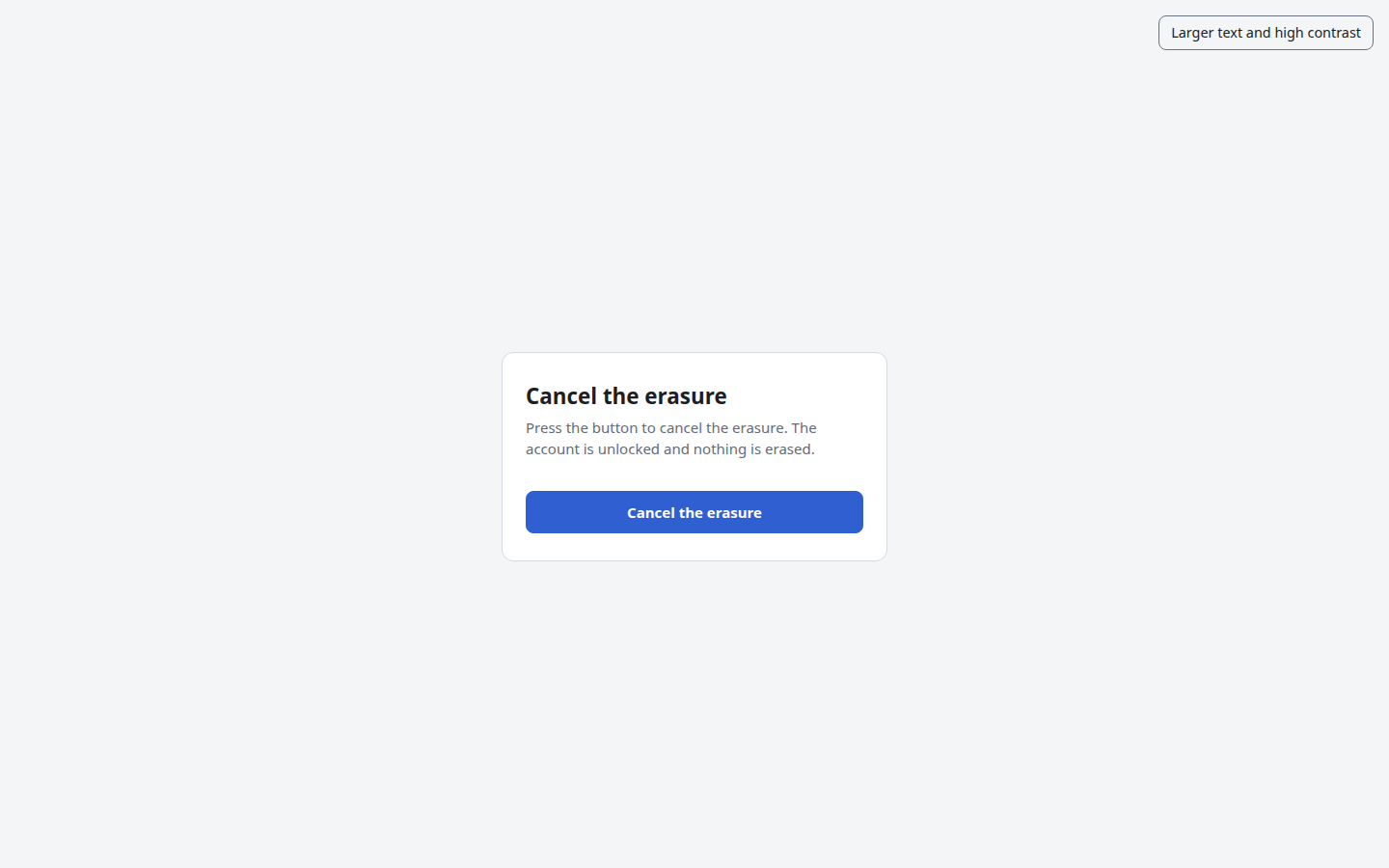
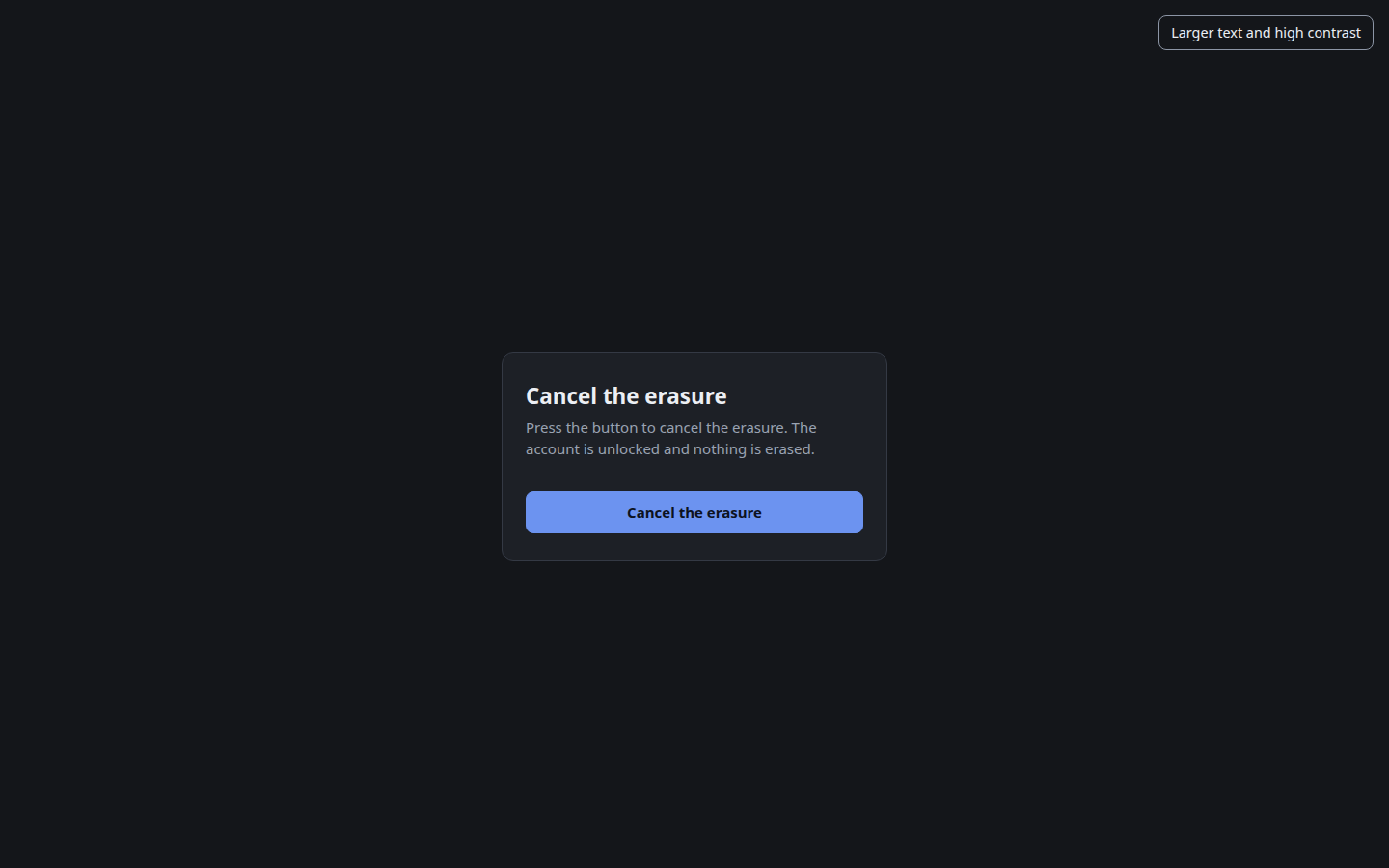
- Open the link. The page says "Cancel the erasure".
- Press Cancel the erasure.
- The page says "The erasure is cancelled. Nothing was erased and the account is unlocked."
5. After the erasure
You get a last email with the result. It says how many records were deleted, anonymized, or kept only as evidence. It also says what was kept and why. It tells you that you can complain to the data protection authority in your country, or ask the church office to review it.
That email is the only copy of the result. Claviger erases your email address after it sends it.
Some data cannot be erased:
- Entries in permanent church registers, such as a baptism. They stay, with a note, and are no longer shown outside the registrar role.
- Records under a legal hold.
- Records of what you agreed to. They stay as proof, with your name replaced by a code.
Whether a church may keep a register entry against your request is a question for a lawyer. Your church decides this with its lawyer.
The request is refused, and nothing is erased, if:
- you are the only adult guardian of a household that has a child.
- you are the only owner of an organization.
- it is a server administrator account.
Add another guardian or owner first, then ask again.
Relying parties, such as apps you signed in to, keep their own copies. Tell them yourself if you want them removed.
6. Quick reference card
Confirm
- Open the link in the first email.
- Press Confirm the erasure.
Change your mind
- Press Cancel the erasure in the second email.
- Or sign in with a passkey.
After
- Read the result email.
- Ask the church office if you want it reviewed.
You have about 14 days to cancel. After that, the erasure cannot be undone.