Receive and verify signed webhooks
Create a webhook endpoint, choose its events, verify the signature on each delivery, rotate the secret, and redeliver a failed call.
Developers who want a service of theirs to hear about record changes. You need a superuser account and an https URL that you control.
A webhook delivers at least once, so your service must verify the signature and ignore repeats. An endpoint that fails for long enough is switched off.
What you will do, in one sentence
Create the endpoint, store the signing secret at once, verify webhook-signature over the raw body, and deduplicate on webhook-id.
Screens are captured from a seeded test system. Every name, address and number on the screens is invented. Prepared 15 November 2026.
1. Create an endpoint
Claviger signs every delivery by the Standard Webhooks specification, so ready-made verifier libraries work.
With no endpoint configured, nothing is sent and no background work runs.
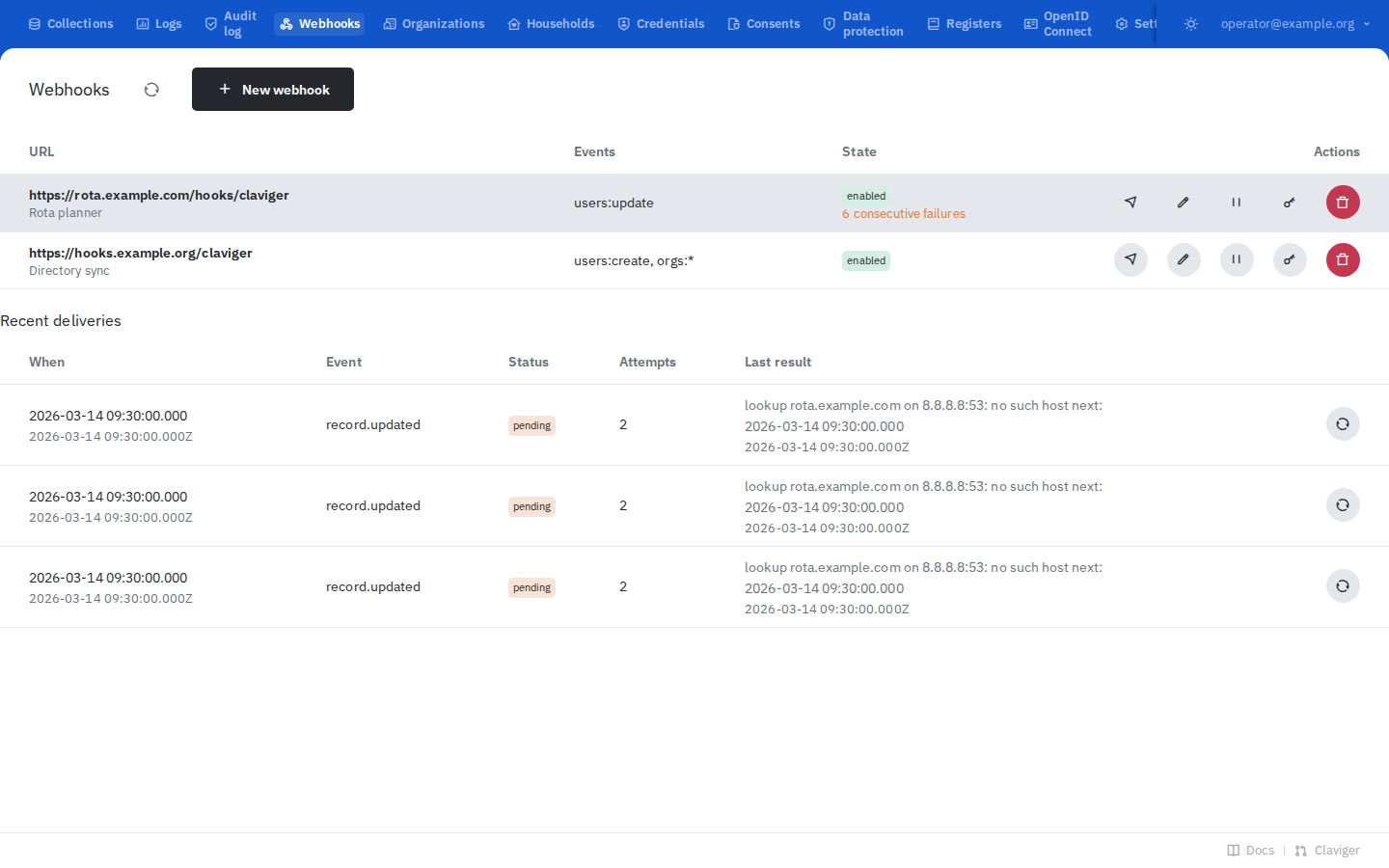
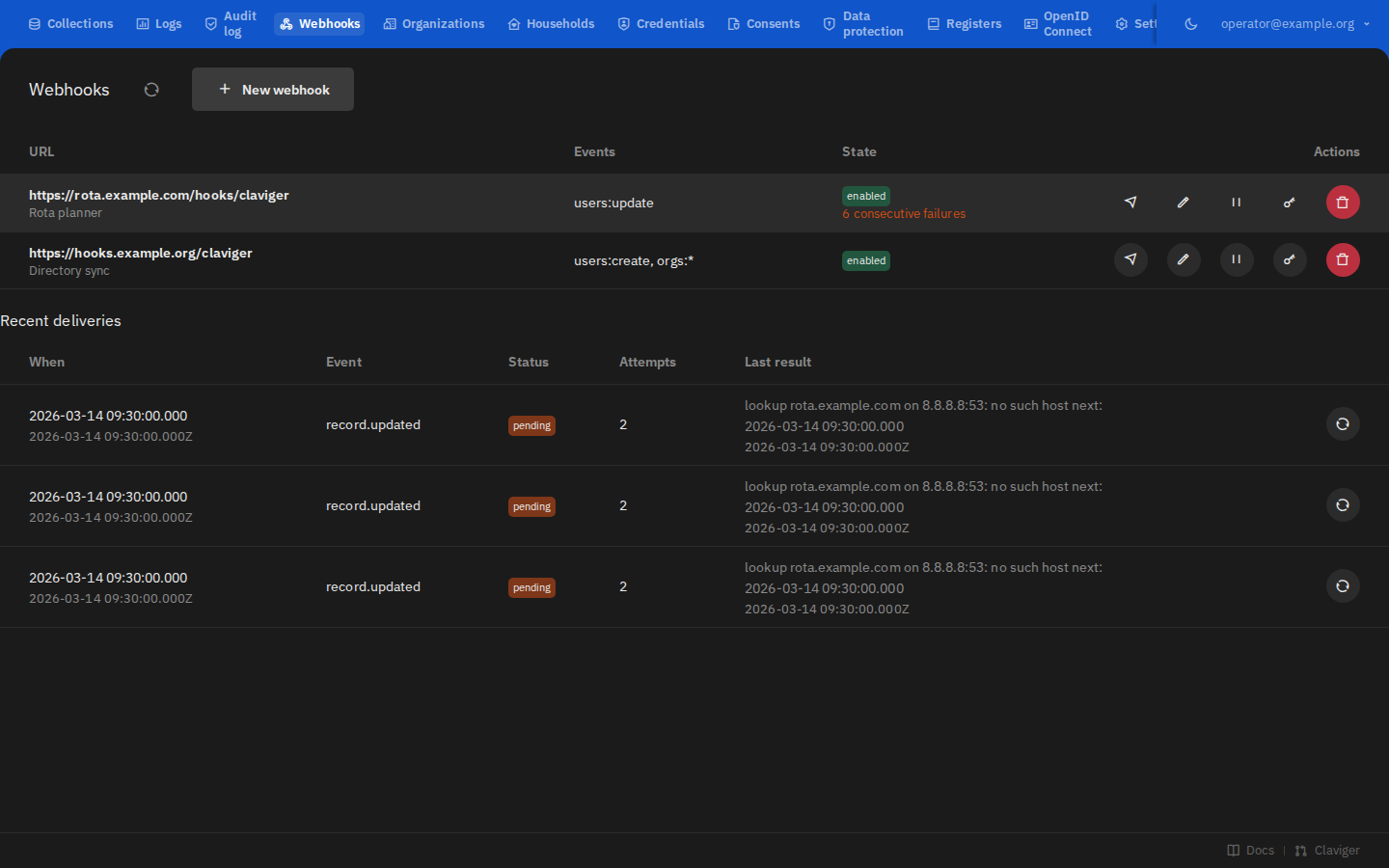
In the admin screen, open Webhooks in the header and choose New webhook.
- Enter the URL (https).
- Add a Description.
- List the events in Events (one per line).
- Leave Enabled on, then choose Create.
Or call the API as a superuser:
curl -X POST https://auth.example.org/api/webhooks \
  -H "Authorization: $SUPERUSER_TOKEN" -H "Content-Type: application/json" \
  -d '{"url": "https://hooks.example.org/claviger", "events": ["users:create", "orders:*"], "description": "CRM sync"}'
The answer holds the signing secret: whsec_ plus base64 of 32 random bytes.
Copy the signing secret now. No API, log or audit entry shows it again. If you lose it, rotate it.
The URL must be https. Claviger refuses private, link-local and other reserved addresses. It follows no redirects, and a 3xx answer counts as a failed attempt.
Only for development, set CLAVIGER_WEBHOOKS_ALLOW_LOCALHOST=true to allow http://localhost.
2. Choose events
| Filter | Matches |
|---|---|
* | Everything. |
<collection>:<action> | One action (create, update or delete) on one collection, such as users:create. |
<collection>:* | Every action on one collection. |
*:<action> | One action on every collection, such as *:delete. |
The event type is record.created, record.updated or record.deleted. Internal collections _auditLog, _webhooks and _webhookDeliveries never produce events. Changes to _externalAuths and _webauthnCredentials are delivered.
Two more actions, credential_expiring and credential_lapsed, are delivered as credential.expiring and credential.lapsed. Use _credentials:* to receive both.
Choose Send test event on the endpoint row to send a webhook.test event.
Here is a delivery body:
{
  "type": "record.updated",
  "timestamp": "2026-11-07T21:15:43Z",
  "data": {
    "collection": "users",
    "recordId": "4q1xlclmfloku33",
    "actor": {"type": "superuser", "collection": "_superusers", "id": "sywbhecnh46rhm0"},
    "changedFields": ["name"],
    "record": {"name": "Ana"},
    "previous": {"name": "Ann"}
  }
}
The record field comes from the audit entry. Passwords, tokens, secrets and hidden fields appear as "[redacted]".
3. Verify the signature
Each delivery has three headers:
| Header | Content |
|---|---|
webhook-id | A stable id. It stays the same across retries. |
webhook-timestamp | Unix seconds. |
webhook-signature | One or more values like v1,<base64>, separated by spaces. |
The signature is an HMAC-SHA256 of <id>.<timestamp>.<raw body>. The key is the base64-decoded part of the secret after whsec_.
- Read the raw body, not a re-encoded copy.
- Reject a timestamp more than a few minutes old.
- Compute the signature and compare it in constant time with each value in the header.
In Node:
import { createHmac, timingSafeEqual } from "node:crypto";

export function verify(secret, headers, rawBody) {
  const id = headers["webhook-id"];
  const ts = Number(headers["webhook-timestamp"]);
  if (!ts || Math.abs(Date.now() / 1000 - ts) > 300) return false;

  const key = Buffer.from(secret.replace(/^whsec_/, ""), "base64");
  const want = "v1," + createHmac("sha256", key).update(`${id}.${ts}.${rawBody}`).digest("base64");

  return headers["webhook-signature"].split(" ").some((sig) =>
    sig.length === want.length && timingSafeEqual(Buffer.from(sig), Buffer.from(want)));
}
You can also use the official standardwebhooks libraries.
4. Rotate the secret
Choose Rotate secret on the endpoint row, or call POST /api/webhooks/{id}/rotate-secret. A dialog titled New signing secret shows the new value once.
The old secret keeps signing for 24 hours. Both signatures are sent in that time, so the header holds two v1, values. Deploy the new secret to your receiver in that window.
5. Handle failures and redeliver
- A delivery succeeds on any
2xxanswer. The timeout is 10 seconds. - Failed deliveries retry after 1 minute, 5 minutes, 30 minutes, 2 hours, 6 hours and 24 hours. That is 7 attempts. Then the delivery is
dead. - Delivery is at least once. A retry, or a crash after a successful call, can deliver twice. Deduplicate on
webhook-id. - Order between events is not guaranteed.
- After 10 failed attempts in a row that span at least 24 hours, Claviger disables the endpoint and emails the superusers. Enabling it again clears the count.
- Claviger keeps each attempt (status code, time taken, error, first 1 KB of the answer) for 30 days.
To resend, find the delivery under Recent deliveries and choose Redeliver. The API route is POST /api/webhook-deliveries/{id}/redeliver.
The engine docs say webhooks assume one running instance, with state in data.db. The PostgreSQL docs say that, with several replicas, the delivery worker claims each due delivery once while replicas live. See the PostgreSQL guides.
6. Quick reference card
Create
- Webhooks, New webhook.
- Enter the https URL and the events.
- Copy the signing secret.
Verify
- Use the raw body.
- Check the timestamp.
- HMAC-SHA256 of
id.timestamp.body, base64, prefixv1,. - Ignore a repeated
webhook-id.
Fix
- Send test event to try the endpoint.
- Rotate secret when it leaks.
- Redeliver a dead delivery.
Respond with a 2xx fast, and do the work after you answer.