Create and finalize permanent registers
Create a permanent register from the template, finalize entries with a passkey, add annotations, issue certificates and verify the hash chain.
Developers and superusers who set up baptism, confirmation, marriage or membership registers. Registrars finalize and annotate.
A final entry cannot be changed or deleted through the app. A mistake is corrected with a note in the margin. Finalizing cannot be undone.
What you will do, in one sentence
Create the register, let registrars finalize entries with a fresh passkey, correct by annotation, and run the chain check.
Screens are captured from a seeded test system. Every name, address and number on the screens is invented. Prepared 15 November 2026.
1. What the guarantee covers
Claviger does not decide three things. It does not decide whether an electronic register replaces the paper book. It does not decide whether a printed page is a valid certificate. It does not decide how long entries must be kept. These are questions for the church and for civil law. Your deployment needs a lawyer for each.
A final entry cannot be updated or deleted through the records API, the admin UI, Go code or JS hooks. The check sits at the model layer.
It does not cover:
- Raw SQL, the superuser SQL console, or anyone with the database file.
- Go code that runs without hooks.
- Deleting the database, or restoring an older backup.
The optional hash chain makes the first of these detectable afterwards. It does not prevent them.
2. Create a register
A register is a base collection listed in _permanentCollections (superusers only). The quickest way is the template:
curl -X POST https://auth.example.org/api/registers \
  -H "Authorization: $TOKEN" -H "Content-Type: application/json" \
  -d '{"template": "sacramental", "name": "baptisms", "signers": 1, "retainReason": "Parish register kept as the controller has confirmed."}'
The template turns the hash chain on. The collection has these fields: org, sacrament, surname, givenNames, eventDate, eventPlace, officiant, bookRef, details and an optional subject.
Org owners, admins and registrars read and write drafts. The default retainReason says the controller must confirm the legal basis. Replace it with the reason that applies to you.
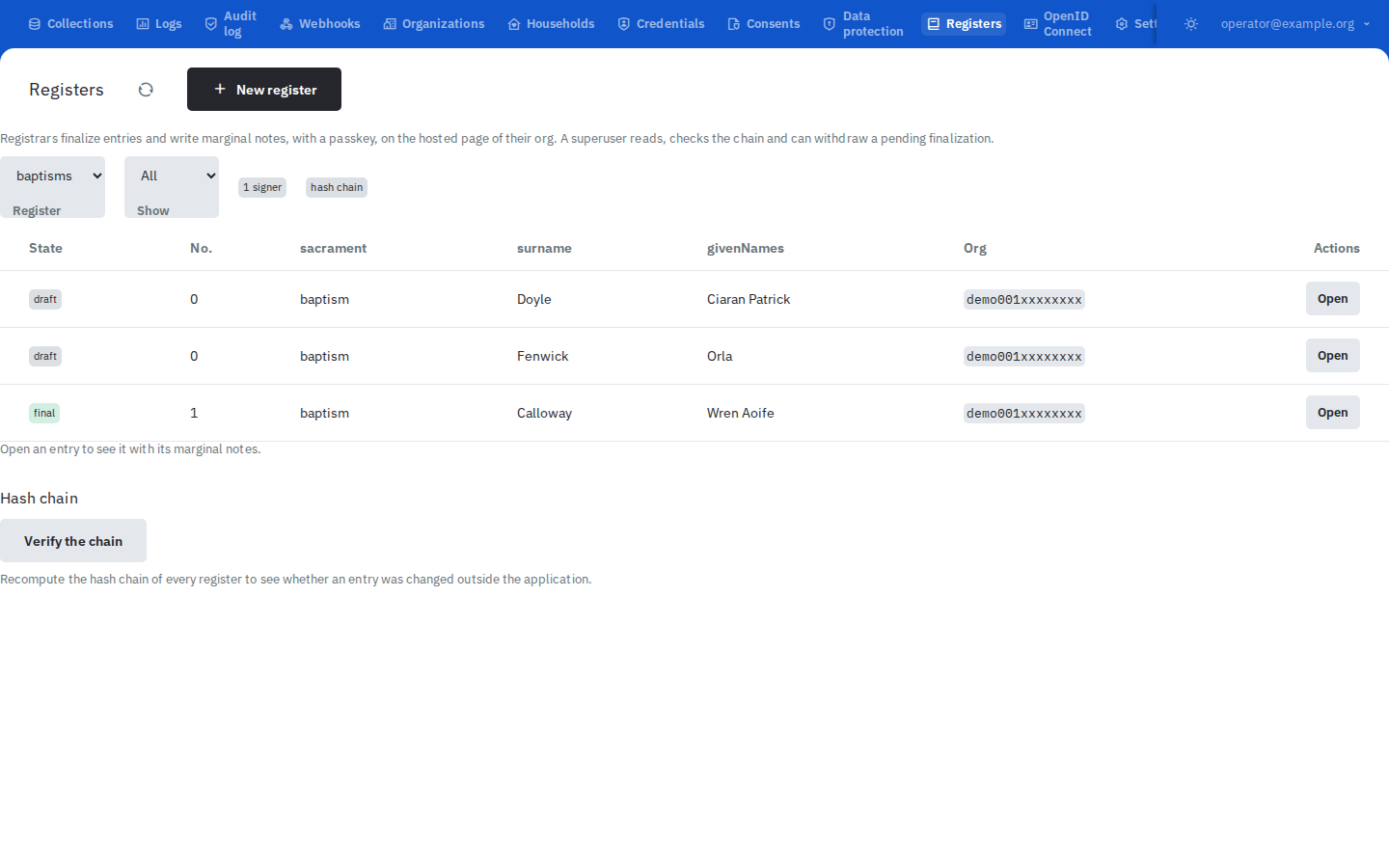
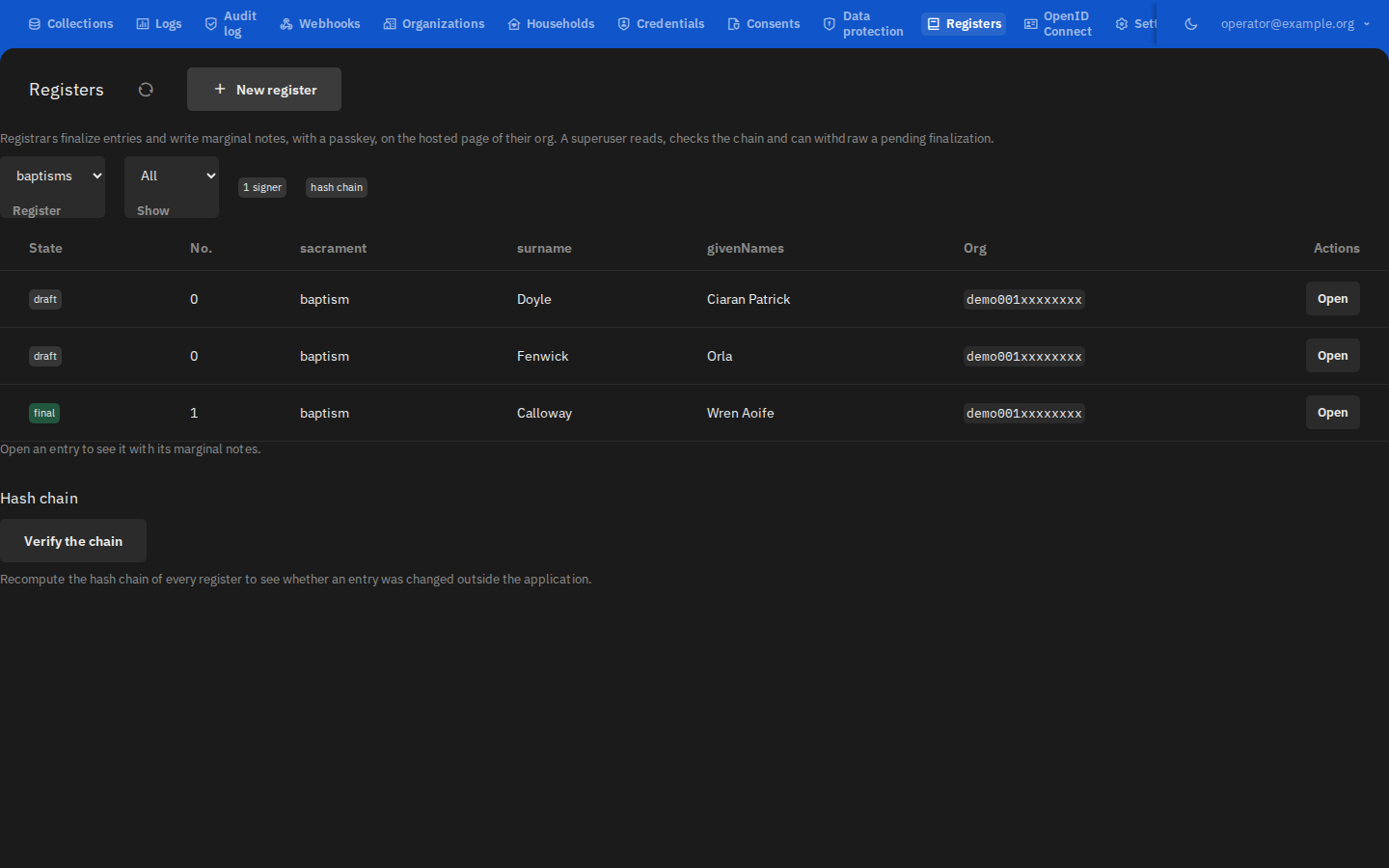
In the admin UI, open Registers and select New register. The page also shows entries by state and has Verify the chain.
To use an existing collection, create a _permanentCollections row. It needs collection (with a single org relation to _orgs), subjectPaths and retainReason. After setup, collection, finalizeField, annotationCollection, mutableFields and chain cannot change. signers can.
Both the register and its annotation collection are added to the data map with treatment retain.
3. Finalize an entry
POST   /api/registers/{collection}/{id}/finalize
DELETE /api/registers/{collection}/{id}/finalize
Finalizing needs a registrar, which is a member of the entry's org with the registrar tag. It also needs a fresh passkey assertion. A superuser can never sign. An owner or admin without the tag cannot sign. API keys are refused.
- One signer (the default): the registrar finalizes alone.
- Two signers: one registrar puts the entry forward. It stays pending and editable. A different registrar of the same org then confirms. If the entry was edited after the request, the confirmation is refused and the request must be made again.
The DELETE route withdraws a pending request. The requester, an owner or an admin can do it. The response carries state: draft, pending or final.
When the server answers passkey_step_up_required, run the passkey ceremony and send the request again. Every step is audited: register_finalize_request, register_finalize_withdraw and register_finalize.
4. Annotate, certify, verify
Annotations
curl -X POST https://auth.example.org/api/registers/baptisms/ENTRY_ID/annotations \
  -H "Authorization: $TOKEN" -H "Content-Type: application/json" \
  -d '{"kind": "correction", "text": "Given name corrected.", "reason": "Spelling checked against the paper book."}'
The kinds are correction, later_event, legal_note, retraction and data_subject_note. A reason is required. Annotating needs a registrar and a fresh passkey, and only works on a final entry.
Nobody can change or delete an annotation, not even a superuser. To take one back, add a retraction with supersedes set to the mistaken note. GET /api/registers/{collection}/{id} returns the entry with its annotations, oldest first.
Certificate
GET /api/registers/{collection}/{id}/certificate returns an HTML page for a final entry. It has print CSS. Save it as a PDF from the browser. Claviger has no PDF engine. The route needs a bearer token, so a plain link in the address bar does not work. Every issue writes a register_certificate entry.
Whether a certificate is valid is the church's call. A diocese's seal and wording are not built.
Hash chain
With chain on, each final entry gets the next number seq and a hash of the previous hash plus the entry. Check it:
claviger registers verify
The command prints every break and the head (number and hash) of each chain. It exits with an error when it finds a break. Keep the head somewhere else, to notice entries removed from the end. A chain does not say who wrote an entry.
To check a backup, restore it to a scratch directory and run claviger registers verify --dir <that directory>. The live check is GET /api/registers/_verify.
5. Restriction and erasure
restricted is the one field that stays mutable by default. It lets a registrar stop an entry from showing outside the registrar role while the entry stays.
When a person asks for erasure, a final entry is retained for the reason in the data map. The erasure adds a data_subject_note annotation and sets restricted. Anonymizing a final entry, with two approvers, is not built. See the erasure guide.
A register with final entries cannot be deleted, renamed, or lose a field. Deleting an org that has final entries is refused.
6. Quick reference card
Run a register
POST /api/registerswith the sacramental template.- Registrars draft entries.
- A registrar finalizes with a fresh passkey. With two signers, a second registrar confirms.
- Correct by annotation. Never edit.
Check integrity
claviger registers verify.- Compare the head with the one you kept elsewhere.
Webhook events, per-org certificate wording and anonymization are not built.