Create a scoped API key and use it
Create an API key limited to some collections, call the records API with it, and revoke it.
Developers who need a server or script to call Claviger without a person's sign-in. You need an account that can create keys.
A key acts as its owner. The scopes can only narrow what the owner may do, so a key owned by a superuser with all access can do all that superuser can do.
What you will do, in one sentence
Create a key with the collections it needs, store the full key at once, send it as a Bearer token, and revoke it when you finish.
Screens are captured from a seeded test system. Every name, address and number on the screens is invented. Prepared 15 November 2026.
1. What a key is
An API key authenticates a request as its owner, an auth record or a superuser. Scopes limit what the key may do. Collection rules still run as the owner, so a scope can only restrict.
A key looks like clv_<prefix>_<secret>. Claviger stores only a hash of the secret. The full key is returned once, when you create it.
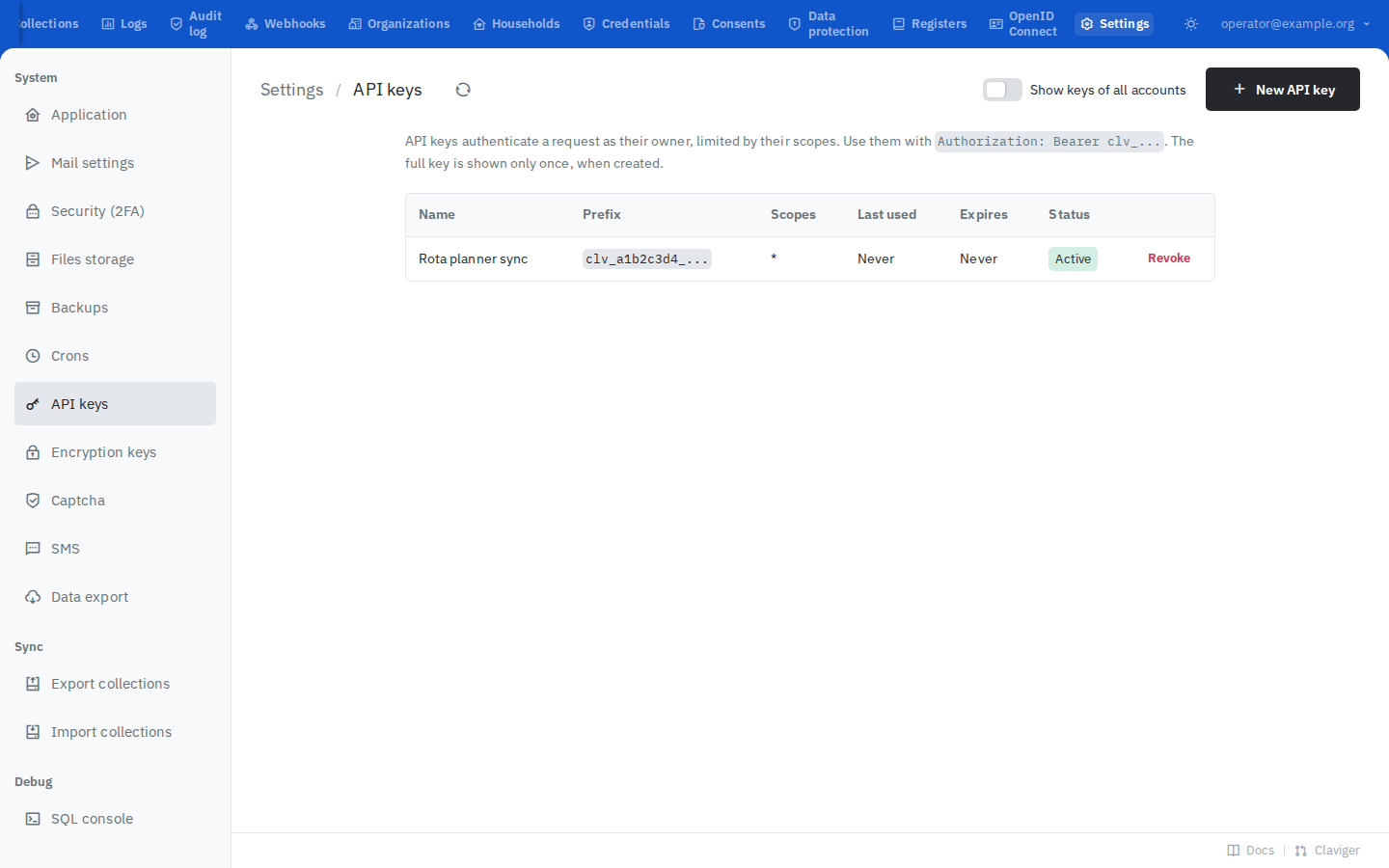
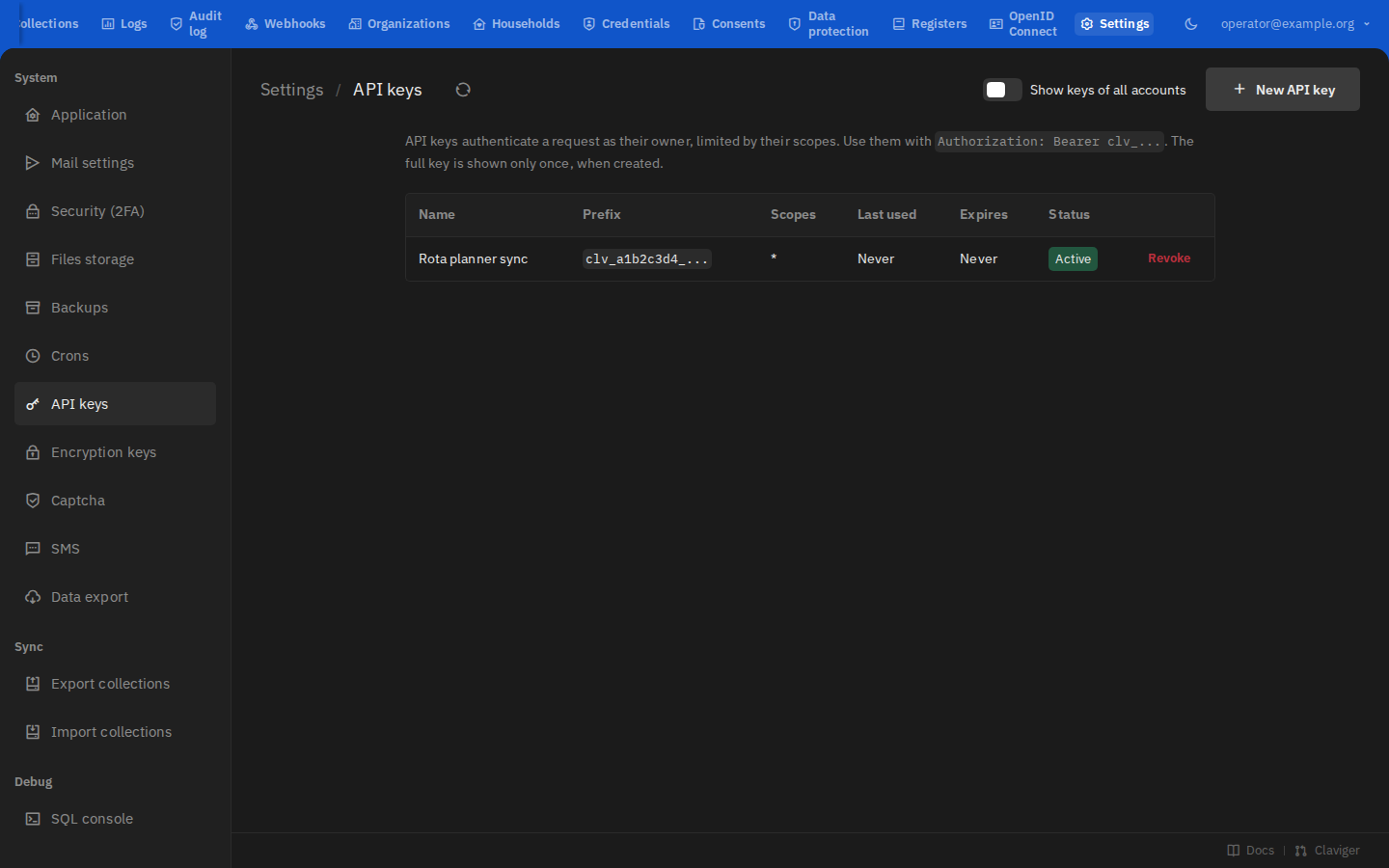
2. Create a key
In the admin screen, open Settings, then API keys, then New API key.
- Enter a Name of up to 100 characters.
- Set Expires (optional) if the key should stop working on a date.
- Either switch on All access (*), or tick Read and Write for each collection the key needs.
- Create the key and copy it from the dialog titled API key created.
The API does the same:
curl -X POST https://auth.example.org/api/apikeys \
  -H "Authorization: $TOKEN" -H "Content-Type: application/json" \
  -d '{"name": "Report job", "scopes": ["collection:reports:read"], "expires": "2027-06-30 12:00:00.000Z"}'
The answer holds the key in the key field, plus id, prefix, scopes, expires, lastUsed, created and revoked.
Copy the key now. Claviger cannot show it again. If you lose it, revoke it and create a new one.
Rules for creation:
- A scope is
*, orcollection:<name>:readorcollection:<name>:write. You need at least one scope, and at most 100. expiresmust be a date in the future.- Each owner may hold 50 active keys.
- Creating a key is limited to 10 a hour for each account.
- An account that has a passkey needs a passkey check from the last 5 minutes. Without it, the call returns
passkey_step_up_required. - A key cannot create or list keys. Use a signed-in session for that.
3. Use the key
Send the key as a Bearer token:
curl "https://auth.example.org/api/collections/reports/records?perPage=10" \
  -H "Authorization: Bearer clv_PREFIX_SECRET"
An invalid, revoked or expired key gets 401, not a guest view of public data. Repeated failures from one client lead to 429: 30 failures a minute.
No separate route checks a key. A call to a route the key may use, such as GET /api/health, shows whether the key is accepted.
What a key may reach:
| Route | Rule |
|---|---|
/api/collections/{name}/records | Needs collection:<name>:read for reads and collection:<name>:write for writes. |
| Writes to auth collections | Never allowed with a key. |
/api/files/... | Reads only, with read scope on the collection. |
/api/health | Always allowed. |
| Realtime, batch, settings, logs, backups | Only with the * scope. Superuser routes also need a superuser owner. |
| Key management, sessions, bans, auth flows, personal data export | Never allowed, even with *. |
A filter, sort or expand that reaches another collection needs read scope on that collection too. Without it the call is refused. A set of internal collections cannot be scoped at all, such as _apiKeys, _webauthnCredentials, organizations, households and consents.
4. Revoke a key
Open Settings, API keys and choose Revoke on the row. Confirm. Clients that use the key stop working at once. The status changes to Revoked.
Or call DELETE /api/apikeys/{id}. An owner revokes their own keys. A superuser can revoke any key. Turn on Show keys of all accounts to see the keys of every account.
curl -X DELETE https://auth.example.org/api/apikeys/KEY_ID -H "Authorization: $TOKEN"
A revoked key stays revoked. Create a new key and update the client that used the old one.
5. Quick reference card
Create
- Settings, API keys, New API key.
- Name it, pick the collections, copy the key.
Use
Authorization: Bearer clv_...- Scope names look like
collection:reports:read.
Revoke
- Revoke on the key row.
Keep scopes as small as the job allows.